Chromebooks vs. Laptops: Which One’s Right for You?
31 December 2025
If you’ve been in the market for a new computer, you’ve probably come across a debate that’s been making the rounds for a few years now: Chromebooks vs. laptops. It’s a battle that’s left many scratching their heads, wondering, "Which one should I buy?"
Both have their strengths and weaknesses, so it’s not an easy decision. But don’t worry; in this article, I’m going to break it all down, so you can figure out which device is the right fit for you.
Let’s dive into it!
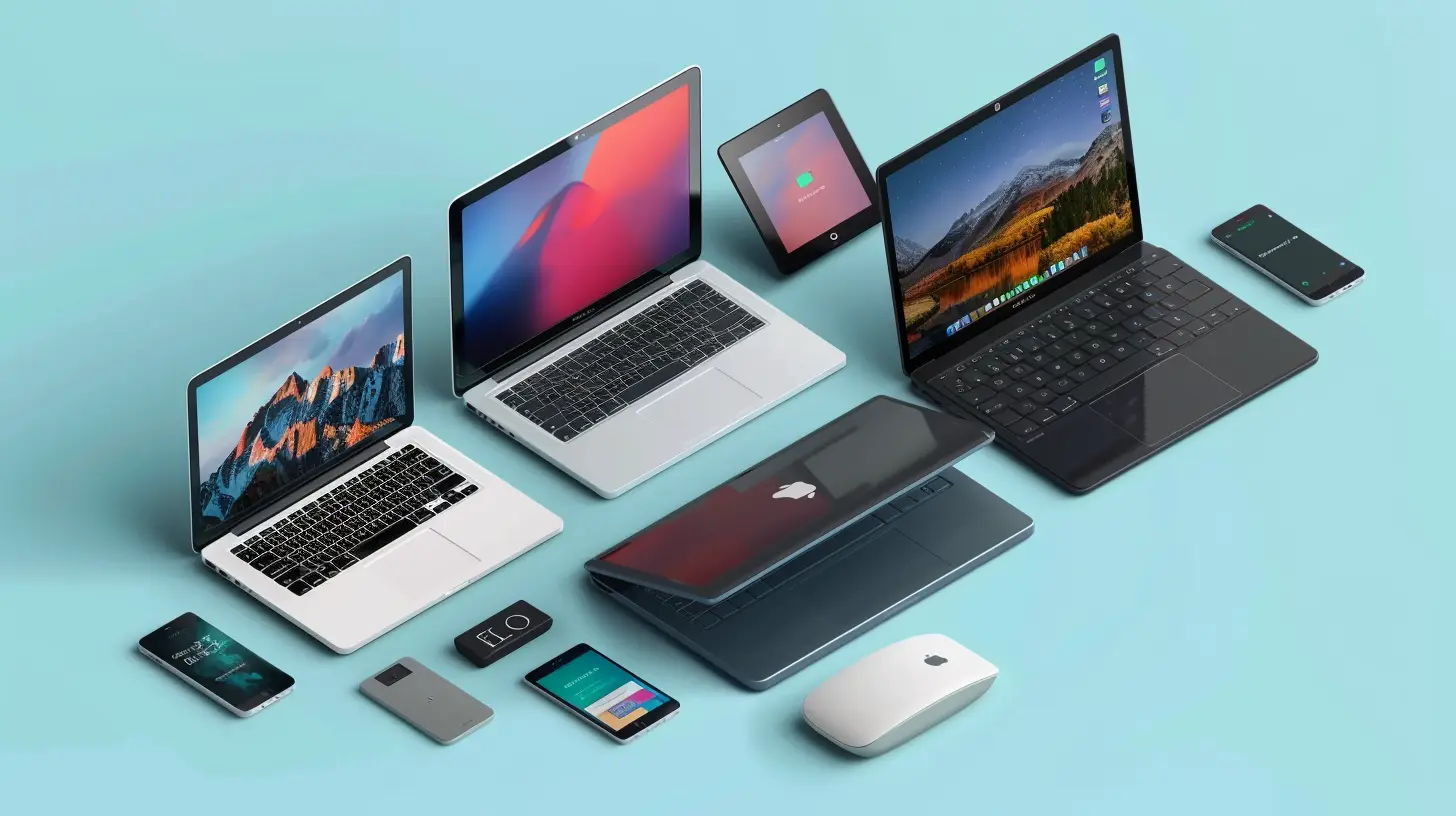
What’s the Difference Between a Chromebook and a Laptop?
First things first—what exactly is the difference between a Chromebook and a laptop? Good question.A laptop is a broad term that refers to any portable computer, usually running an operating system like Windows or macOS. It's your classic workhorse of a machine, capable of handling a wide range of applications, from gaming to photo editing to office work.
A Chromebook, on the other hand, is a type of laptop that runs Google’s Chrome OS. Instead of being a general-purpose machine, it’s primarily designed for lightweight tasks like browsing the web, streaming videos, and using cloud-based apps. Think of it as a minimalist version of a laptop—stripped down but still highly functional.
It’s like comparing a Swiss Army knife to a kitchen knife. Both can cut things, but they’re designed for different purposes.
So, Which One Should You Choose?
That depends on what you plan to do with it. Let’s break it down even further by looking at several key factors, like performance, operating system, price, battery life, and more.
Performance: Speed Demons or Slow and Steady?
When it comes to performance, laptops generally take the crown. Most laptops come with powerful processors (like Intel’s i5 or i7), ample amounts of RAM (usually 8GB or more), and enough storage (up to 1TB or more) to handle demanding tasks. Whether you're editing videos, playing AAA games, or running multiple programs at once, a laptop can handle it.Chromebooks, on the other hand, are optimized for lighter tasks. They often come with less powerful processors like Intel's Celeron or ARM-based chips, and typically have between 4GB to 8GB of RAM. This is fine if you’re just browsing the web, checking emails, or running Google Docs, but don’t expect to be editing 4K videos or running heavy applications.
Bottom Line: If you need power, go for a laptop. If you're doing light tasks, a Chromebook should serve you just fine.
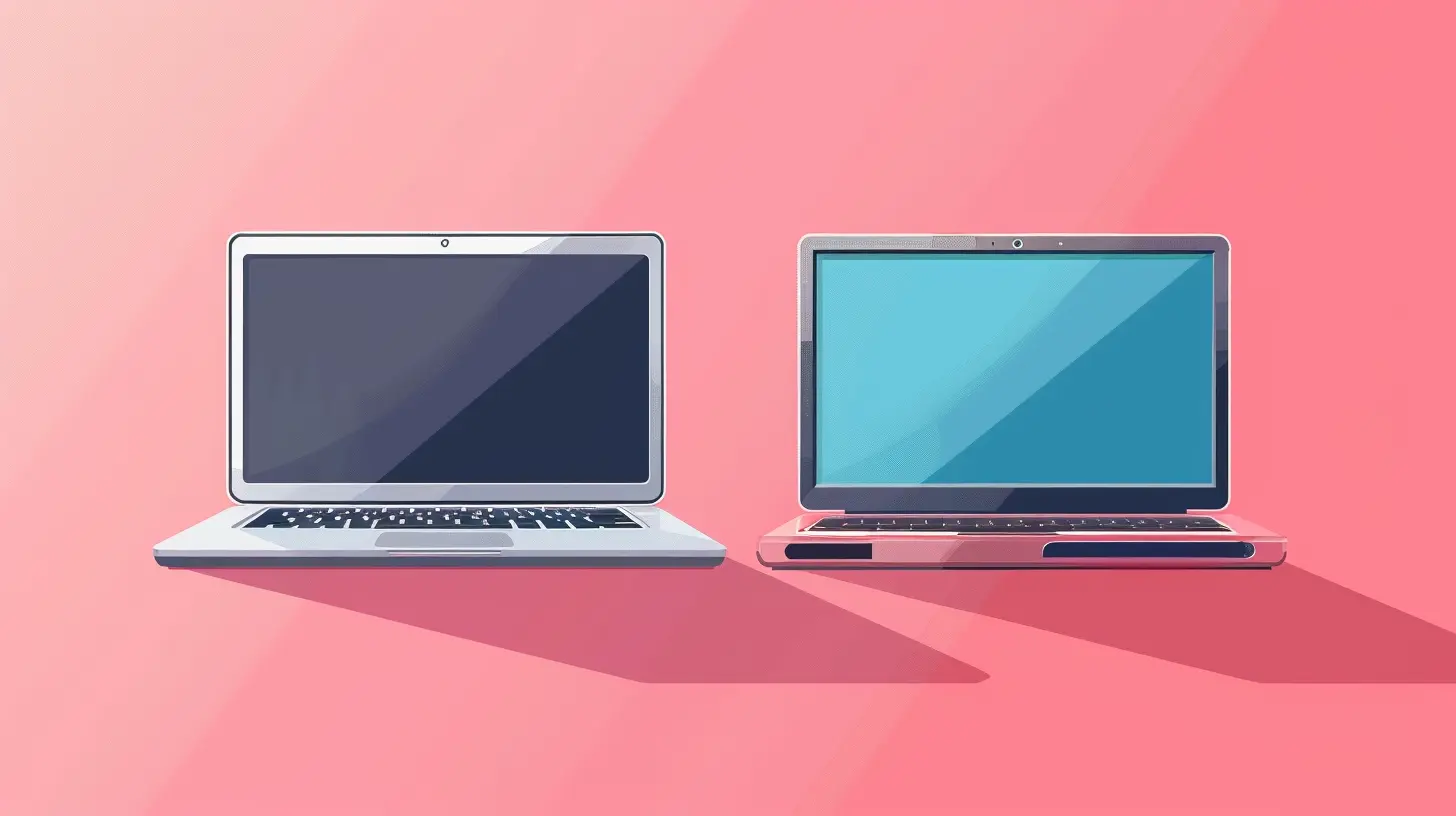
Operating System: Windows/macOS vs. Chrome OS
This might be the most significant difference between the two: the operating system.Laptops
Most laptops run Windows or macOS. These are full-fledged desktop operating systems that allow you to install nearly any kind of software you need, from Microsoft Office to Photoshop to high-end games. You’ve got access to a ton of functionality, but this can also mean that these operating systems are more complex and require regular maintenance (updates, virus checks, etc.).Chromebooks
Chromebooks run Chrome OS, which is a stripped-down, lightweight operating system built around Google Chrome. It’s designed for cloud computing, meaning most of your work happens online. While you can install apps from the Google Play Store and even some Linux-based apps, you’re still limited compared to Windows or macOS.However, the trade-off is simplicity. Chrome OS is fast, secure, and low-maintenance. Updates are automatic, and because it’s web-based, you’re not likely to run into viruses as often as you would on Windows.
Bottom Line: If you need flexibility and access to a wide range of software, go for a laptop. If you prefer simplicity and spend most of your time online, a Chromebook will make your life easier.
Price: How Much Are You Willing to Spend?
Ah, the price—arguably one of the most critical factors for many of us. Here’s where Chromebooks really shine.Chromebooks
Chromebooks are famous for being affordable. You can easily find a good quality Chromebook for $200-$400. Even the higher-end models, like the Google Pixelbook, rarely go beyond $1,000. For students, casual users, or anyone on a budget, Chromebooks offer an excellent value proposition.Laptops
Laptops, however, vary widely in price. Entry-level laptops can start at around $400, but high-end models (especially gaming laptops or MacBooks) can easily exceed $2,000. You’re paying for the extra power, storage, and software compatibility.Bottom Line: Chromebooks are the budget-friendly option. If you’re looking to save some cash and don’t need a ton of power, they’re the way to go. Laptops, meanwhile, offer more bang for your buck if you need performance and versatility.
Battery Life: Who Wins the Endurance Race?
When it comes to battery life, Chromebooks usually have the upper hand. Since they’re designed to handle lightweight tasks and run a more efficient operating system, they can last anywhere from 8 to 12 hours on a single charge.Laptops, depending on their hardware and what you’re using them for, typically offer 5 to 8 hours of battery life. High-performance laptops, especially gaming laptops, can drain the battery even faster.
Bottom Line: If you need something that’ll last all day without being tethered to a power outlet, a Chromebook is likely your best bet. Laptops, while more powerful, usually don’t last as long on a single charge.
Storage: Cloud vs. Local
Another significant difference between Chromebooks and laptops is storage.Chromebooks
Chromebooks often come with limited internal storage—usually around 32GB to 64GB. That’s because they’re designed to store most of your data in the cloud. Google encourages you to use Google Drive for file storage, and many apps you’ll use on a Chromebook are web-based, so they don’t take up much space.Laptops
Laptops, on the other hand, offer far more storage. Even entry-level laptops usually come with at least 256GB of storage, and high-end models can have up to 1TB or more. This local storage is perfect if you work with large files, like videos or photos, or if you prefer to keep everything on your device rather than in the cloud.Bottom Line: If you’re comfortable with cloud storage, a Chromebook’s smaller storage won’t be an issue. But if you need lots of local storage for files and applications, a laptop is the better option.
Apps and Software: What Can You Run?
One of the most significant limitations of Chromebooks is that they can’t run all the software that a traditional laptop can.Laptops
On a laptop, you can run anything that’s compatible with Windows or macOS. Whether it’s Adobe Photoshop, Microsoft Office, or high-end gaming applications like Steam, a laptop gives you the freedom to install and run whatever software you need.Chromebooks
Chromebooks, however, are limited to web apps and apps from the Google Play Store. While this is fine for many everyday tasks (like word processing or streaming video), it’s a dealbreaker if you need to run specialized software. There are workarounds (like using remote desktop apps to access a Windows PC from your Chromebook), but it's not the same as having the software installed directly on your machine.Bottom Line: If you rely on specific software, especially resource-intensive apps, a laptop is your best bet. Chromebooks are great for basic tasks, but their app ecosystem is more limited.
Security: Which Is Safer?
Both Chromebooks and laptops have their pros and cons when it comes to security.Chromebooks
Chromebooks are generally considered more secure than traditional laptops. Since Chrome OS is a lightweight, cloud-focused operating system, it’s much less susceptible to viruses and malware. Plus, Google rolls out regular updates that happen automatically in the background, so you don’t need to worry about keeping your system up to date.Laptops
Laptops, particularly those running Windows, are more vulnerable to security threats. While you can install antivirus software and take security precautions, the sheer complexity of Windows makes it a bigger target for hackers. macOS is generally more secure than Windows, but it’s still not as secure as Chrome OS.Bottom Line: If security is your top priority, go with a Chromebook. If you’re tech-savvy and willing to take the necessary precautions, a laptop can be just as safe.
Final Thoughts: Should You Buy a Chromebook or a Laptop?
At the end of the day, the choice between a Chromebook and a laptop boils down to what you need from your device.- Buy a Chromebook if: You’re looking for a lightweight, affordable device for basic tasks like browsing the web, using Google apps, and streaming videos. Chromebooks are great for students, casual users, and anyone who values simplicity and long battery life.
- Buy a Laptop if: You need more power, flexibility, and the ability to run a wider range of software. Laptops are better suited for professionals, gamers, and anyone who needs a versatile machine for heavy-duty tasks.
In the end, it’s like choosing between a bike and a car. If you’re only commuting a few blocks, a bike (Chromebook) might be all you need. But if you’ve got a long road ahead or need to carry heavy luggage, you’ll probably want a car (laptop).
all images in this post were generated using AI tools
Category:
Laptop ReviewsAuthor:

Reese McQuillan
Discussion
rate this article
2 comments
Nyx Morris
Choosing between a Chromebook and a laptop largely depends on your needs. If you prioritize affordability and simplicity for web-based tasks, go for a Chromebook; for versatility, stick with a laptop.
January 14, 2026 at 12:58 PM
Reese McQuillan
Absolutely! Your choice should align with your primary tasks and budget—Chromebooks excel in web-based simplicity, while laptops offer greater versatility for various applications.
Upton Ramirez
Great article! It’s essential to weigh your needs and preferences when choosing between Chromebooks and laptops—both have unique strengths for different users!
January 8, 2026 at 5:32 AM
Reese McQuillan
Thank you! I’m glad you found it helpful. Weighing your needs is key to making the right choice!