Comparing MacBook Alternatives: Which Windows Laptop Stands Out?
20 May 2026
If you're on the hunt for a new laptop, you've probably noticed that MacBooks are a popular choice. We get it. They're sleek, powerful, and come with the prestige of the Apple logo. But let's be real—MacBooks are expensive, and not everyone is tied to the Apple ecosystem. So, what if you want something different? What if you're looking for a Windows laptop that can go toe-to-toe with a MacBook?
Well, you're in luck. There are plenty of amazing Windows laptops out there that offer the same (if not better) performance, design, and value compared to a MacBook. Today, we're going to dig into some of the top MacBook alternatives and help you figure out which Windows laptop stands out for your needs.
Why Consider a Windows Laptop Over a MacBook?
Before we dive into specific models, let's talk about why you might want to consider a Windows laptop instead of a MacBook.1. Price Flexibility
It's no secret—MacBooks are expensive. If you're not willing to shell out $1,000+ for a laptop, then a Windows machine can offer similar performance without breaking the bank. You can find Windows laptops in a much wider price range, from budget-friendly options to high-end powerhouses.2. Customization
MacBooks are known for their sleek design, but they lack the flexibility Windows laptops offer. With a Windows machine, you have the option to customize things like RAM, storage, and even the display. Plus, Windows gives you more freedom when it comes to software and app compatibility.3. Gaming Power
If you're into gaming, then a Windows laptop is a no-brainer. MacBooks are not known for their gaming performance (to put it mildly), while many Windows laptops are built specifically for gaming, with powerful GPUs and high-refresh-rate displays.4. Touchscreens and 2-in-1 Designs
Sure, Apple has its fancy Retina displays, but where are the touchscreens? Many Windows laptops now come with touchscreens, and some even offer 2-in-1 functionality, allowing you to use your device as both a laptop and a tablet.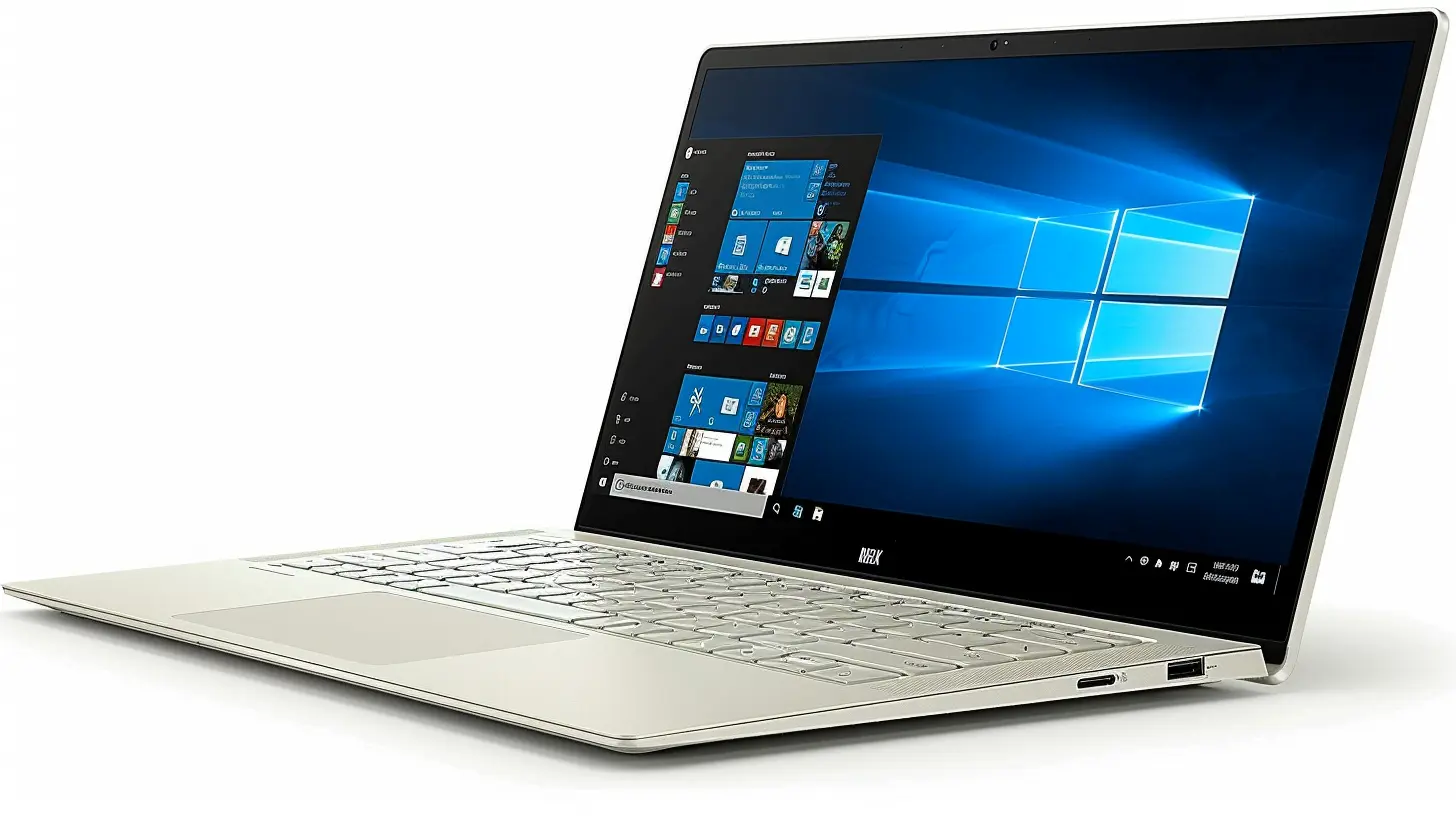
Top MacBook Alternatives: Standout Windows Laptops
Now that we've covered why you should consider a Windows laptop, let's talk about some of the top contenders. We’ve picked a few options that stand out in various categories—whether you're after performance, portability, or value.1. Dell XPS 13
If there's one laptop that’s constantly compared to the MacBook Air, it’s the Dell XPS 13. And for good reason. It's a powerhouse wrapped in an ultra-portable design.Key Features:
- Display: 13.4-inch InfinityEdge display with a 16:10 aspect ratio.- Performance: Up to Intel Core i7 processors and Intel Iris Xe graphics.
- Build Quality: Premium aluminum chassis, just like the MacBook.
- Battery Life: Lasts up to 14 hours on a single charge.
Why It Stands Out:
The XPS 13 is the definition of premium. It’s sleek, powerful, and has one of the best displays on the market. The near bezel-less design makes the display pop, and the build quality feels just as premium as Apple's offerings. It also comes with a 4K resolution option if you're all about those pixels.In terms of performance, the XPS 13 can handle anything you throw at it—whether it's heavy multitasking, video editing, or coding. However, if you're looking to game, you might want to consider something with a dedicated GPU (which we’ll get to later).
2. Microsoft Surface Laptop 5
The Microsoft Surface Laptop 5 is another excellent MacBook alternative, especially if you’re into that minimalist, clean design. Microsoft’s Surface line has always been known for its premium build quality, and the Surface Laptop 5 is no exception.Key Features:
- Display: 13.5-inch or 15-inch PixelSense touchscreen display.- Performance: Intel Evo Core i5 or i7 processors.
- Design: Ultra-slim, lightweight, and available in multiple colors.
- Battery Life: Up to 17 hours of battery life.
Why It Stands Out:
With its high-resolution touchscreen display and sleek design, the Surface Laptop 5 gives the MacBook a serious run for its money. It’s also incredibly lightweight, making it a great choice for people on the go.The Surface Laptop 5 is also perfect if you’re already invested in Microsoft’s ecosystem. It integrates seamlessly with Windows 11, and the keyboard and trackpad are some of the best in the business—right up there with Apple’s.
3. HP Spectre x360
If you're looking for versatility, the HP Spectre x360 might be your match. This 2-in-1 laptop combines power with flexibility, making it one of the most well-rounded MacBook alternatives on the market.Key Features:
- Display: 13.3-inch or 15.6-inch OLED 4K display options.- Performance: Up to Intel Core i7 and Intel Iris Xe graphics.
- Flexibility: 360-degree hinge for laptop and tablet modes.
- Battery Life: Up to 12 hours of battery life.
Why It Stands Out:
The Spectre x360 is a head-turner, with its gem-cut design and 2-in-1 functionality. Whether you need a laptop for work or a tablet for creative projects, this device can do it all. The 4K OLED display is perfect for watching movies, editing photos, or just browsing the web in stunning detail.Plus, the Spectre x360 comes with a stylus, so if you're into digital art or note-taking, this laptop will feel right at home.
4. Razer Blade 15
Okay, gamers—this one’s for you. The Razer Blade 15 is often called the "MacBook of gaming laptops," and it’s easy to see why. This laptop combines powerful gaming performance with a sleek, minimalist design.Key Features:
- Display: 15.6-inch with up to 360Hz refresh rate.- Performance: Intel Core i7 or i9 processors and NVIDIA GeForce RTX 3080 GPU.
- Design: Slim aluminum chassis with RGB backlit keyboard.
- Battery Life: Around 6-7 hours, depending on usage.
Why It Stands Out:
The Razer Blade 15 might not offer the best battery life, but it makes up for it in sheer power. If you need a laptop that can handle the most demanding games or creative software (like Adobe Premiere or Blender), this is the one. The high-refresh-rate display will make gaming buttery smooth, and the NVIDIA GPU means you'll get top-tier graphics performance.On top of that, the Razer Blade 15 just looks good. If you want a laptop that screams "power" but still looks sleek and professional, this is the one to get.
5. Lenovo ThinkPad X1 Carbon (Gen 10)
Business professionals, we haven't forgotten about you. The Lenovo ThinkPad X1 Carbon is a classic choice for anyone who needs a dependable workhorse. This laptop is built for productivity, with a rugged design and a fantastic keyboard.Key Features:
- Display: 14-inch FHD or 4K display options.- Performance: Intel Core i7 processors and Intel Iris Xe graphics.
- Durability: Built to military-grade specs for rugged use.
- Battery Life: Up to 15 hours on a single charge.
Why It Stands Out:
The ThinkPad X1 Carbon is all about efficiency. Whether you're handling spreadsheets, video calls, or coding, this laptop can handle it without breaking a sweat. The keyboard is legendary—seriously, if you type all day, you’ll appreciate the tactile feedback of the keys.While it doesn’t have a flashy design like the Razer Blade or the HP Spectre, the X1 Carbon is all about business. It’s durable, reliable, and packed with features that make it perfect for professionals.
What’s the Best MacBook Alternative for You?
At the end of the day, the "best" MacBook alternative depends on what you need from a laptop. Are you all about performance? Then the Razer Blade 15 or Dell XPS 13 might be your ideal match. Need something for business? The Lenovo ThinkPad X1 Carbon has you covered. And if you want flexibility, the HP Spectre x360 offers the best of both worlds.Key Considerations When Choosing a MacBook Alternative:
- Performance: What will you use the laptop for? Heavy tasks like video editing, gaming, or software development will require more powerful specs (CPU, GPU, RAM).- Portability: Need something lightweight for travel? Focus on ultrabooks like the Dell XPS 13 or Surface Laptop 5.
- Display: If you care about screen quality (4K, OLED, color accuracy), make sure to check the display specs.
- Battery Life: If you’re always on the go, you’ll want a laptop that can last all day without needing a charge.

Final Thoughts
Windows laptops have come a long way, and they offer some killer alternatives to the MacBook. Whether you’re budget-conscious, a power user, or somewhere in between, there’s a Windows laptop out there that can meet your needs without forcing you to join the Apple ecosystem.So, which Windows laptop stands out to you?
all images in this post were generated using AI tools
Category:
Laptop ReviewsAuthor:

Reese McQuillan
Discussion
rate this article
1 comments
Caelum Bowers
Oh great, more ways to pretend Windows laptops are as cool as MacBooks...
May 28, 2026 at 4:39 AM
Reese McQuillan
I get that sentiment, but there are some solid Windows laptops that offer unique features and great performance. It's all about finding what fits your needs best.