Exploring the Best Laptops for Virtual Reality: Specs You Need to Know
10 June 2026
Virtual Reality (VR) is no longer just a futuristic dream—it’s here and growing fast. Whether you're diving into immersive gaming worlds, working in virtual spaces, or creating 3D content, having the right hardware is essential. And when it comes to VR, not just any laptop will do. The difference between a smooth VR experience and one filled with glitches often boils down to your laptop’s specifications.
So, what makes a laptop VR-ready? What should you look for when choosing a laptop for virtual reality? Don’t worry, I’ve got you covered. In this guide, we’ll explore the best laptops for VR and highlight the key specs you need to pay attention to. By the end, you’ll be equipped with everything you need to make an informed decision.
Why Do You Need a VR-Ready Laptop?
Before we dive into the nitty-gritty, let's talk about why having a VR-ready laptop matters. Virtual reality is an incredibly resource-hungry technology. It requires a high level of processing power, graphics performance, and memory to deliver a smooth, stutter-free experience. If your laptop doesn't have the necessary specs, you might face lagging, overheating, or even outright crashes. And trust me, you don't want that when you're battling aliens in your favorite VR game or presenting a complex VR project at work.The VR Experience: More Than Just Games
While gaming is one of the most popular uses of VR, it’s far from the only one. VR is used in various industries, including education, healthcare, architecture, and entertainment. Whether you're developing VR content, working in virtual environments, or just exploring new worlds, the right laptop will make all the difference.But what exactly makes a laptop VR-ready? Let’s break it down.
Key Specs You Need for a VR-Ready Laptop
1. Graphics Card (GPU): The Heart of VR Performance
If there’s one component that will make or break your VR experience, it’s the graphics card (GPU). VR requires high frame rates and resolutions to avoid motion sickness and to create a smooth, immersive experience. A powerful GPU ensures that your laptop can handle the complex rendering demands of VR.What to Look For:
- NVIDIA GeForce RTX Series: When it comes to VR, NVIDIA's GeForce RTX series is the gold standard. The RTX 30-series (like the RTX 3060, 3070, and 3080) is a great choice, offering incredible performance and real-time ray tracing.- AMD Radeon RX Series: If you're more of an AMD fan, the Radeon RX 6000 series offers fantastic performance for VR. You’ll get slightly different features compared to NVIDIA, but it’s still a great pick for VR gaming and content creation.
Simply put, the better your GPU, the better your VR experience will be. So, don’t skimp on this one!
2. Processor (CPU): The Brain Behind the Scenes
Don’t underestimate the importance of a high-performance CPU. While the GPU does most of the heavy lifting in VR, the CPU plays a critical role in handling tasks like physics calculations, AI processing, and running background systems.What to Look For:
- Intel Core i7 or i9: If you’re going with Intel, aim for at least a quad-core i7 or i9 processor. The extra cores and threads help manage the demanding processes that VR applications require.- AMD Ryzen 7 or 9: AMD’s Ryzen processors are also excellent for VR. The Ryzen 7 and 9 series offer multiple cores, high clock speeds, and excellent multi-threading, making them perfect for VR content creation and gaming.
A fast CPU ensures that your system can handle the complex calculations required for VR, reducing lag and stutter, especially in more demanding applications.
3. RAM (Memory): The Unsung Hero
When it comes to virtual reality, having enough RAM is crucial to keep everything running smoothly. RAM helps your laptop manage multiple processes at once, which is vital for VR, considering the high resource demands.What to Look For:
- 16GB Minimum: While 8GB might be the minimum for casual laptop use, it’s not enough for VR. To ensure a smooth experience, aim for at least 16GB of RAM.- 32GB for Power Users: If you’re into VR development or running extremely demanding software, you might want to invest in 32GB of RAM. It’s better to have more than you need than to be stuck with stutters and slowdowns.
Think of RAM as your laptop’s short-term memory—if it’s lacking, everything slows down.
4. Storage: The Speed Factor
VR games and applications take up a lot of space, so having fast and sufficient storage is crucial. A sluggish hard drive can bottleneck your entire system, leading to long load times and frustrating delays.What to Look For:
- SSD Over HDD: Solid-state drives (SSDs) are much faster than traditional hard drives. If you’re serious about VR, opt for an SSD, ideally one with at least 512GB of storage. Games like Half-Life: Alyx can take up over 60GB by themselves!- NVMe SSD: If you want the best performance, look for laptops with NVMe SSDs. These drives are even faster than standard SSDs, drastically reducing load times and speeding up file transfers.
In short, go for speed and capacity when considering storage for your VR laptop.
5. Display and Resolution: Immersiveness Starts Here
While the display on your laptop won’t directly affect your VR experience (since you’ll be wearing a headset), it’s still worth mentioning. If you plan to use your laptop for non-VR tasks like gaming or content creation, a high-quality display can make a big difference.What to Look For:
- 1080p Minimum: For general use, a 1080p display is the minimum resolution you should aim for. Many VR-ready laptops offer 1440p or even 4K displays, which are great for graphic-intensive tasks.- High Refresh Rate: A higher refresh rate (120Hz or 144Hz) can provide a smoother experience outside of VR gaming. While not necessary for VR itself, it’s a nice bonus if you’re also using your laptop for traditional gaming.
In VR, your headset's display resolution matters more than your laptop’s screen, but a good laptop display is still beneficial for overall usability.
6. Ports and Connectivity: Don’t Forget the Little Things
Your VR headset needs to connect to your laptop, and that requires specific ports. Not all laptops come with the necessary ports, so make sure to check before you buy.What to Look For:
- HDMI or DisplayPort: Most VR headsets, like the Oculus Rift or HTC Vive, require either an HDMI or DisplayPort connection. Ensure your laptop has these ports available.- USB Ports: Many VR headsets also require USB ports for tracking sensors or controllers. Ideally, your laptop should have at least three USB 3.0 ports.
- Thunderbolt 3/4: If you're looking for future-proofing, Thunderbolt 3 or 4 ports are a fantastic addition. They offer faster data transfer speeds and can connect to external GPUs for extra power.
Always double-check your VR headset’s connectivity requirements before making a purchase.
7. Cooling System: Keeping Things Cool Under Pressure
VR gaming is demanding, and all that power can generate a lot of heat. A good cooling system is essential to prevent your laptop from overheating during extended VR sessions.What to Look For:
- Multiple Fans: Laptops with multiple fans or vapor chamber cooling systems are ideal. These help distribute heat more evenly and keep your laptop running smoothly for longer.- Advanced Cooling Features: Some laptops come with innovative cooling designs, like liquid cooling or improved airflow. If you plan to use your laptop for extended VR sessions, these features can be a lifesaver.
The last thing you want is for your laptop to overheat in the middle of an intense VR experience, so make sure it stays cool!
Top Laptops for VR in 2023
Now that you know what to look for, let’s check out some of the best laptops currently available for VR.1. Alienware m15 R6
Alienware has been a long-time favorite for gamers, and the Alienware m15 R6 is a fantastic choice for VR enthusiasts. With an NVIDIA RTX 3070 GPU, Intel i7 processor, and 16GB of RAM, it’s more than capable of handling the most demanding VR applications.2. ASUS ROG Zephyrus G15
The ASUS ROG Zephyrus G15 is a beast when it comes to performance. Featuring an AMD Ryzen 9 processor and an NVIDIA RTX 3080 GPU, this laptop is perfect for both VR gaming and content creation. Plus, its slim profile makes it more portable than many other gaming laptops.3. MSI GE76 Raider
If you’re looking for raw power, the MSI GE76 Raider is hard to beat. It comes with an Intel i9 processor and an NVIDIA RTX 3080 GPU, along with 32GB of RAM. This laptop is built for hardcore gamers and VR developers alike.4. HP Omen 15
The HP Omen 15 offers a great balance between price and performance. With an AMD Ryzen 7 processor, an RTX 3060 GPU, and 16GB of RAM, it’s more than capable of handling most VR games and applications without breaking the bank.5. Razer Blade 15
Sleek, stylish, and powerful, the Razer Blade 15 is a premium option for VR enthusiasts. It features an Intel i7 processor, an NVIDIA RTX 3070 GPU, and a gorgeous 144Hz display. If you want both performance and aesthetics, the Razer Blade 15 is a top pick.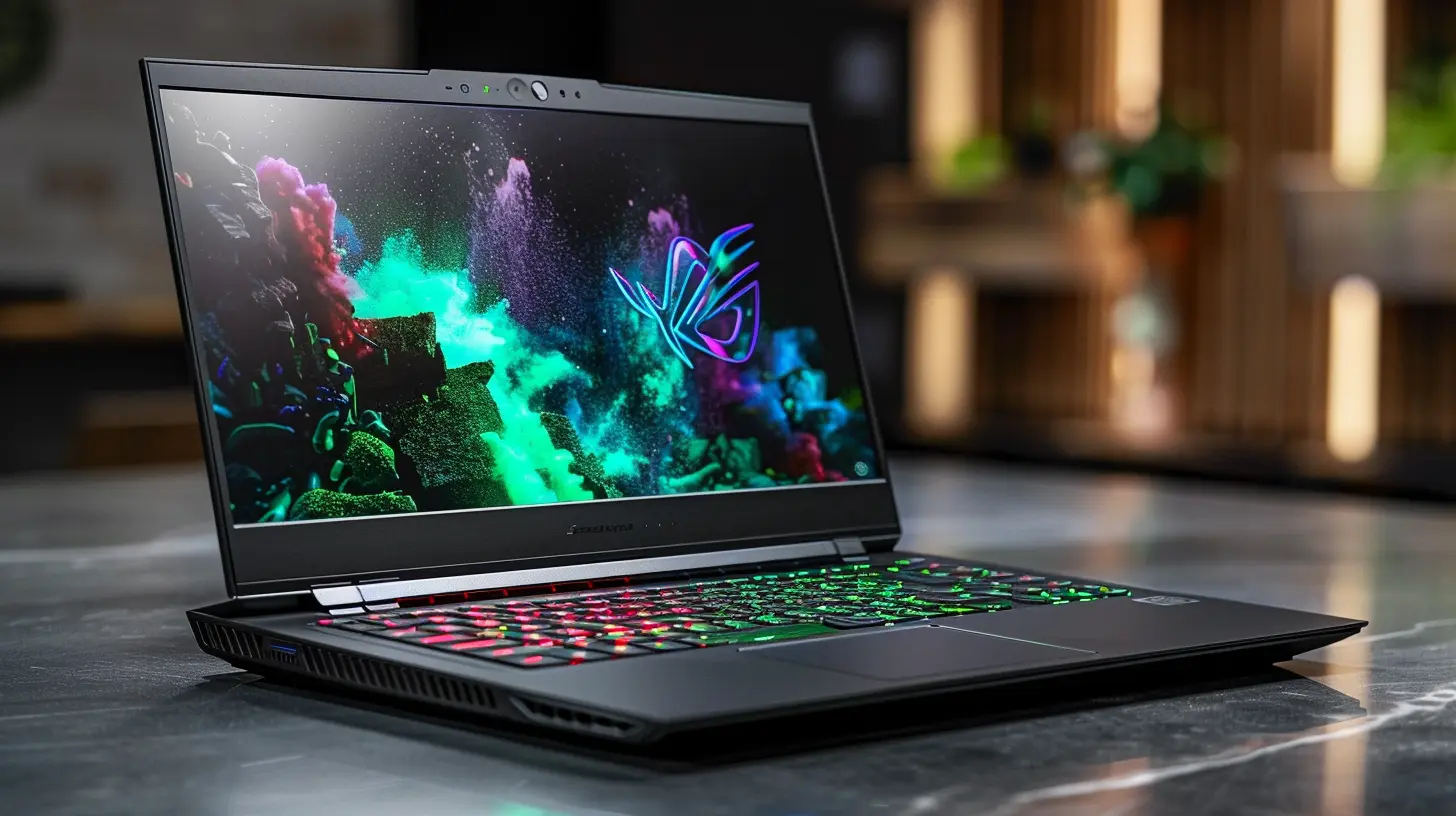
Conclusion
Choosing the right laptop for virtual reality can be a daunting task, but it doesn’t have to be. Keep in mind the key specs—GPU, CPU, RAM, storage, and cooling—and you'll be on your way to an immersive VR experience in no time. Whether you're a gamer, a developer, or just someone interested in exploring virtual worlds, investing in a VR-ready laptop is a decision you won't regret.So, what are you waiting for? Time to gear up and dive into the world of virtual reality!
all images in this post were generated using AI tools
Category:
Laptop ReviewsAuthor:

Reese McQuillan
Discussion
rate this article
1 comments
Karen McElhinney
Great insights! Understanding specs is crucial for an immersive VR experience. Excited to upgrade!
June 10, 2026 at 3:22 AM
Reese McQuillan
Thanks for the feedback! Exciting upgrades can make a big difference in VR. Enjoy the journey!