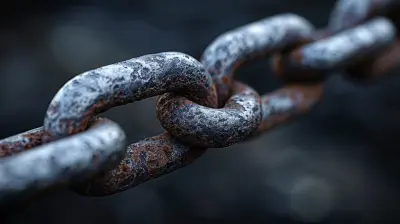
How Hackers Exploit Weak Passwords and What You Can Do
13 June 2026
Cybersecurity is a hot topic these days, and for good reason. With hackers becoming more sophisticated, weak passwords are like an open door for cybercriminals.
Think about it: would you leave your house with the front door unlocked? Of course not! Yet, many people unknowingly do the digital equivalent by using weak and easily guessable passwords.
In this guide, we’ll break down how hackers exploit weak passwords and, more importantly, what you can do to protect yourself.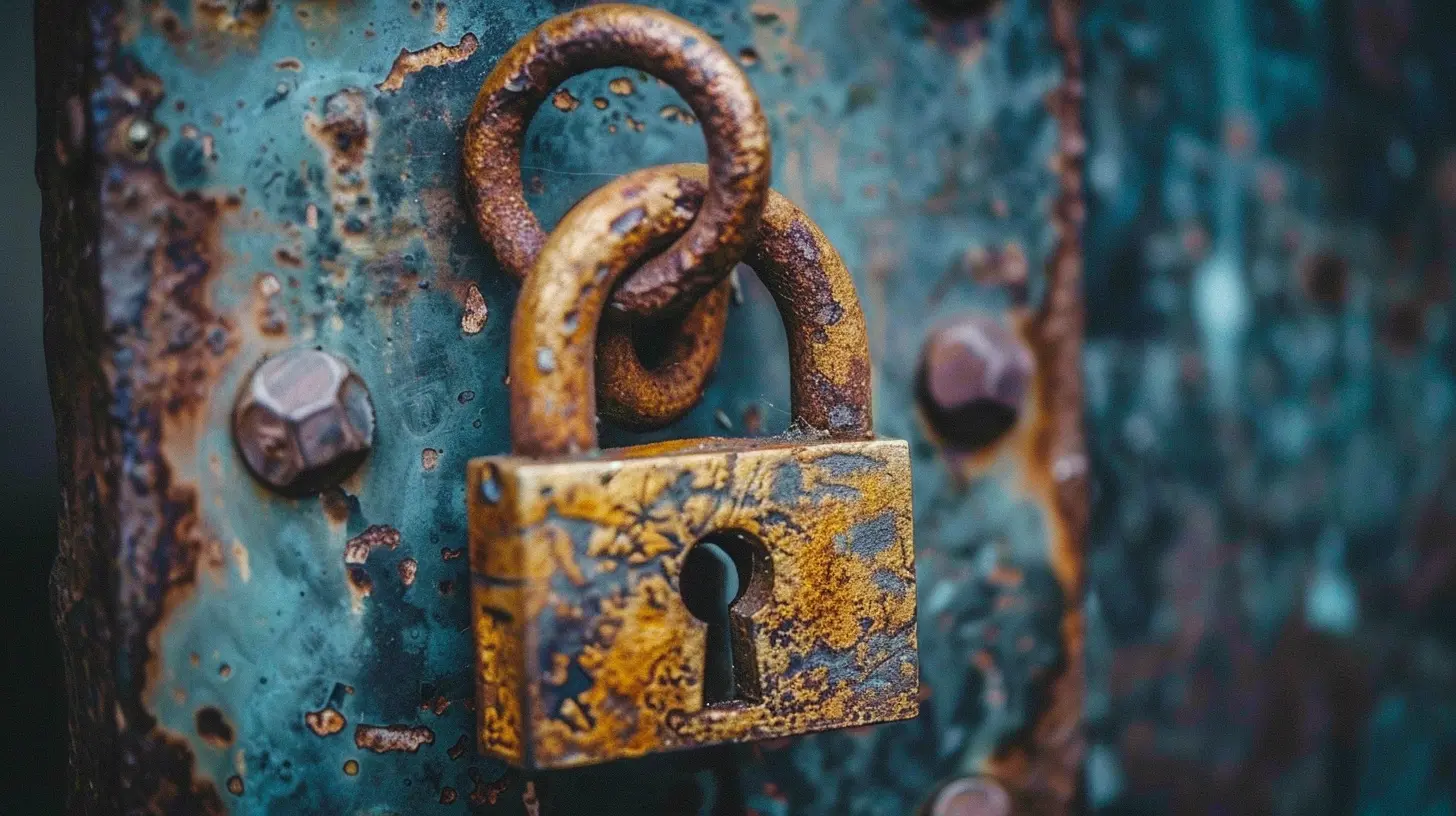
How Hackers Exploit Weak Passwords

1. Brute Force Attacks
This is one of the most common methods hackers use to break into accounts. They use automated tools that try different password combinations until they find the right one. If your password is something simple like "123456" or "password," it won’t take long for them to crack it.Think of it like a burglar trying every key on a keyring until one works. If your key (password) is too common, it’s only a matter of time before it gets unlocked.
2. Dictionary Attacks
A dictionary attack is similar to brute force, but instead of trying random numbers and letters, hackers use a list of commonly used words and phrases.For example, if your password is "sunshine" or "letmein," you're at risk because hackers have pre-loaded lists of these predictable words.
3. Credential Stuffing
Ever used the same password across multiple websites? If a hacker gets their hands on one of your old passwords (through a data breach), they’ll try it on other websites to see if it still works.For instance, if your email password got leaked in a breach, and you use the same password for your bank account, hackers can waltz right in.
4. Phishing Attacks
Instead of cracking your password, some hackers take a different approach—they trick you into handing it over.Ever received an email claiming, "Your account has been compromised! Click here to reset your password"? If you click and enter your password on a fake site, hackers now have it.
They rely on psychological manipulation, making you panic so you don’t think twice before acting.
5. Keyloggers and Malware
Some hackers don’t need to guess your password at all. They use malware to record every keystroke you type, including your passwords.This can happen if you accidentally download a malicious file or visit a compromised website. Suddenly, everything you type—emails, login credentials, even private messages—is being recorded and sent to hackers.
6. Social Engineering
Hackers sometimes don’t need technology to get your password—they just need to trick you into giving it away.Using social engineering, they might pose as a bank representative, IT support, or even a friend, convincing you to share your sensitive information. If they know enough about you, they may even guess answers to security questions and reset your password.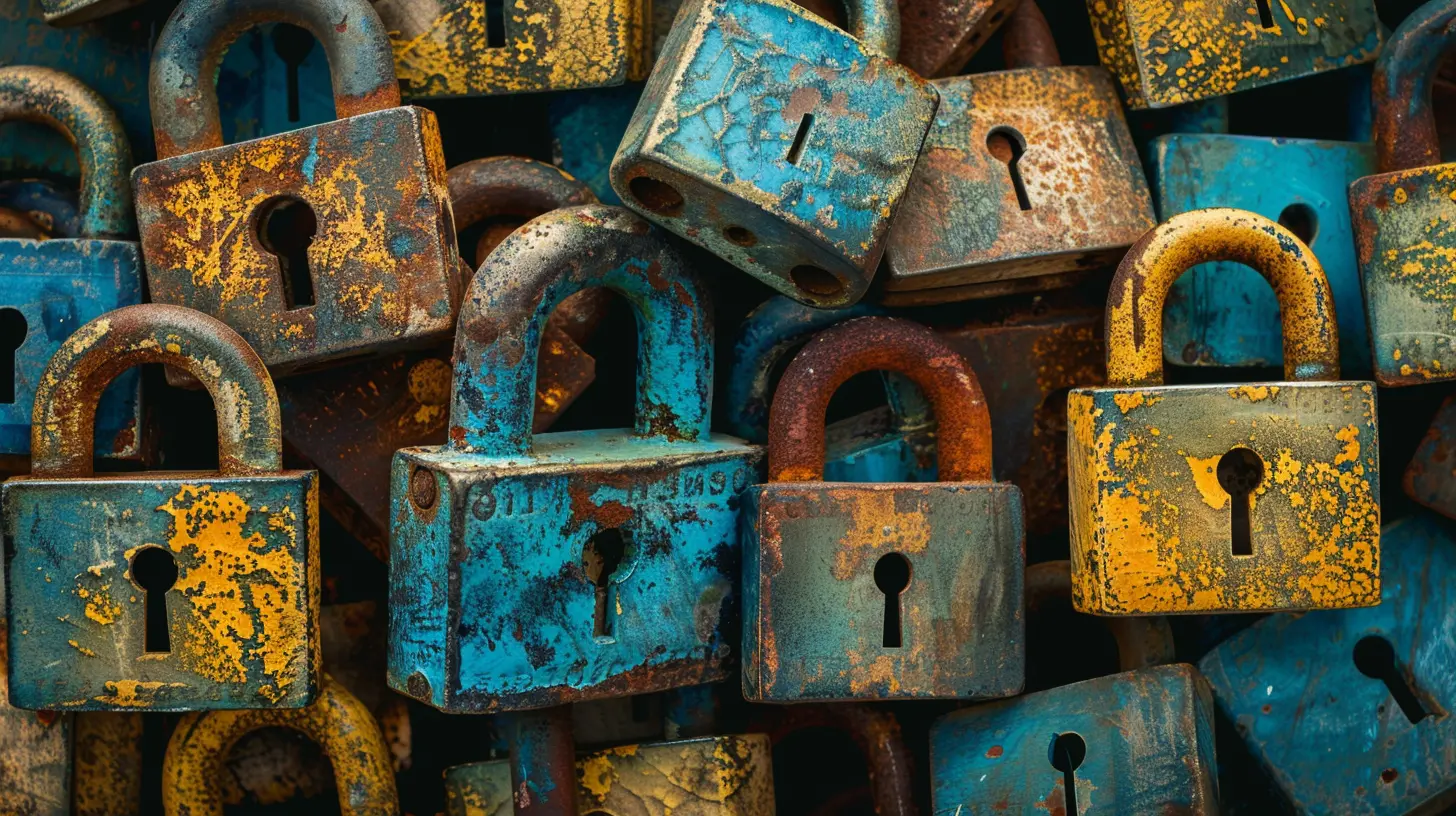
What You Can Do to Protect Yourself
Now that you know how hackers exploit weak passwords, let’s talk about how you can stay protected.1. Use Strong, Unique Passwords
A strong password should:- Be at least 12-16 characters long
- Include a mix of uppercase and lowercase letters, numbers, and symbols
- Avoid common words or predictable patterns (e.g., "password123" or "qwerty")
Want an easy way to create a strong password? Think of a random phrase and modify it. For example:
"MydogSnoopyLovesBone$42!"
2. Enable Two-Factor Authentication (2FA)
Even if a hacker gets your password, 2FA acts as an extra security layer. With 2FA, you'll need a second form of verification (like a code sent to your phone) before logging in.This makes it much harder for hackers to break into your accounts.
3. Use a Password Manager
Remembering dozens of complex passwords is tough—so let a password manager do it for you. A password manager securely stores all your passwords and even generates strong ones for you.Popular password managers include:
- LastPass
- 1Password
- Bitwarden
- Dashlane
With a password manager, you only need to remember one master password.
4. Never Reuse Passwords
Reusing passwords is like using the same key for every lock in your house. If someone steals one key, they have access to everything.Always use unique passwords for different accounts to minimize your risk.
5. Be Wary of Phishing Attempts
Never click on suspicious links or download attachments from unknown emails. If you receive an email asking you to reset your password, always go to the official website instead of clicking the link.Hackers rely on urgency and fear, so take a moment to think before acting.
6. Keep Your Software Updated
Outdated software can have security vulnerabilities that hackers exploit. Always update your operating system, browsers, and antivirus software to stay protected.Hackers love outdated software because it’s like breaking into a house with a broken lock—it’s way too easy.
7. Monitor Your Accounts for Unusual Activity
Regularly check your accounts for any unauthorized logins or unusual transactions. Many services notify you if someone logs in from a new device—don’t ignore those alerts.If you notice anything suspicious, change your password immediately.
8. Use Security Questions Wisely
Security questions can be a weak link if they’re easy to guess. If a hacker knows your mother’s maiden name or your first pet’s name (thanks to social media), they might be able to reset your password.A good trick? Treat security questions like additional passwords—use random answers that only you know.
Conclusion
Weak passwords are like an invitation for hackers—but you don’t have to make it easy for them. By using strong, unique passwords, enabling 2FA, and staying cautious online, you can significantly reduce your risk of getting hacked.Cybersecurity isn't just for tech experts—it’s something everyone should take seriously. A little effort now can save you from a huge headache later.
So, take a moment to update your passwords and lock the digital doors—before a hacker does it for you.
all images in this post were generated using AI tools
Category:
Data SecurityAuthor:

Reese McQuillan
Discussion
rate this article
1 comments
Lysander Jenkins
Great insights on password security. It's crucial to stay vigilant and proactive.
June 13, 2026 at 1:01 PM
Reese McQuillan
Thanks for your comment! Staying vigilant is key to protecting your accounts.