How to Choose the Best Laptop for Remote Work in 2026
20 April 2026
In the age of remote work, your laptop is more than just a device; it's your lifeline to productivity, creativity, and connection. As we step into 2026, the landscape of remote work is evolving, and so are the laptops that make it all possible. Whether you're a digital nomad, a full-time telecommuter, or someone who occasionally works from home, choosing the right laptop can make all the difference.
So, how do you choose the best laptop for remote work in 2026? Let’s break it down step by step.

Understanding Your Work Needs
Before diving headfirst into specs and features, take a moment to think about your actual work needs. What do you do on a daily basis? Are you a writer, a designer, a developer, or maybe a virtual assistant? Each profession has its requirements, and understanding yours will guide you through the selection process.Assessing Your Daily Tasks
- Business Communication: If you spend a lot of time in video calls, a laptop with a great webcam and microphone will be essential. Look for models with at least 720p resolution for crisp visuals.- Content Creation: For graphic designers or video editors, a laptop with a high-resolution display and a powerful GPU is a must. You might want to check out options with dedicated graphics cards like NVIDIA or AMD.
- Basic Office Work: If your work revolves around documents, emails, and spreadsheets, you might not need a powerhouse. A mid-range laptop with decent processing power will suffice.
Portability vs. Power
Now, let’s talk about portability. Are you planning to work from coffee shops, libraries, or while traveling? If so, weight and battery life become crucial factors. A lightweight laptop that can last all day on a single charge is ideal for the on-the-go professional.On the flip side, if your work is primarily stationary, you might prefer a more powerful machine that’s a bit bulkier but comes with enhanced performance.

Key Features to Look For
Once you’ve identified your work needs, it’s time to dive into the nitty-gritty details. Here are some essential features to consider:1. Processor
The heart of your laptop, the processor (CPU), dictates how smoothly your laptop will perform. For remote work in 2026, you should aim for at least an Intel Core i5 or AMD Ryzen 5. For more demanding tasks, consider stepping up to an Intel Core i7 or Ryzen 7.2. RAM
Think of RAM (Random Access Memory) as your laptop's short-term memory. If you frequently multitask or run heavy applications, go for at least 16GB of RAM. This will ensure that you can switch between tasks without experiencing lag.3. Storage
When it comes to storage, Solid State Drives (SSDs) are the way to go. They’re faster, more reliable, and your laptop boots up in a flash. Aim for at least 512GB of storage, especially if you handle large files or need to store software locally.4. Display Quality
Your eyes deserve the best, especially when you’re staring at the screen for hours on end. Look for laptops with Full HD (1920x1080) resolution as a minimum. If you can afford it, a 4K display can take your viewing experience to the next level, especially for designers or those who enjoy binge-watching during downtime.5. Battery Life
A laptop with stellar battery life is a game-changer for remote work. You don’t want to be scrambling for an outlet during an important video meeting. Aim for a laptop that offers at least 8-10 hours of battery life.6. Connectivity
In a world where we rely heavily on the internet, having the right ports and connectivity options is vital. Look for laptops with multiple USB ports, HDMI, and ideally, Thunderbolt support for faster data transfer. And let’s not forget about Wi-Fi 6 capability, which ensures fast and reliable internet connectivity.7. Durability and Build Quality
If you’re always on the move, you’ll want a laptop that can withstand the bumps and bruises of travel. Look for options with sturdy builds, such as those made from aluminum or magnesium alloy.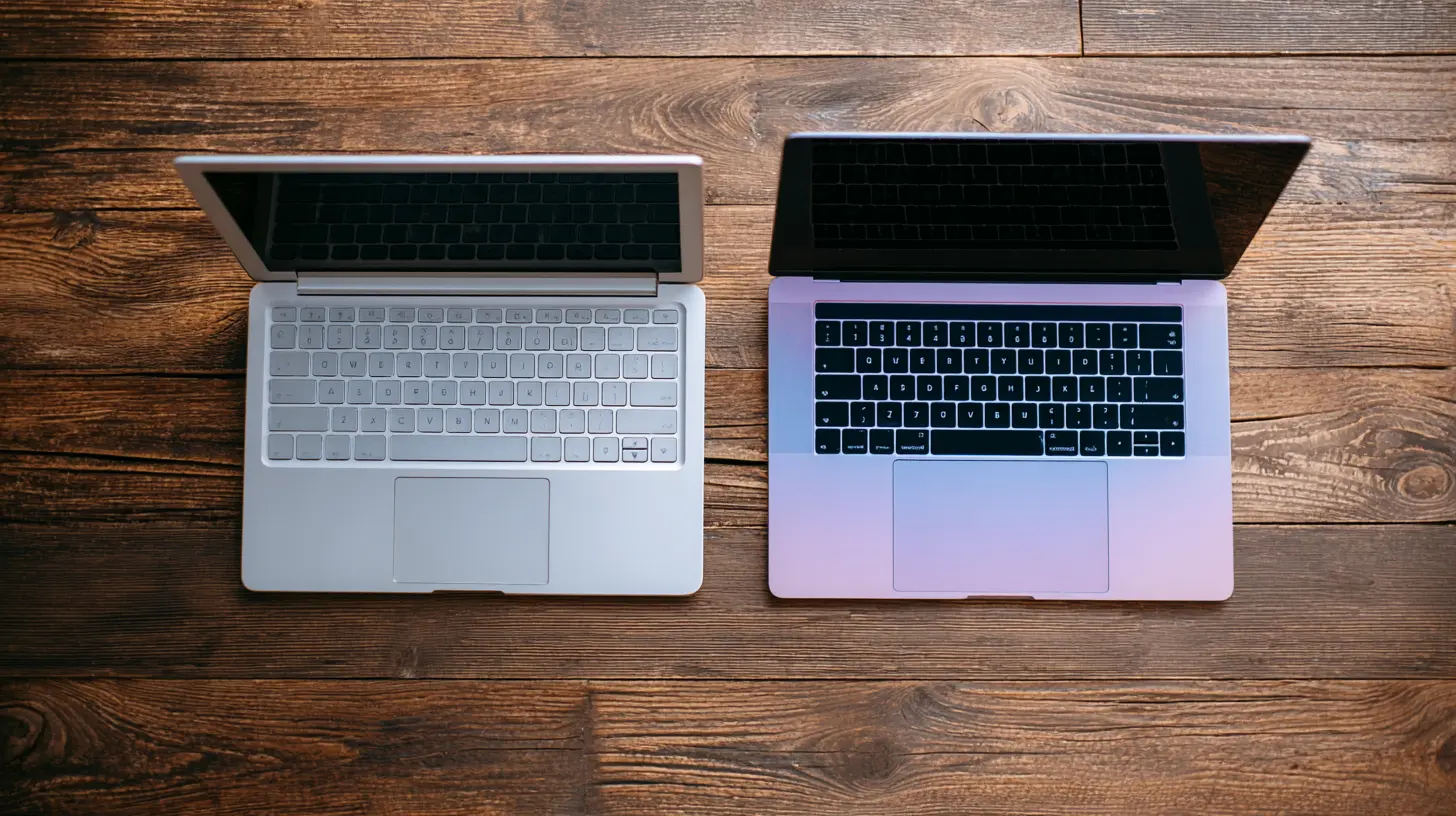
The Operating System Dilemma
Choosing an operating system (OS) often boils down to personal preference, but here's a quick rundown:- Windows: Versatile and compatible with most software, Windows is a great choice for business applications and gaming.
- MacOS: Ideal for creatives, MacOS offers seamless integration with design software and boasts a user-friendly interface.
- Linux: If you’re tech-savvy and prefer open-source software, Linux might be the way to go. It’s great for developers and comes with a variety of distributions.

Budgeting for Your Laptop
Once you’ve evaluated all the features, it’s time to talk about budget. While it can be tempting to go for the cheapest option, consider this: your laptop is an investment in your productivity and comfort.Setting Your Price Range
- Under $500: Basic laptops for light tasks like browsing and document editing.- $500 - $1,000: Mid-range laptops that can handle multitasking and moderate workloads.
- $1,000 - $2,000: High-performance laptops suitable for demanding tasks like video editing and graphic design.
- Above $2,000: Premium models with top-of-the-line specs, often favored by professionals in creative industries.
Exploring Refurbished Options
If you’re on a budget but still want quality, consider refurbished laptops. They often come at a reduced price and can still deliver solid performance. Just make sure to buy from reputable sellers and check warranties.Additional Accessories for Remote Work
Don’t forget that the right accessories can enhance your remote work experience. Here are a few to consider:External Monitor
If you’re working on design or data-heavy tasks, an external monitor can dramatically improve your productivity. You can have multiple windows open side by side, making it easier to multitask.Ergonomic Keyboard and Mouse
Investing in an ergonomic keyboard and mouse can save you from discomfort during long working hours. Your wrists will thank you!Webcam and Microphone
If your laptop’s built-in webcam and microphone don’t cut it, consider upgrading. A high-quality external webcam and microphone can significantly improve your video call experience.Laptop Stand
To maintain good posture while working, a laptop stand can help raise your screen to eye level. This little accessory can make a big difference for your back and neck.
Final Thoughts
Choosing the best laptop for remote work in 2026 doesn’t have to be a daunting task. By understanding your specific needs, considering essential features, and setting a budget, you can find the perfect laptop that suits your lifestyle.Remember, this laptop will be your partner in productivity, so don’t hesitate to invest a little more for quality. With the right device, you can work efficiently, stay connected, and enjoy the flexibility of remote work to the fullest.
So, are you ready to find your ideal remote work companion?
all images in this post were generated using AI tools
Category:
Technology GuidesAuthor:

Reese McQuillan
Discussion
rate this article
2 comments
Sabrina McCord
This article offers valuable insights for anyone navigating the laptop market in 2026. With remote work becoming the norm, understanding key features is essential. Stay focused on your needs and budget, and remember that the right tech can significantly enhance your productivity and comfort at home. Happy hunting!
May 5, 2026 at 3:07 AM
Reese McQuillan
Thanks for your comment! I'm glad you found the insights valuable. Happy hunting and good luck finding the perfect laptop for your needs!
Erica McCray
Great tips! It's crucial to balance power and portability for remote work. Can't wait to see how the laptop landscape evolves in 2026!
April 26, 2026 at 4:29 AM
Reese McQuillan
Thanks for your thoughts! Balancing power and portability will definitely be key in the coming years. Exciting times ahead!