The Best Laptops for Remote Work: Balancing Price and Performance
18 May 2026
Working remotely has never been more popular, and for good reason. It offers flexibility, freedom, and the chance to set up your own ideal workspace. But to be productive, you need the right tools—starting with a reliable laptop.
Choosing the best laptop for remote work isn't just about picking the most expensive model. You need a machine that balances price and performance, giving you the best bang for your buck. Whether you're a digital nomad, freelancer, or remote employee, finding the right laptop can make or break your workflow.
So, what should you look for? Let’s break it down.
Key Features to Consider in a Remote Work Laptop
Before diving into specific models, let's go over what really matters when choosing a laptop for remote work.
1. Performance (Processor, RAM, and Storage)
Your laptop should have enough power to handle multitasking, video conferencing, and other remote work tasks effortlessly.- Processor (CPU): A mid-to-high-end Intel Core i5/i7 or AMD Ryzen 5/7 should be your baseline. If you’re handling heavy workloads like video editing or programming, an Intel Core i9 or Ryzen 9 might be necessary.
- RAM: 8GB is the minimum, but 16GB is ideal for smoother multitasking. If your work involves high-performance applications, then 32GB may be worth considering.
- Storage: SSDs (Solid State Drives) are a must! They’re much faster than traditional HDDs. Look for at least 512GB SSD storage to ensure enough space for files and programs.
2. Battery Life
One of the perks of remote work is being able to work from anywhere—coffee shops, libraries, or even the park. A laptop with all-day battery life (8+ hours) means you won't be tied to an outlet.3. Portability & Build Quality
If you travel often or like to change work locations, a lightweight laptop with a premium build is ideal. Ultrabooks with a sturdy yet slim design (under 3.5 lbs) work best.4. Keyboard & Trackpad
A comfortable keyboard and responsive trackpad make a huge difference—especially if you're typing for hours. Look for laptops with well-spaced keys and good key travel.5. Display Quality
Your screen should be easy on the eyes. A 1080p Full HD display is the bare minimum, but if you can, go for a higher-resolution 4K or OLED screen for sharper visuals.6. Connectivity & Ports
Reliable Wi-Fi and plenty of ports are a must. USB-C, HDMI, and headphone jacks are important, along with strong Wi-Fi 6 support for a stable internet connection.
The Best Laptops for Remote Work
Now that you know what to look for, let's explore some of the best options available today.1. Apple MacBook Air M2 – Best for Overall Performance
- Processor: Apple M2 Chip- RAM: 8GB (configurable to 24GB)
- Storage: 256GB – 2TB SSD
- Battery Life: Up to 18 hours
- Weight: 2.7 lbs
The MacBook Air M2 is a powerhouse in a lightweight frame. With Apple's custom M2 chip, it delivers exceptional speed, long battery life, and a stunning Retina display. If you're an Apple user or need macOS for work, this is a no-brainer.
2. Dell XPS 13 – Best Windows Ultrabook
- Processor: Intel Core i5/i7 (12th Gen)- RAM: 8GB – 32GB
- Storage: 256GB – 1TB SSD
- Battery Life: Up to 14 hours
- Weight: 2.8 lbs
If you're a Windows user who values portability and performance, the Dell XPS 13 is a fantastic choice. It’s sleek, ultra-light, and has one of the best displays in its category. The edge-to-edge screen makes it a standout for remote work on the go.
3. Lenovo ThinkPad X1 Carbon Gen 11 – Best for Business Professionals
- Processor: Intel Core i5/i7/i9 (13th Gen)- RAM: 16GB – 64GB
- Storage: 512GB – 2TB SSD
- Battery Life: Up to 15 hours
- Weight: 2.4 lbs
The ThinkPad X1 Carbon is legendary among business professionals. It's built to last, featuring a durable chassis, an unbeatable keyboard, and enterprise-level security features. If you're attending Zoom meetings all day, this is one of the best productivity laptops out there.
4. ASUS ZenBook 14 – Best Budget Laptop for Remote Work
- Processor: AMD Ryzen 5/7 or Intel Core i5/i7- RAM: 8GB – 16GB
- Storage: 512GB – 1TB SSD
- Battery Life: Up to 12 hours
- Weight: 2.6 lbs
For those looking for an affordable yet capable laptop, the ASUS ZenBook 14 is an excellent option. It offers solid performance, a lightweight body, and a great battery life—all without breaking the bank.
5. Microsoft Surface Laptop 5 – Best for Hybrid Workers
- Processor: Intel Core i5/i7- RAM: 8GB – 32GB
- Storage: 256GB – 1TB SSD
- Battery Life: Up to 17 hours
- Weight: 2.8 lbs
The Surface Laptop 5 blends style and function. Its touchscreen, slim design, and long battery life make it an excellent pick for remote professionals who also love creative flexibility.
6. HP Spectre x360 14 – Best 2-in-1 Laptop
- Processor: Intel Core i7/i9- RAM: 16GB – 32GB
- Storage: 512GB – 2TB SSD
- Battery Life: Up to 13 hours
- Weight: 2.95 lbs
If you prefer versatility, the HP Spectre x360 14 is an excellent 2-in-1 option. You can flip it into tablet mode, use the stylus for creativity, and still enjoy high-end performance for work tasks.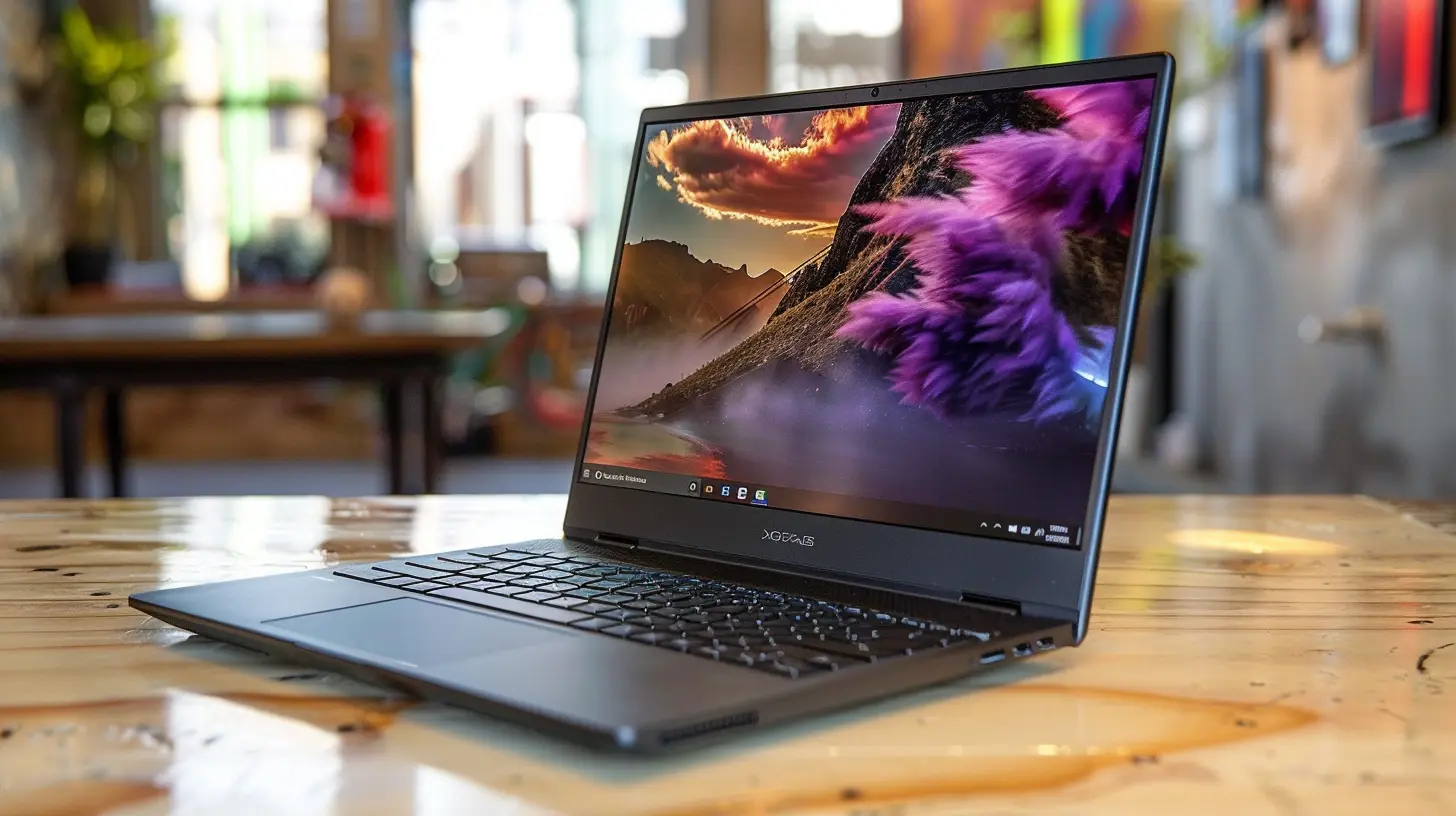
Final Thoughts: Choose the Laptop That Fits Your Needs
At the end of the day, the best laptop for remote work depends on your specific needs and budget. If you're always on the go, a lightweight ultrabook like the Dell XPS 13 or MacBook Air M2 is a solid choice. If you're after raw power and security, the ThinkPad X1 Carbon is unbeatable.For those wanting a balance between price and performance, options like the ASUS ZenBook 14 and Microsoft Surface Laptop 5 offer great value.
Remember, a laptop is an investment in your productivity. Choose wisely, and you’ll have a reliable work companion for years to come.
all images in this post were generated using AI tools
Category:
Laptop ReviewsAuthor:

Reese McQuillan
Discussion
rate this article
1 comments
Sasha Cole
Great insights on choosing the right laptop for remote work!
May 30, 2026 at 11:11 AM
Reese McQuillan
Thank you! I'm glad you found the insights helpful for your laptop choice.