The Importance of Software Updates for Your Smartphone
24 January 2026
Let’s be honest—how often do you ignore that pesky “Software Update Available” notification on your phone? If you’re like most people, you probably hit “Remind Me Later” more times than you’d care to admit. But here’s the deal—those updates aren’t just minor tweaks. They’re crucial for your device’s security, performance, and overall longevity.
Skipping updates is like refusing a free car upgrade that improves fuel efficiency, safety, and performance. Doesn’t make much sense, right? Well, let’s dive deep into why keeping your smartphone updated is absolutely essential.
1. Security First: Protecting Your Data
Cyber Threats Are Evolving
Hackers aren’t taking a break, and neither should your phone’s security. Every day, cybercriminals find new ways to exploit vulnerabilities in smartphone software. Companies release updates to patch these security holes and keep your personal data safe.Ignoring updates is like leaving your front door unlocked in a bad neighborhood—you’re basically inviting trouble. Hackers can steal sensitive data, install malware, or even take control of your device remotely.
Bug Fixes and Patches
Ever experienced random app crashes, sluggish performance, or weird glitches? That’s usually because of software bugs. Developers actively listen to user feedback and roll out fixes through updates.Updating your phone ensures you’re always running the most stable version of the software, reducing the chances of frustrating crashes and security vulnerabilities.
2. Performance Boost: Smoother and Faster Experience
Optimized System Performance
Every update includes tweaks and optimizations that help your phone perform better. Whether it's faster loading times, improved battery life, or smoother animations, these enhancements make a noticeable difference.Nobody likes a slow, laggy phone—especially when you know there's a fix just waiting to be installed!
Better Battery Life Management
Software updates can also enhance battery efficiency. Developers continuously find ways to optimize how apps and background processes use power. An update could mean squeezing out a few extra hours of battery life—something we all need!
3. Compatibility with New Apps and Features
New Features and Functionalities
One of the coolest parts of updating your phone is getting access to new features. Whether it’s an improved camera algorithm, new emojis, or system-wide dark mode, updates often bring exciting upgrades.Imagine using an outdated phone that doesn’t support your favorite apps or features—that's like using a flip phone in the era of 5G.
App Compatibility
Developers design apps to work with the latest software versions. If you delay updates for too long, you might notice apps crashing, features breaking, or even apps refusing to install.Think of it like trying to run a brand-new video game on a 10-year-old computer—it’s not going to work well (or at all).
4. Bug Fixes and Stability Improvements
No More Annoying Glitches
You know that weird bug where your phone randomly restarts? Or when an app refuses to open no matter how many times you tap on it? Yeah, those are issues that updates often fix.Developers constantly identify and patch these annoying glitches, ensuring a smoother and more reliable experience for users.
Preventing Major System Failures
Some bugs are more than just annoying—they can cause major system failures. A neglected update could lead to overheating issues, unexpected shutdowns, or even data corruption.Updating ensures your phone runs like a well-oiled machine, reducing the chances of encountering catastrophic failures.
5. Why Delaying Updates Can Be a Bad Idea
You may argue, "But my phone works fine! Why bother updating?" Here’s why that thinking can backfire:- Security risks increase – Hackers actively target outdated devices with known vulnerabilities.
- Performance degrades over time – Apps and services evolve, and your old software might struggle to keep up.
- Newer apps won’t work properly – Some apps require the latest OS to function correctly.
- Your phone’s resale value drops – An outdated phone is less valuable should you decide to sell or trade it in.
6. How to Manage Updates Efficiently
Enable Automatic Updates
Most smartphones allow you to enable automatic updates, so you never have to worry about missing an important one. Check your settings and turn this feature on.Check for Updates Manually
If you prefer more control, you can periodically check for updates yourself. Go to your settings, check for updates, and install them at a convenient time.Update Over Wi-Fi
Software updates can be large, so it’s best to download them over Wi-Fi rather than using up your mobile data.Backup Before Updating
While it's rare, updates can sometimes cause issues. Always back up your important data before installing a major update to avoid losing anything important.7. The Bottom Line
Skipping software updates might seem harmless, but it’s actually a risky move. These updates do more than just bring new emojis—they protect your phone, enhance its performance, and ensure you get the best features available.Think about it this way: ignoring updates is like refusing a free tune-up for your car. So, the next time that software update notification pops up, don’t swipe it away—install it! Your smartphone will thank you.
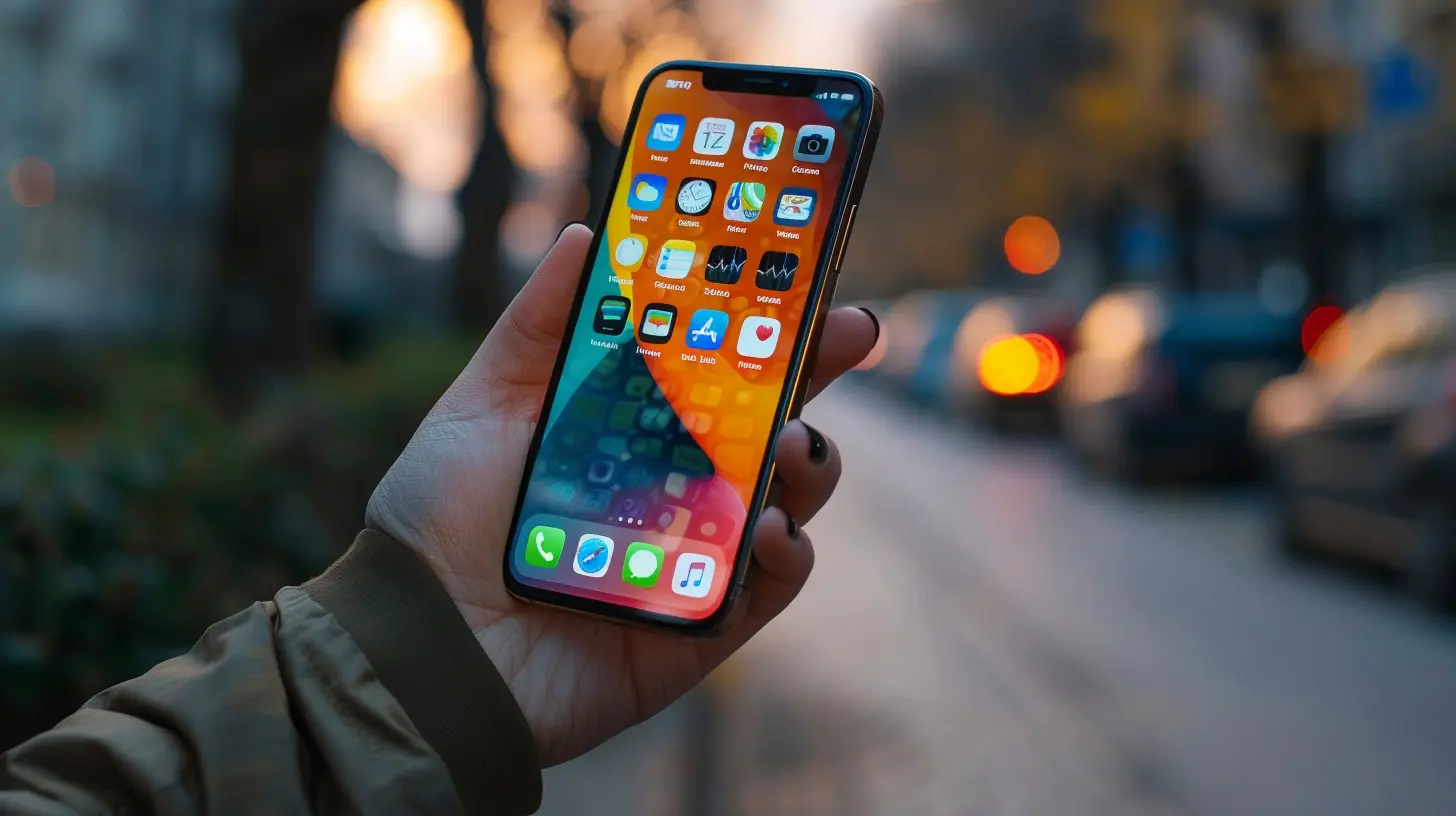
all images in this post were generated using AI tools
Category:
SmartphonesAuthor:

Reese McQuillan
Discussion
rate this article
2 comments
Sloane Reyes
Skipping updates is like ignoring broccoli on your plate – it might taste bad, but it’s good for you!
February 12, 2026 at 5:04 AM
Reese McQuillan
Great analogy! Just like broccoli, updates can be tough, but they keep your phone healthy and secure.
Juliana Cain
Fantastic read! 🌟 Keeping your smartphone updated is like giving it a fresh breath of life! Regular updates not only boost performance but also enhance security and introduce exciting new features. Stay tech-savvy and enjoy the benefits of a well-maintained device! 📱✨
January 31, 2026 at 4:25 AM
Reese McQuillan
Thank you! I'm glad you enjoyed it. Keeping devices updated truly is essential for performance and security! 🌟📱