Touchscreen Laptops: Do You Really Need One?
14 March 2026
Let’s be real—touchscreen laptops look flashy. They feel futuristic. You’ve probably seen someone casually scroll through a web page with a flick of their finger and thought, “That looks cool. Maybe I need that.” But here’s the thing: just because a device has a feature doesn’t always mean it’s worth the extra cash.
So, let’s hit the brakes and really ask: Touchscreen laptops—do you really need one? Or is it just the tech world tempting us with shiny objects?
In this deep dive, we’ll uncover the pros, the cons, the hidden truths, and ultimately help you answer one of the biggest laptop-buying questions out there.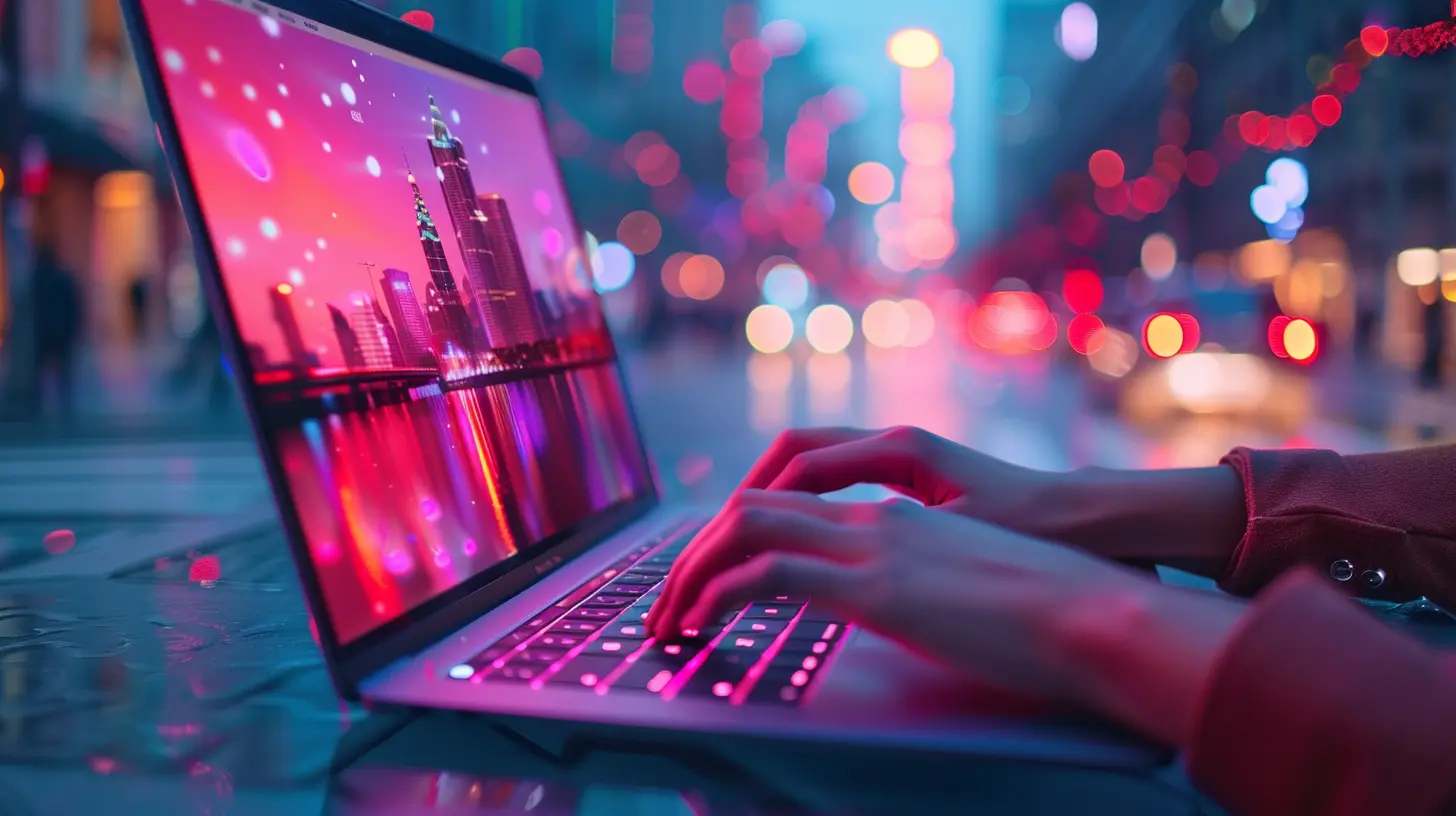
What Makes a Laptop "Touchscreen"?
Before we even get into the meat of the debate, let’s keep it simple. A touchscreen laptop is, well… a laptop whose screen responds to touch input. You can tap, swipe, pinch to zoom, and sometimes even draw on them—depending on the operating system and model.They’re basically hybrids between tablets and traditional laptops. Some even fold all the way back to become full-on tablets (hello, 2-in-1s). But the question remains: does this extra functionality offer real-world value, or is it just icing on an already oversized tech cake?
The Upsides of Touchscreen Laptops
Let’s give credit where it’s due. Touchscreen laptops aren’t all hype. They bring legit benefits to the table—especially for certain users.1. Intuitive Interface
Think about it. We’ve all grown up with smartphones and tablets. Tapping on a screen just feels natural now. So when your laptop lets you do that too? There’s a sense of continuity. No mouse, no problem.Ever tried to scroll using a touchpad versus just flicking your finger down a screen? One feels clunky, and the other—super smooth.
2. Ideal for Creative Work
If you’re a designer, artist, or photographer, touchscreen laptops can be game-changing. They let you draw directly on the screen using a stylus. You can sketch, shade, and retouch with precision. Compared to using a mouse or trackpad, it’s like going from crayons to an airbrush.Many touchscreen laptops also come with pressure-sensitive pens, which means the harder you press, the darker the line. That’s just…cool.
3. It’s Great for Note-Taking
For students or professionals, writing notes directly on a screen is fast and feels pretty close to jotting something down in a notebook. Apps like OneNote, Evernote, and Notability let you scribble, draw arrows, highlight—all in your own handwriting.Bonus? You can finally ditch the hundreds of random sticky notes that live in your backpack or office drawer.
4. Presentation Mode is a Breeze
Got a presentation? Just flip your touchscreen laptop into tent mode or tablet mode. Suddenly, it’s the coolest slideshow device in the room. Touch-to-advance slides and pinch-to-zoom on graphs makes interacting with your content feel more natural and polished.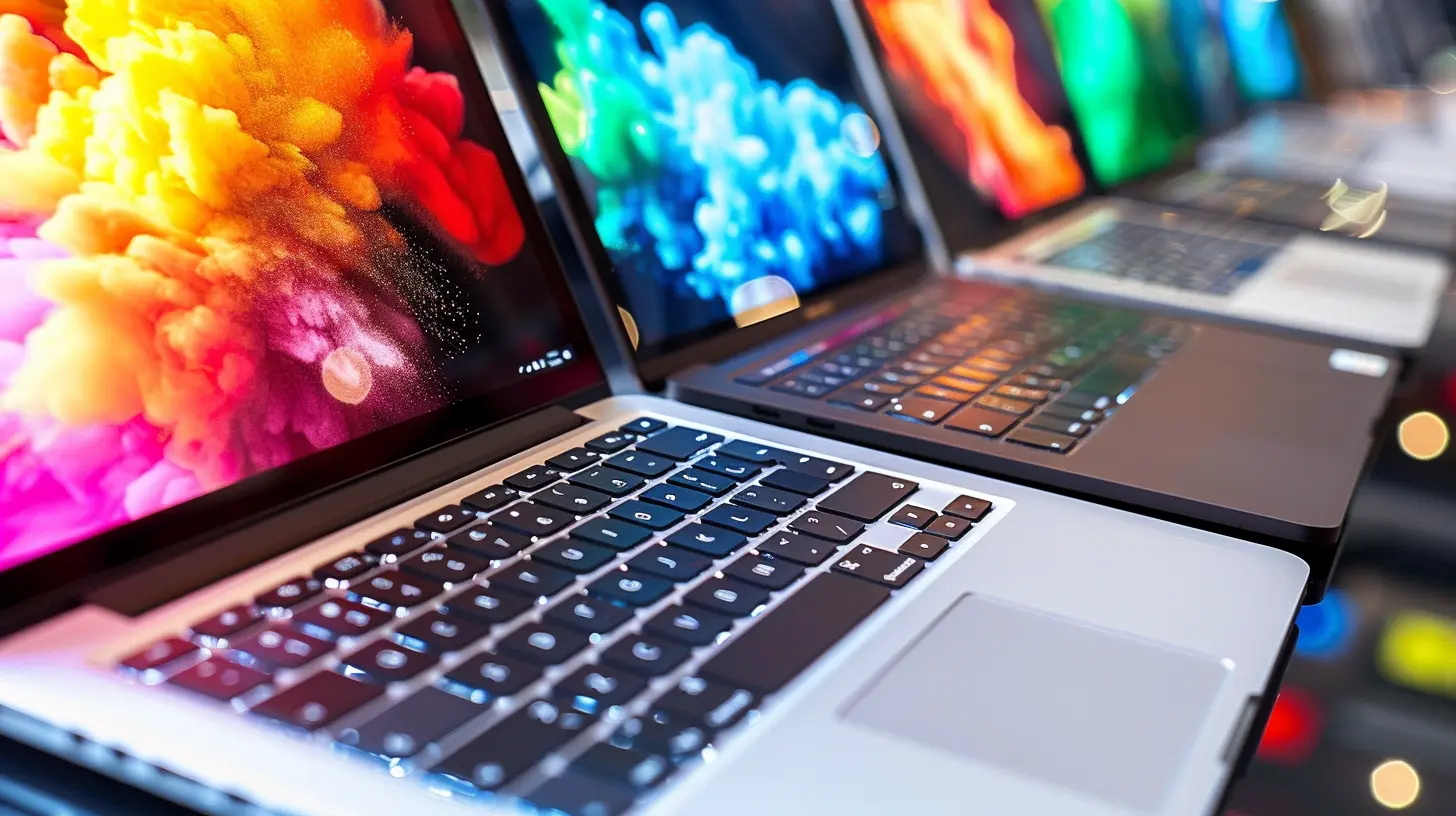
The Downsides: Let’s Not Sugarcoat It
Of course, it’s not all sunshine and swipes. There are drawbacks to touchscreen laptops, and some are deal-breakers for certain folks.1. Heavier and Thicker
Touchscreen laptops usually pack a little more bulk. That’s because they need extra components—like touch sensors and reinforced screens. It’s not a ton of extra weight, but if you’re lugging your laptop around all day? You’ll feel it.Who wants to carry around a digital brick?
2. Battery Life Takes a Hit
More features usually mean more power drain. Touchscreens consume more battery, even when you’re not actively using touch. So, while your non-touch buddy is getting 12+ hours of use, your touchscreen might be begging for a charger by dinner time.If you’re someone who lives untethered—frequent traveler, café dweller—this could become a problem.
3. Price Tag? Oof.
Touchscreen models don't come cheap. You’ll generally spend $100 to $300 more for the touch functionality. That's cash you could otherwise use to upgrade your processor, bump up the RAM, or snag more storage.So, you’ve gotta ask yourself: is touching the screen really worth that extra dough?
4. Fingerprints Everywhere
Ever seen a touchscreen after a sandwich break? Yikes. Finger smudges all over your beautiful display can drive neat freaks absolutely insane. Some devices offer anti-glare and oleophobic coatings—but let’s be honest, they only help so much.You’ll find yourself cleaning your screen daily, maybe even hourly.
The Use-Case Argument: Touchscreens Aren’t for Everyone
Let’s simplify things. Not everyone will benefit equally. Depending on how you use your laptop, a touchscreen could either be an essential tool—or an overpriced gimmick.Who Really Benefits?
- Designers and Artists – Drawing apps, stylus support, and direct interface make touchscreens awesome.- Students – Handwritten notes, easy annotations, and presentation versatility are a hit.
- Photographers and Editors – Pinch-to-zoom and precision editing can be helpful in software like Photoshop or Lightroom.
- Business Professionals – Quick presentations and intuitive navigation during meetings go a long way.
Who Might Skip It?
- Gamers – Most games don't use touchscreen controls, and hardware is more important here.- Writers and Coders – You’re using the keyboard 99% of the time. That touchscreen? Just sitting there, waiting to be ignored.
- Budget Shoppers – You’ll get more bang for your buck by opting for better internal specs instead.
- Travelers – If battery life and portability matter most, touchscreens may work against you.
Touchscreen vs. Non-Touch: Head-to-Head
Let’s pit them against each other in quick categories:| Feature | Touchscreen | Non-Touchscreen |
|--------|-------------|-----------------|
| Battery Life | Usually shorter | Typically longer |
| Weight | Heavier | Lighter |
| Price | More expensive | Budget-friendly |
| Usability | Great for creative tasks | Great for productivity |
| Durability | Slightly fragile | Usually sturdier |
| Versatility | High (especially with 2-in-1s) | Less adaptable |
Are We Just Obsessed with Touch?
Here’s the philosophical bit. The rise of touchscreen laptops might be less about utility and more about our obsession with tactile interaction. We expect everything to be touch-enabled—from our phones to our fridges.But just because we can touch it, should we?
In some cases, yes. But in others, it’s like adding a spoiler to a minivan—it might look slick, but does it make sense?
My Honest Opinion: Do You Really Need One?
Here’s my hot take: If your daily workflow revolves around touch-based apps, creativity, or frequent presentations, go for it. The touchscreen will boost your productivity and make your life a lot smoother.But if you’re just typing emails, browsing the web, or binge-watching Netflix, that touchscreen might just sit there, collecting fingerprints and eating battery like candy.
It all comes down to how you use your laptop—not how cool it looks.
Pro Tips If You Do Go Touchscreen
So, say you decide to take the plunge. Here are a few quick tips to get the best experience out of your touchscreen laptop:1. Invest in a Stylus – It unlocks real functionality, not just finger taps.
2. Use Gloves Mode – Many devices have this setting for using the screen in cold weather.
3. Keep a Cleaning Cloth Handy – Those fingerprints won’t clean themselves.
4. Disable Touch When Not Needed – This saves battery and prevents accidental touches.
5. Update Drivers Regularly – Every now and then, touchscreen bugs creep in. Keeping your OS and drivers fresh helps.
Final Thoughts
So, the burning question: Touchscreen laptops—do you really need one?Maybe. Maybe not.
If you’re a creative, a student, or someone who values flexibility, a touchscreen could change the game. But for most users who live in spreadsheets, documents, and YouTube tabs, it’s probably an unnecessary luxury.
Don’t let the marketing vibes pull you in. Be honest with yourself about how you use your laptop. Because at the end of the day, the best tech isn’t the fanciest—it’s the one that fits your life.
all images in this post were generated using AI tools
Category:
Laptop ReviewsAuthor:

Reese McQuillan
Discussion
rate this article
2 comments
Zayn McGee
Touchscreen laptops enhance creativity and productivity—definitely worth considering!
March 18, 2026 at 4:07 AM
Reese McQuillan
Absolutely! Touchscreen laptops can significantly boost both creativity and productivity, making them a valuable option for many users.
Meagan McPhee
Touchscreen laptops offer versatility and intuitive navigation, making them great for creative tasks but may not be essential for everyone.
March 17, 2026 at 1:41 PM
Reese McQuillan
Absolutely! While touchscreen laptops enhance creativity and navigation, they may not be necessary for all users, depending on their specific needs and workflows.