Ultrabooks vs. Traditional Laptops: Which Should You Buy?
24 May 2026
When it comes to choosing a new laptop, the decision can be surprisingly overwhelming. Do you go for a sleek, lightweight ultrabook or stick with a more traditional laptop? Both options have their merits, but the right choice depends on your individual needs, lifestyle, and of course, your budget.
In this article, we’ll dive into the major differences between ultrabooks and traditional laptops, break things down into the most relevant categories, and help you figure out which one is the best fit for you. Ready to figure out what’s going to power your digital life? Let’s get started!
What Exactly Are Ultrabooks?
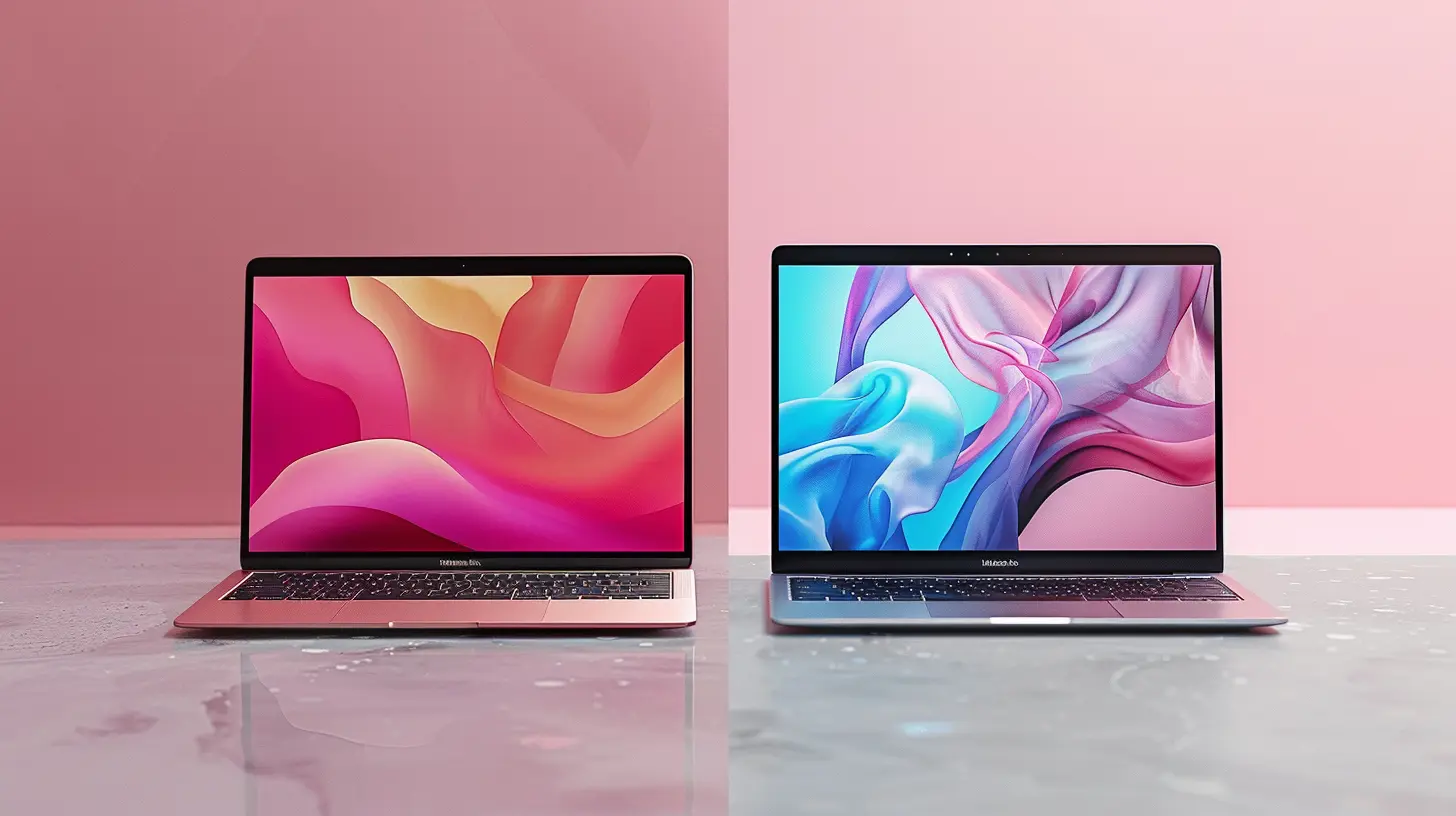
Before we get into comparing the two, let's define what an ultrabook actually is. Created as a category by Intel, ultrabooks are designed to be thin, lightweight, and highly portable laptops with good battery life and sufficient power for most everyday tasks. Think of them as the minimalist’s laptop.Ultrabooks are typically under an inch thick and weigh less than 3 pounds, making them incredibly easy to carry around. They’re usually equipped with solid-state drives (SSDs) for faster boot times and lower power consumption, and they often have longer battery life than traditional laptops.
But here's the catch: Their compact form means that ultrabooks often sacrifice some of the power, versatility, and upgradeability that traditional laptops offer. So, while they might be great for portability and sleek design, they may not be the best choice for heavy-duty tasks.
What Are Traditional Laptops?
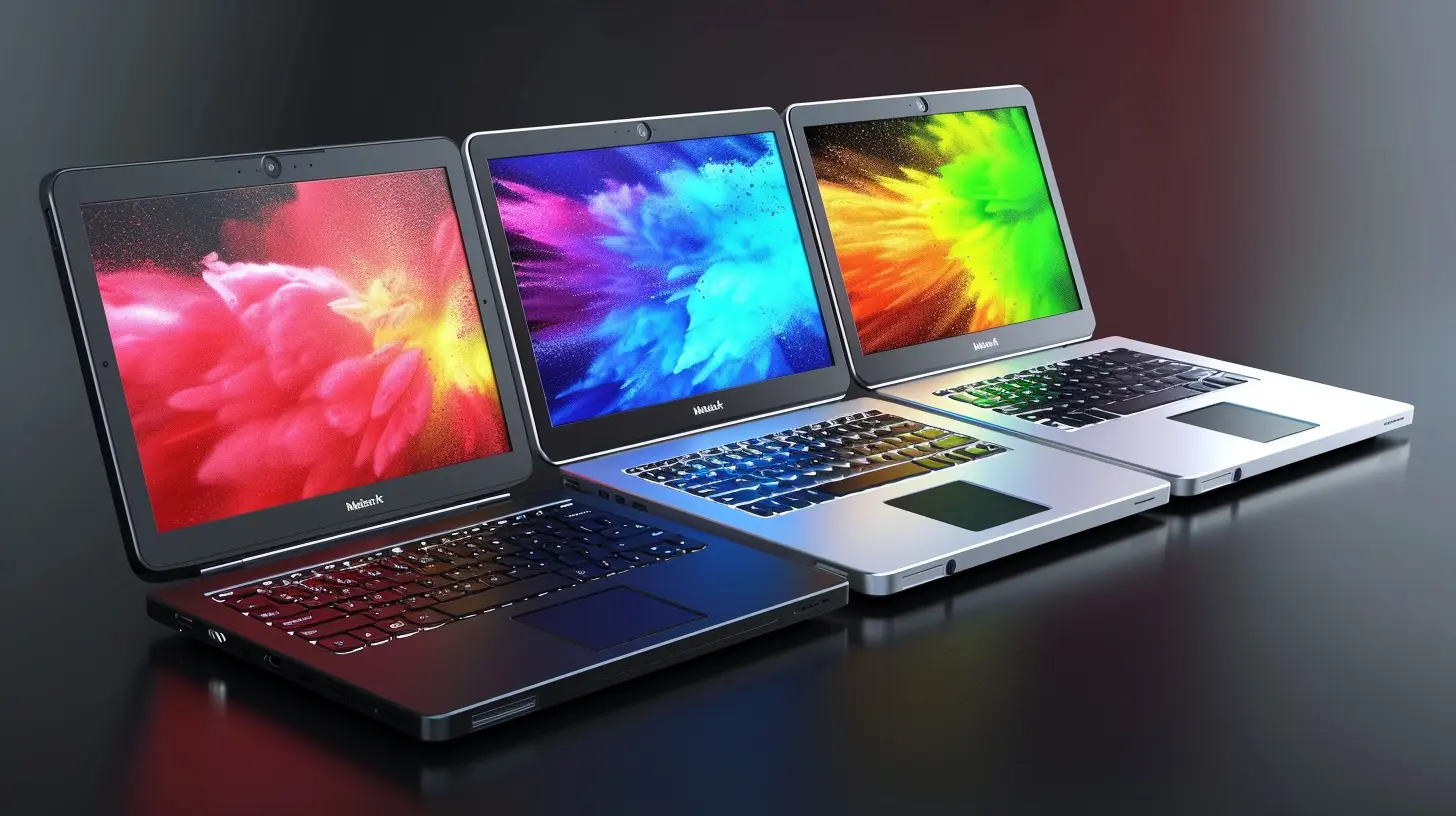
Now that you’ve got a clear idea about ultrabooks, let's talk about traditional laptops. These are the workhorses of the computing world. They come in all shapes and sizes, from budget-friendly models to high-end machines designed for gaming or professional creative work.Traditional laptops offer more options when it comes to hardware. You can find models with powerful CPUs, dedicated graphics cards, large hard drives, and plenty of ports for connecting peripherals. They’re heavier and bulkier than ultrabooks, but they typically pack more punch when it comes to performance.
While traditional laptops are less portable, they’re generally more versatile. Whether you need to edit videos, play games, or run intensive applications, traditional laptops can handle tasks that ultrabooks might struggle with.
Performance: Power vs. Efficiency
When it comes to performance, this is where the battle between ultrabooks and traditional laptops truly heats up.Ultrabooks:
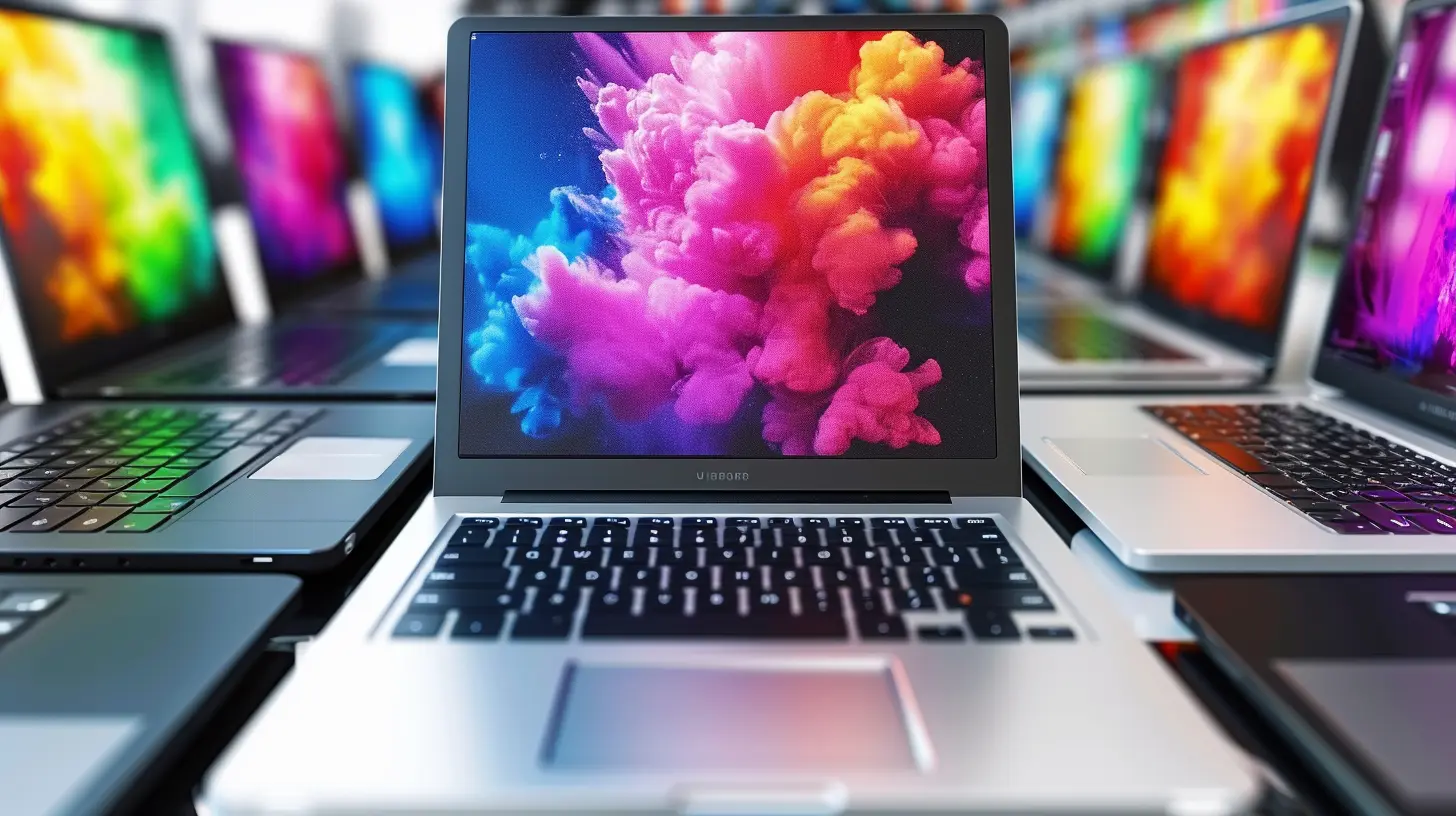
Ultrabooks are designed with efficiency in mind. They’re optimized for light to moderate tasks like web browsing, word processing, watching videos, and even some light photo editing. Many ultrabooks come with Intel’s U-series processors, which are low-power chips that focus on energy efficiency rather than raw power.While ultrabooks can handle multitasking and basic applications with ease, they can struggle when it comes to more resource-intensive tasks. If you’re a gamer, video editor, or someone who needs to run heavy applications like CAD software or Photoshop, an ultrabook may not cut it.
Traditional Laptops:
This is where traditional laptops shine. With more powerful CPUs (sometimes even desktop-class processors), discrete GPUs, and larger RAM options, traditional laptops are built to handle demanding tasks. Whether you’re working on 3D rendering, video editing, or gaming, traditional laptops have the hardware to take on these challenges.In terms of sheer power, traditional laptops are the clear winners. However, with that power comes increased weight, bulk, and often lower battery life.
Portability: Light as a Feather or Built Like a Tank?
Let’s face it, portability is a big deal for most of us. Whether you’re a student, a professional, or someone who’s always on the go, having a laptop that’s easy to carry around can make all the difference.Ultrabooks:
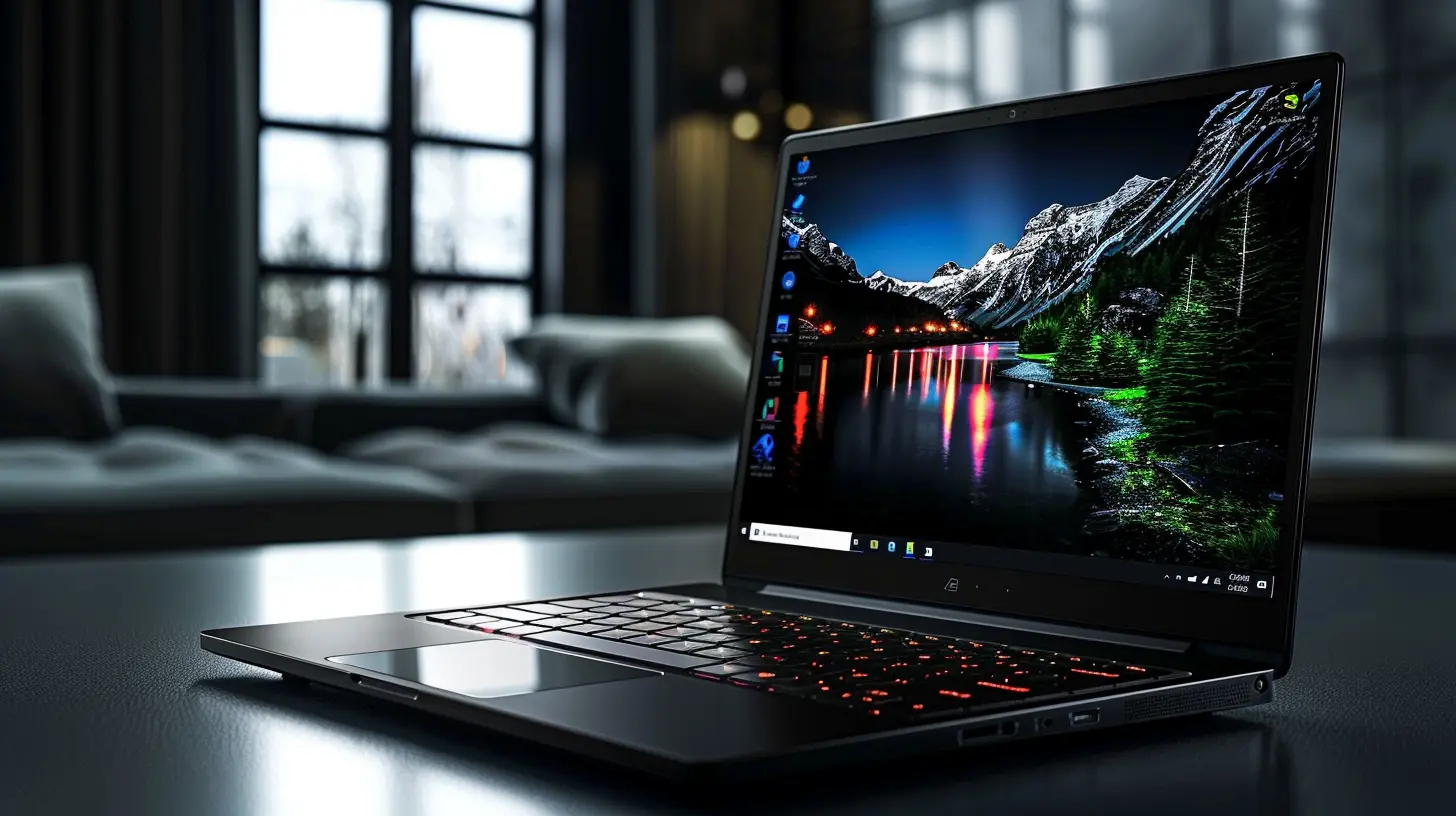
Ultrabooks were practically designed with portability in mind. They’re light, compact, and often stylish. If you frequently travel or need to take your laptop to meetings, classes, or coffee shops, an ultrabook is an excellent choice. Most ultrabooks weigh around 2–3 pounds, and their slim profiles make them easy to slip into bags without adding much bulk.Traditional Laptops:
On the flip side, traditional laptops can be heavy and cumbersome. With larger screens (sometimes up to 17 inches), beefier cooling systems, and more components, traditional laptops can weigh 4–6 pounds or even more. Sure, they pack a punch in terms of performance, but carrying them around all day can feel like lugging around a small brick.If portability is a top priority for you, ultrabooks are the way to go.
Battery Life: Who Lasts Longer?
Battery life is another major factor when choosing between an ultrabook and a traditional laptop. After all, what good is a powerful laptop if it’s constantly running out of juice?Ultrabooks:
One of the selling points of ultrabooks is their long battery life. Thanks to their energy-efficient processors and SSDs, ultrabooks can often last 8–12 hours on a single charge. That’s more than enough to get you through a full day of work or classes without needing to constantly hunt for an outlet.Traditional Laptops:
Traditional laptops, on the other hand, tend to have shorter battery life, especially if they have high-power CPUs and GPUs. Depending on the model, battery life can range anywhere from 4–8 hours, which means you’ll likely need to carry around a charger if you’re working away from your desk for extended periods.If long battery life is important for your workflow or lifestyle, ultrabooks definitely have the upper hand.
Display: Size and Quality Matter
The display is one of the first things you notice when you open a laptop, and it’s essential to consider when making your decision.Ultrabooks:
Ultrabooks usually come with screens that range from 11 to 14 inches. While the resolution is often high (with many ultrabooks offering Full HD or even 4K displays), the smaller screen size might not be ideal for everyone, especially if you like working with multiple windows or need more screen real estate for creative tasks.Traditional Laptops:
Traditional laptops offer more variety in terms of display size. You can find models with screens as small as 13 inches or as large as 17 inches. Larger screens are great for multitasking, watching movies, and working on design or editing projects. Many traditional laptops also offer higher-resolution options, making them ideal for people who need a crisp, detailed display.If you’re someone who prefers a larger screen or needs more visual space for work, a traditional laptop might be more suitable.
Upgradeability: Can You Improve It Later?
One often-overlooked factor is upgradeability. What happens when you need more RAM, storage, or better performance down the road?Ultrabooks:
Ultrabooks are notoriously difficult to upgrade. Their sleek, compact designs often mean that components like RAM and storage are soldered onto the motherboard, making them impossible to upgrade later on. If you buy an ultrabook, you’re stuck with the specs you choose at the time of purchase, so it’s crucial to choose wisely.Traditional Laptops:
Traditional laptops offer more flexibility in terms of upgrades. Many models allow you to swap out the hard drive for a larger one, add more RAM, or even replace the battery. This makes traditional laptops a better long-term investment if you want the option to improve your machine’s performance over time.If future-proofing your device is important, a traditional laptop is the smarter choice.
Price: What’s Your Budget?
Finally, we can’t ignore the role of price when it comes to choosing between an ultrabook and a traditional laptop.Ultrabooks:
Ultrabooks tend to be on the pricier side. The combination of sleek design, premium materials, and energy-efficient components means that you’ll often pay a premium for an ultrabook. Prices typically start around $800 and can go well over $2,000 for high-end models.Traditional Laptops:
Traditional laptops offer a much wider price range. You can find budget models for as low as $300 or high-performance machines that cost upwards of $2,500. This means that no matter what your budget is, there’s probably a traditional laptop that fits your needs.If you’re on a tight budget, a traditional laptop will give you more options.
So, Which Should You Buy?
At the end of the day, the choice between an ultrabook and a traditional laptop comes down to your specific needs.- Go for an ultrabook if you value portability, long battery life, and a sleek design. If you’re someone who primarily uses your laptop for web browsing, word processing, and light multitasking, an ultrabook will serve you well. It’s perfect for students, business professionals, and anyone who’s always on the move.
- Choose a traditional laptop if you need raw power, upgradeability, and a larger screen. If your work involves heavy multitasking, gaming, video editing, or other resource-intensive applications, a traditional laptop will give you the performance you need. It’s also a better choice if you want something that can be upgraded down the road.
Ultimately, it’s about finding the right balance between portability, performance, and price. Think about how you’ll be using your laptop day-to-day, and the answer will become clear.
all images in this post were generated using AI tools
Category:
Laptop ReviewsAuthor:

Reese McQuillan
Discussion
rate this article
1 comments
Daniella McMaster
In a world of sleek designs and raw power, choose your companion wisely... the ultrabook whispers, while the laptop roars.
June 1, 2026 at 2:24 AM
Reese McQuillan
Choosing the right device depends on your needs-silence and portability or power and performance. Both have their strengths.