A Guide to Choosing the Best Power Supply for Your Gaming PC
19 January 2026
So, you’re building your dream gaming PC or maybe upgrading your battle station and thinking, “It’s just a power supply, how complex can it be?” Well, hang tight. Choosing the right PSU (Power Supply Unit) is like picking the heart for your rig—it’s gotta be strong, reliable, and compatible. Without a solid PSU, even the most fire-breathing GPU and fastest CPU won’t get very far.
Let's break it all down in a way that’s easy to digest—no electrical engineering degree required.
Why the PSU Actually Matters (More Than You Think)
Think of your PSU as the unsung hero of your PC. It's not flashy like RGB fans or as talked about as the graphics card, but without it? Nothing powers on. It delivers the juice to every component—CPU, GPU, storage, motherboard, and more.Now, here’s the kicker: a bad PSU can literally fry your components. Yep, not trying to scare you (OK, maybe a little), but going cheap or picking the wrong wattage could be a serious regret down the line.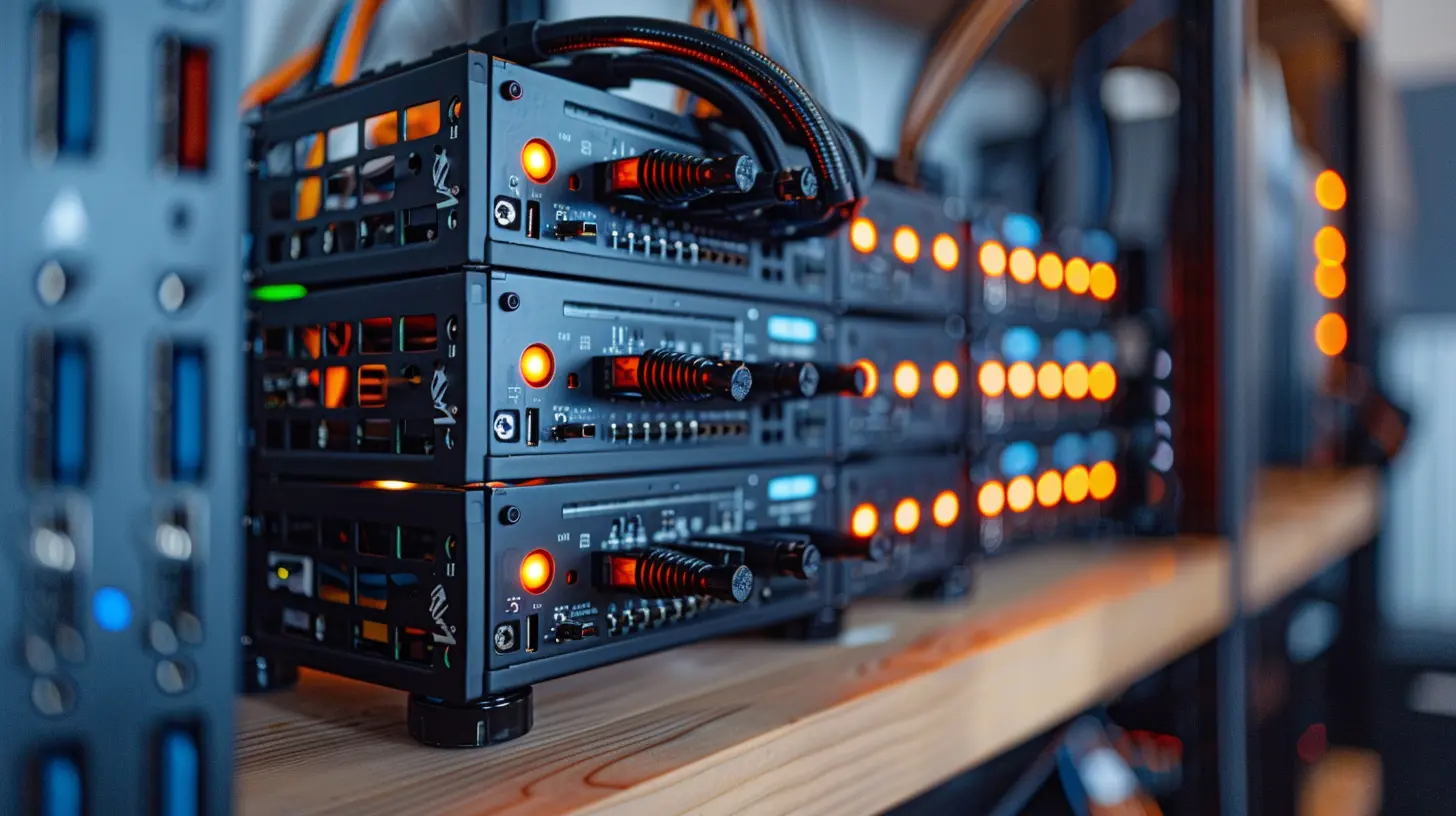
Wattage 101 – How Much Power is Enough?
Let’s talk numbers. Power output is measured in watts. But more watts doesn’t necessarily mean better.🤔 How Much Wattage Do You Really Need?
To figure that out, you need to consider what your system is packing. Got a high-end RTX 4080? A Ryzen 9 or Intel i9? You’re going to need a beefier unit. But if you’re building something more mid-tier, your wattage requirements drop.There are plenty of PSU calculators online—just pop in your parts, and they’ll recommend the minimum wattage. Always aim for a bit more than suggested. That wiggle room future-proofs your build and adds stability.
> 🎯 Pro Tip: Aim for 20-30% headroom beyond your estimated power draw. That extra breathing space helps your system run cooler and quieter.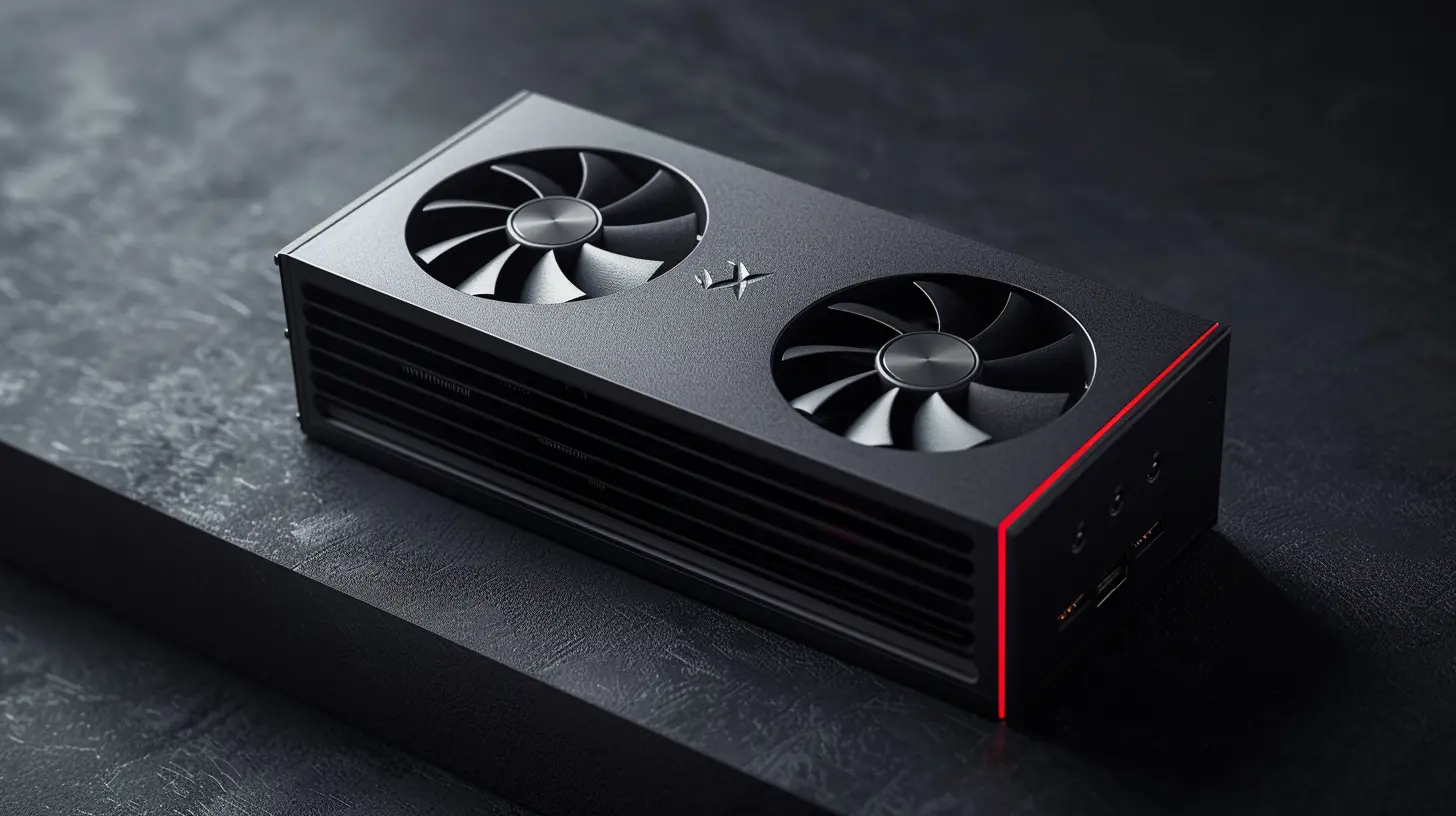
Efficiency Ratings – What’s 80 PLUS Got to Do with It?
You’ve probably seen labels like “80 PLUS Bronze” or “80 PLUS Gold” and wondered if your PSU moonlights as a trophy.🥇 What Is 80 PLUS?
80 PLUS is an efficiency certification. It means your PSU wastes less energy as heat and saves on power bills. Here’s a quick breakdown:- 80 PLUS White/Standard – Not very common anymore
- 80 PLUS Bronze – Decent for most casual gamers
- 80 PLUS Silver – Slightly better, still affordable
- 80 PLUS Gold – Sweet spot between price and performance
- 80 PLUS Platinum/Titanium – Enthusiast-level, often overkill unless you’re hardcore modding or running intense workloads
Higher efficiency = cooler temps and more consistent performance.
> 🌡️ Bonus: A cooler PSU means your fans don’t have to work as hard, so your gaming rig stays quieter.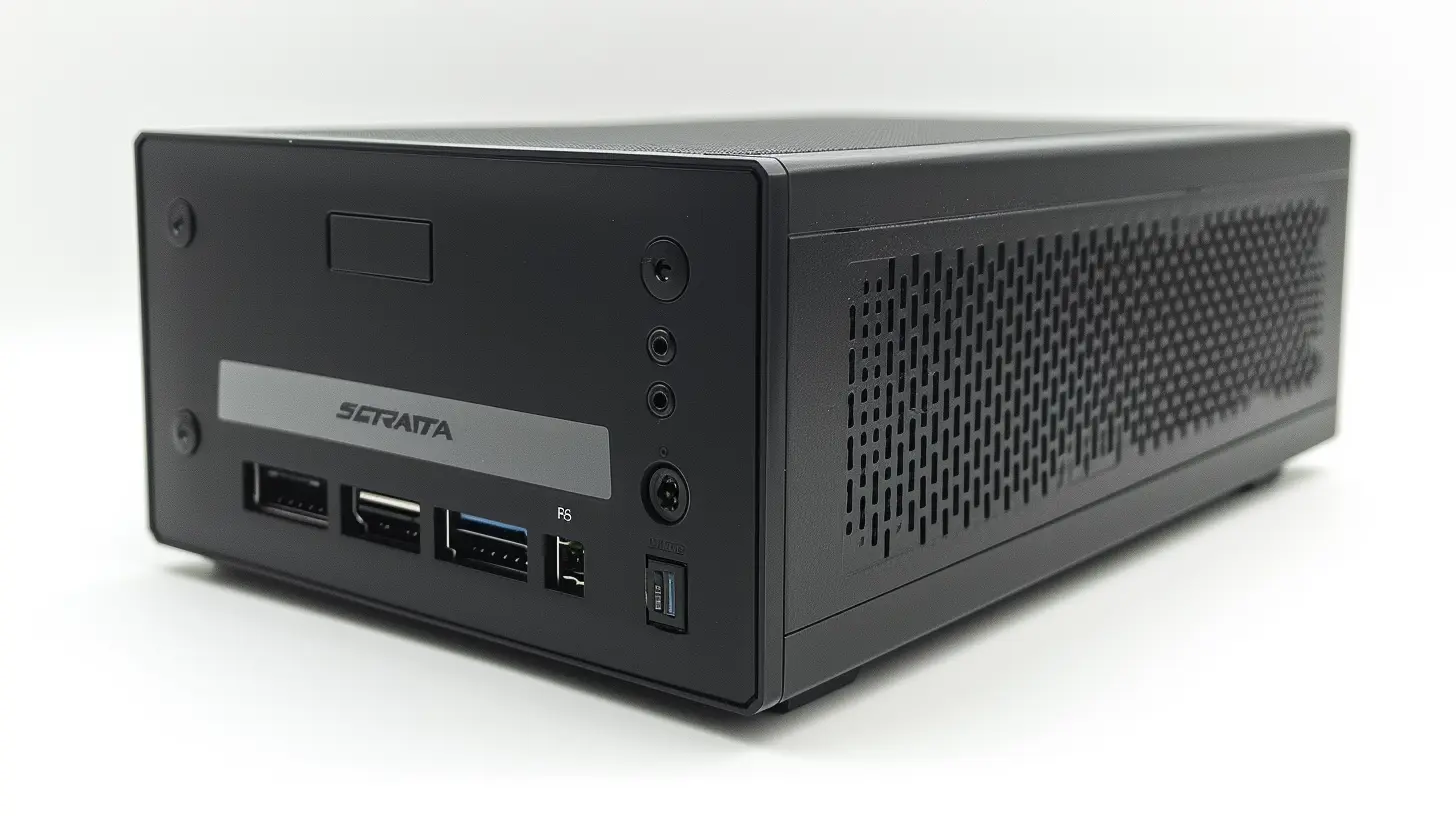
Modular vs Non-Modular – Cable Management Matters
Ever opened up a PC and been hit with a spaghetti mess of cables? That’s usually a non-modular PSU at play.🧩 The 3 Cable Types
1. Non-Modular – All cables are permanently attached. Cheapest but cluttered.2. Semi-Modular – Some essential cables are fixed, others optional.
3. Fully Modular – Every cable can be detached. Premium price, premium neatness.
If you're building in a compact case or just value clean aesthetics and airflow, modular is the way to go. Your fingers (and your sanity) will thank you during installation.
Form Factor – Will it Fit in Your Case?
Power supplies come in standard sizes, but it’s always smart to double-check.📏 Common PSU Form Factors:
- ATX (Standard) – Fits most mid and full-tower cases- SFX (Small Form Factor) – Designed for mini-ITX and compact builds
- TFX and Flex ATX – Rarer, used in very small systems or OEM cases
If you're going SFF (Small Form Factor), you'll need an SFX PSU—and probably some extra patience thanks to tighter spaces.
Rails and Amps – Don’t Overthink It
This is where it can get a little technical, but stay with me.🔌 What's a Rail?
It’s how the PSU distributes power. Modern power supplies usually have a single +12V rail, which is more than fine for most gaming setups. Multi-rail units used to be common, but these days, single-rail designs are simpler and just as safe.Don't get too bogged down in this unless you're building an extreme overclocked rig.
Protection Features – Safety First!
Would you buy a car with no airbags? Same logic goes here.Look for power supplies with these protection features:
- OVP (Over Voltage Protection)
- OCP (Over Current Protection)
- SCP (Short Circuit Protection)
- UVP (Under Voltage Protection)
- OTP (Over Temperature Protection)
These keep your components safe from surges, shorts, and sudden spikes—things that can happen more often than you'd think, especially with unstable power sources.
Trusted Brands – Don’t Gamble on No-Names
This isn’t an area where you want to save $20 by going off-brand. Stick with names that have been around the block and have solid reputations:- Seasonic – The gold standard for reliability
- Corsair – Widely available, excellent build quality
- EVGA – Great warranties, solid customer support
- ASUS ROG – High-end builds with gaming in mind
- Cooler Master / Thermaltake – Good mid-range options
Cheap PSUs often cut corners on quality, components, and safety features. Not worth the risk.
RGB or Nah? The Aesthetics Debate
Look, it’s not essential, but if you’ve got a tempered-glass case and you're going for that Tron-like vibe, an RGB PSU might just complete the look. Some even offer software-controlled RGB profiles. Is it necessary? Nope. Is it fun? Heck yeah.Noise Levels – Shhh! This Matters
Low-quality PSUs often come with fans that sound like jet engines when gaming pushes your PC. Go for one with a quiet or semi-passive fan mode if you value your ears.- Fanless Mode: Some high-efficiency, low-wattage PSUs ditch fans entirely.
- Zero RPM Mode: Fan only kicks in under high load. Super quiet during casual use.
Real-Life Scenarios – Which PSU is Right for You?
Let’s make it even simpler with a few real-world build examples:🛠️ Budget Build (CPU+GTX 1660 Super/RX 6600)
- Wattage Needed: ~400W- Suggested PSU: 500W 80 PLUS Bronze, Non-Modular or Semi-Modular
🎮 Mid-Range Build (CPU+RTX 3060 Ti/3070)
- Wattage Needed: ~550W- Suggested PSU: 650W 80 PLUS Gold, Semi or Fully Modular
💪 High-End Build (CPU+RTX 4080/7900 XTX)
- Wattage Needed: 750W–850W- Suggested PSU: 850W 80 PLUS Gold or Platinum, Fully Modular
🧪 Enthusiast/Overclocked System
- Wattage Needed: 1000W+- Suggested PSU: 1000W+ 80 PLUS Platinum or Titanium, with all the protection features
Future-Proofing – Think Ahead
Gaming gear changes fast. Maybe today you’ve got a modest setup, but tomorrow, a shiny new GPU drops and you must have it. Planning ahead with a slightly higher wattage PSU can save you money and hassle later.Consider:
- Will you be upgrading your GPU soon?
- Planning to add more SSDs, HDDs, or fans?
- Dipping your toes into overclocking?
If yes, give yourself some headroom now.
Red Flags – What to Avoid
Some PSUs just scream “bad news.” Here’s what to steer clear of:❌ No-name brands on major retail sites
❌ Missing 80 PLUS certification
❌ Limited or no warranty
❌ Sketchy reviews or lack of technical details
❌ Unrealistically cheap prices
A good PSU will typically come with at least a 5-year warranty—some go up to 10 years. That’s a solid indicator of brand trust.
Final Thoughts – It’s All About Balance
Choosing the best power supply for your gaming PC isn't rocket science, but it does take a little planning. It’s about balancing performance, features, efficiency, and cost.You don’t need a 1000W Titanium beast for a mid-range gaming rig, but you also shouldn’t power a 4080 on a budget no-name PSU. Think long-term, match your needs, and don’t forget aesthetics if you’re into that.
And hey, don’t hesitate to spend a little more on quality—you’re not just powering your system, you’re protecting it.
all images in this post were generated using AI tools
Category:
Computer HardwareAuthor:

Reese McQuillan
Discussion
rate this article
2 comments
Zain Conrad
Choose a power supply wisely; it fuels your gaming experience.
February 11, 2026 at 11:51 AM
Reese McQuillan
Absolutely! A reliable power supply is crucial for optimal performance and stability in gaming. Cheers to making informed choices!
Melanie Franklin
Awesome article! Your insights on choosing the right power supply for gaming PCs are super helpful! It’s exciting to see how the right PSU can elevate the gaming experience. Can’t wait to upgrade my setup! 🎮💡
January 19, 2026 at 3:30 AM
Reese McQuillan
Thank you so much! I'm glad you found the article helpful. Enjoy your upgrade! 🎮✨