Boosting Your Smart Home Security System with a Smart Display
9 July 2026
Let’s face it—home security used to be clunky. We’re talking motion sensors you couldn’t trust, grainy black-and-white cameras, and systems that beeped at you like a frustrated robot. But here we are in the age of silky-smooth smart technology, where your home can basically talk back to you. And right at the heart of this transformation? One unsung hero: the smart display.
In this article, we’re diving deep into how you can take your smart home security system from “just okay” to mission control level awesome—all by adding or upgrading to a smart display. Ready to level up? Let’s roll.
What Is a Smart Display, Really?
Before we get ahead of ourselves, let’s clear the air. A smart display is like a voice assistant (Google Assistant, Alexa, etc.) with a screen. Think of it as a cross between a tablet and a smart speaker.You can talk to it, see things on it, and interact with your devices hands-free. It shows your calendar, plays your favorite playlists, lets you video call your mom—but more importantly, it helps you see what’s going on around your home without lifting a finger.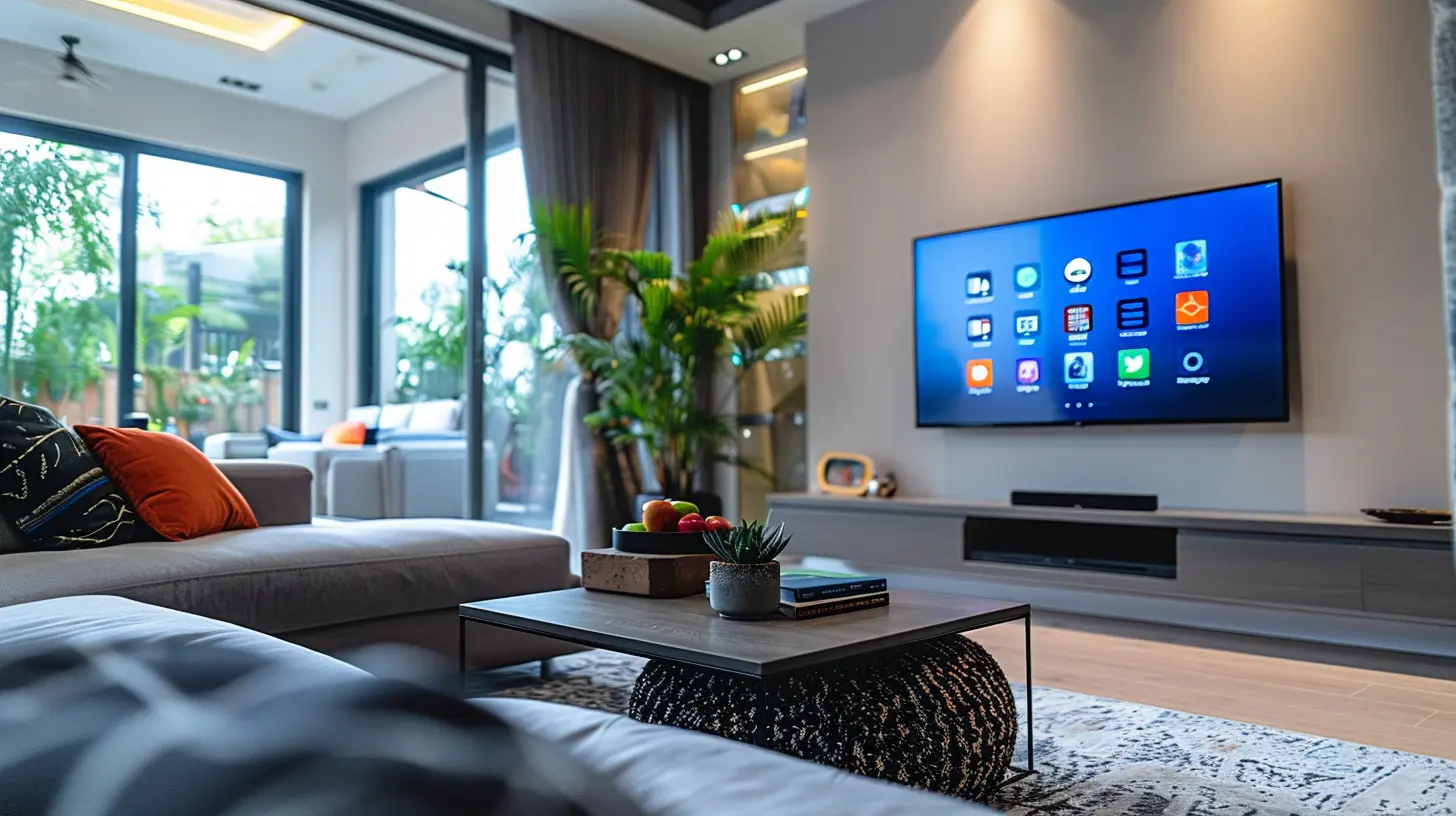
Why Smart Displays Are a Game-Changer for Home Security
So, why slap a screen on your countertop or mount one on the wall if you already have a camera app on your phone? Great question. A smart display makes your smart home security system more accessible, reactive, and user-friendly.Here’s how:
1. Real-Time Video Without Picking Up Your Phone
Motion at the front door while you're cooking? Instead of fumbling for your phone with saucy fingers, just glance at your smart display. Most smart displays automatically show your camera feed when motion or a doorbell ring is detected.Some even let you talk to the visitor—hands-free. It’s like a drive-thru intercom, but for your porch.
2. Central Command for All Your Security Devices
Imagine combining your smart doorbell, outdoor cameras, indoor sensors, smart locks, and even your alarm system into one screen. That’s what a smart display does—it becomes the control center for everything that's keeping your home safe.You can say, “Show me the backyard camera” or “Is the garage door open?” and get answers instantly—without digging through five different apps.
3. Instant Alerts and Visuals That Matter
You’re way more likely to pay attention to a pop-up camera feed on your display than a buzz from your phone that disappears into the ether of notifications. A smart display demands your attention with visuals and voice alerts.You can customize what pops up and when. Got a package at the door? Your display shows a live feed. Suspicious late-night motion in the driveway? It lights up, showing you what’s up so you can act fast.
Choosing the Right Smart Display for Your Security Setup
Alright, so you’re sold on the idea—but which smart display is right for you?1. Google Nest Hub Max
A fan favorite for Google Home users, the Nest Hub Max comes with a 10-inch screen and built-in Nest Cam. It lets you:- Stream any Nest or compatible camera feeds
- Make video calls using Google Duo or Meet
- Control connected devices with voice or touchscreen
- Get personalized alerts when it spots unfamiliar faces
2. Amazon Echo Show 10
If you live in an Alexa household, the Echo Show 10 might be your best bet. Notable features:- Rotating screen follows your voice
- Shows live footage from Ring and other cameras
- Two-way talk with visitors through compatible doorbells
- Remote viewing and control via the Alexa app
3. Apple iPad with HomeKit and a Stand
Apple may not have a “smart display” per se, but mount an iPad in a kitchen nook or hallway, and it works beautifully within the HomeKit ecosystem.- Control all HomeKit devices with the Home app
- View compatible security cam feeds
- Use Siri for hands-free control
- Customize automations straight from the tablet
Important Note on Compatibility
Always check whether your cameras, locks, sensors, and alarms are compatible with the ecosystem your smart display belongs to. There’s nothing worse than investing in a display and finding out your gear doesn’t play nice.
Integrating Your Smart Display: Getting the Most Out of It
Buying the display is step one. The real fun begins when you integrate it seamlessly into your smart home universe.1. Set It Up Where It Matters
Placement is everything. Ideally, you want your smart display in a high-traffic room like the kitchen, living room, or main hallway. Why? Because that’s where you tend to be during the day.Got kids? The kitchen is perfect. Watching TV? Living room’s your spot. You want to see alerts without having to go looking for them.
2. Create Routines and Automations
This is where things get spicy.- Set a routine where your smart display automatically shows the front door cam every day at 3 PM (when your kid comes home)
- Program it to show indoor camera feeds when you say “show me the house”
- Have it dim lights and arm security when you say “goodnight”
These types of smart workflows make your home feel like it’s got your back.
3. Voice + Screen = Extra Bonus
Unlike voice-only assistants, smart displays let you see responses. Want to know if the garage is locked? Ask, then see it visually confirmed. It’s like hearing the weather report and having the sky chime in with a forecast slide.Smart Display Security Features You Might Not Know About
You already know it shows cameras and helps control locks. But let’s dig into the lesser-known tricks of the trade.Facial Recognition Alerts
Some smart displays (like the Nest Hub Max) use machine learning to recognize familiar faces. When someone unknown shows up at your door, it can flag the activity—pretty handy when you're not home.Security Dashboard Access
With one tap, you can see a snapshot of your entire system—who’s home, what cameras are active, which doors are locked. It’s like a cockpit dashboard for your house.Emergency Services Integration
Some systems (especially Ring + Alexa or Google + Nest Secure setups) allow you to link your smart display to emergency services. Say someone breaks in—you can immediately sound an alarm or call help without reaching for your phone.Case Studies: How Real People Use Smart Displays for Security
Let’s talk scenarios. Real people. Real use.The Traveling Parent
Jack travels for work a lot. He’s got two kids at home with the nanny. His smart display lets him:- Check in on the living room camera during the day
- Receive alerts when the front door opens
- Video call the kids while seeing the entryway
All hands-free, all while he’s in another state.
The Elderly Couple
Mary and Tom are retired and aren’t super tech-savvy. Their smart display shows:- A live view of the front door when motion is detected
- Visual alerts for open windows or doors
- One-touch panic button if something feels off
No smartphones needed. Simple, visual, effective.
Privacy Concerns and Smart Displays: What's the Deal?
We can’t ignore this—any always-on system with a camera and microphone raises eyebrows. That’s fair.How to Protect Your Privacy:
- Turn off the camera and mic when not in use (most displays have physical shutters or mute buttons)- Use strong passwords for your smart home accounts
- Enable two-factor authentication
- Manage facial recognition settings or turn off unfamiliar face alerts if it creeps you out
Remember, smart displays come with privacy settings for a reason. Use them to your comfort level.
Final Thoughts: Is a Smart Display Worth It for Home Security?
In short: absolutely.If you’re already running a smart home security system—or even if you’re just getting started—a smart display ties everything together in a way that’s practical, intuitive, and surprisingly useful. You don’t need to be a tech wizard to use one, and the peace of mind it offers is kind of priceless.
So whether you’re looking to tighten up your home’s defenses or just want one less app to deal with, a smart display might be the secret weapon your smart home has been waiting for.
Trust us—once you ask your smart display to “show you the backyard cam,” you’ll wonder how you ever lived without it.
all images in this post were generated using AI tools
Category:
Smart DisplaysAuthor:

Reese McQuillan