Budget-Friendly Laptops That Don’t Sacrifice Performance
22 June 2026
Let’s face it—buying a laptop can feel like navigating a jungle. There's a wild mix of brands, specs, and flashy sales pitches. But here's the real kicker: just because you’re on a budget doesn’t mean you have to settle for a sluggish, underperforming machine that feels like it’s dragging its feet every time you open more than three tabs.
If you're a student, a remote worker, a casual gamer, or someone who just needs a solid machine for everyday tasks, you're probably looking for that sweet spot—a laptop that doesn't empty your bank account but still gets the job done. Good news? You're in the right place.
In this guide, we're diving deep into budget-friendly laptops that don’t sacrifice performance. We'll break down what makes a budget laptop actually worth your money, highlight some rockstar models, and help you shop smart without losing your shirt. Let’s do this.
Why Budget Doesn’t Mean “Bad” Anymore
It’s easy to think that cheap = slow, unreliable, or just plain frustrating. And hey, that used to be true. A few years ago, if you bought a laptop under $500, you were rolling the dice—slow processors, clunky builds, bad displays, and poor battery life were the norm.But times have changed.
Thanks to tighter competition, better processors (hello AMD Ryzen and Intel's newer chips), and improved components, even budget laptops have become surprisingly capable. Modern budget laptops now offer:
- Solid processing power for everyday tasks
- Decent RAM and SSD storage
- Full HD displays
- Long-lasting batteries
- Lighter and sleeker designs
So, no—you don’t have to put up with a potato disguised as a computer. Let’s talk about what you should look for.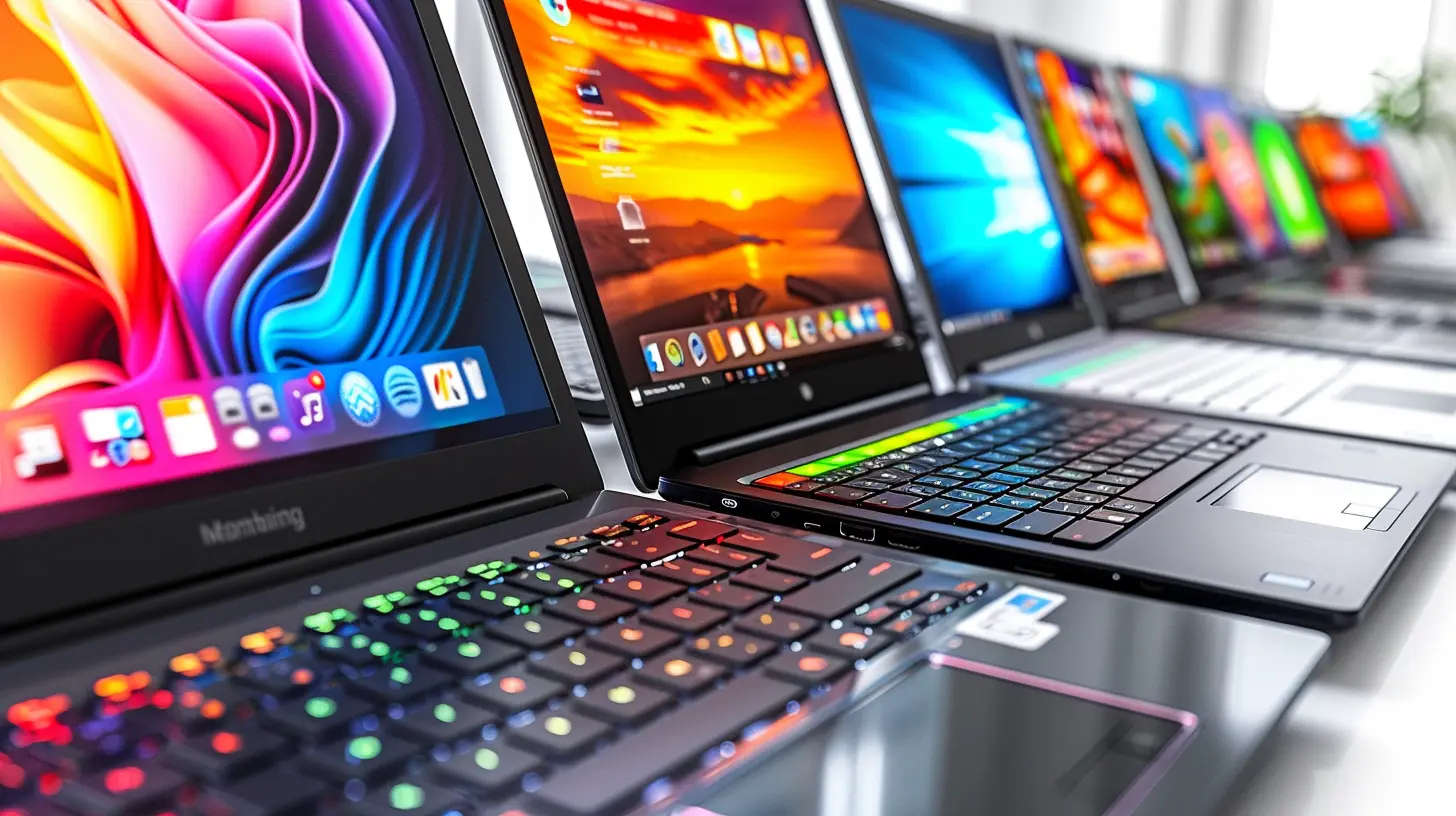
What To Look For in a Budget Performance Laptop
Before we start naming names, let’s clear the air on what features you should care most about when hunting for a value-packed laptop.? Processor (CPU)
Think of the processor as the brain. For performance on a budget, aim for:- Intel Core i3 or i5 (11th or 12th Gen)
- AMD Ryzen 3 or 5 (4000-series or newer)
Both provide enough “oomph” for multitasking, streaming, light gaming, and productivity.
? RAM (Memory)
Multitasking? You’ll need at least 8GB RAM to run several apps smoothly. Avoid 4GB unless you’re cool with some lag and frequent freezing.? Storage (SSD Over HDD)
Always go with SSD (Solid State Drive) over HDD. It's like replacing a horse with a racecar. SSD makes booting up, file loading, and app launching super fast. Go for 256GB SSD minimum.? Display
A sharp, vibrant screen makes a world of difference. Look for:- 13” to 15.6” screen size
- 1920 x 1080 Full HD resolution
- IPS panels (better viewing angles and color)
? Battery Life
Nobody wants to stay plugged in all day. 7-10 hours of battery life is the sweet range for most modern budget laptops.? Build Quality and Design
Even on a budget, you don’t want something that feels like it’ll snap in half. Lightweight, compact, and sturdy always wins.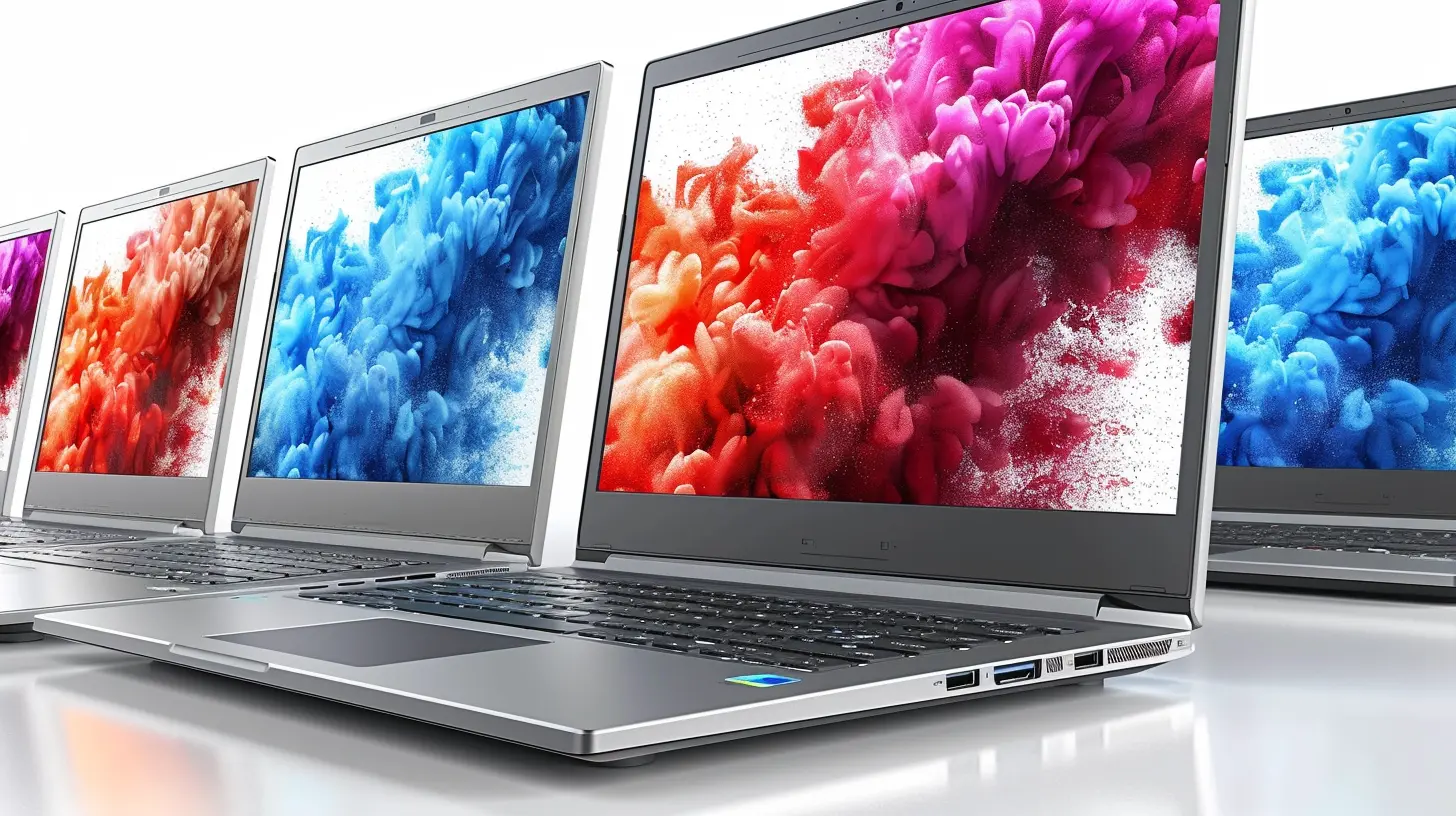
Top Budget-Friendly Laptops That Don’t Sacrifice Performance
Now for the juicy part—here are some awesome laptops that combine affordability with impressive performance. Buckle up.? 1. Acer Aspire 5 (AMD Ryzen 5)
Price: Around $450 – $600Why It Rocks:
The Acer Aspire 5 is probably one of the strongest contenders in the budget arena. Packing an AMD Ryzen 5 5500U, 8GB RAM, and a 256GB SSD, this laptop handles multitasking like a champ. Whether you're browsing, doing some light Photoshop work, or binge-watching Netflix, it holds up.
Perks:
- Backlit keyboard
- Aluminum top cover (feels premium)
- Decent battery life (~8.5 hours)
- Full HD IPS display
Perfect for: Students, professionals, or anyone doing basic-to-moderate tasks.
? 2. Lenovo IdeaPad Flex 5 (2-in-1)
Price: Around $500 – $650Why It Rocks:
Need a laptop that doubles up as a tablet? The IdeaPad Flex 5 is a 2-in-1 beauty without the premium price tag. With Ryzen 5 5500U, 16GB RAM (!) and a 256GB SSD, this thing flies through everyday tasks.
Perks:
- Touchscreen with 360° hinge
- Super comfortable keyboard
- Great multitasking ability
- Stylus support
Perfect for: Creatives, students, and people who like versatility.
? 3. HP Pavilion 14
Price: Around $500Why It Rocks:
This laptop strikes a nice balance between performance, aesthetics, and price. It’s got an Intel Core i5 (11th Gen), 8GB RAM, and a 256GB SSD, with a crisp Full HD display.
Perks:
- Sleek design with narrow bezels
- Great keyboard and audio quality
- Good battery life (~9 hours)
- Fast performance for everyday use
Perfect for: Office work, Zoom meetings, everyday browsing.
? 4. ASUS VivoBook 15
Price: Around $450 – $550Why It Rocks:
Lightweight, capable, and stylish—this laptop punches above its weight. With Ryzen 5 and an SSD, it's very responsive and smooth.
Perks:
- Fingerprint reader
- Thin and light design
- Solid performance at this price
- Upgradeable RAM
Perfect for: Students, budget-conscious users who want a laptop that looks expensive.
? 5. Dell Inspiron 15 3000
Price: Around $400Why It Rocks:
Basic but dependable. Powered by Intel i3 or Ryzen 3, the Inspiron 15 is great for writing, emails, Netflix, and light computing needs.
Perks:
- Surprisingly good screen for the price
- Reliable brand and support
- Comfortable keyboard
- Budget-friendly
Perfect for: Casual users, home use, grandparents needing a solid machine.
Honorable Mentions
Here are a few other budget gems worth checking out:- Microsoft Surface Laptop Go – A fluffy light premium-feel laptop with a reliable Intel Core i5.
- Lenovo Chromebook Flex 5 – If you’re okay with ChromeOS, this Chromebook offers value and versatility, especially for students.
- HP Chromebook x360 – A great option for school-focused computing with touchscreen functionality.
Pro Tips for Laptop Shopping on a Budget
Looking to save even more cash—or avoid regret? Keep these quick tips in your back pocket:? 1. Buy Refurbished or Open Box
Many sites like Amazon, Best Buy, and Newegg offer certified refurbished laptops. They’re often nearly-new and way cheaper.? 2. Time It Right
Back-to-school, Black Friday, Prime Day—these are goldmines for tech deals. Be patient if you can. Watch price trends.? 3. Check Upgrade Potential
Some laptops let you add more RAM or storage later. This can extend your laptop’s life and performance without upgrading to a new one.? 4. Don’t Be Fooled by “Too Good to Be True” Prices
If a laptop is under $300, it’s probably cutting corners somewhere (like RAM or storage). Think critically about what you're getting.Final Thoughts: There's Power in the Value Segment
So, can you find a budget-friendly laptop that doesn’t suck? Absolutely.The key is knowing what to prioritize—pick a strong CPU, go for 8GB RAM minimum, insist on an SSD, and make sure the screen isn’t from 2003.
With options like the Acer Aspire 5, Lenovo Flex 5, and ASUS VivoBook 15, you don’t have to compromise on performance just to save a few bucks. You can get dependable speed, solid multitasking, and even some sleek features—all without blowing your wallet to smithereens.
And hey, buying a laptop doesn’t need to be complicated. Just think of it like buying your next go-to tool—it should work with you, not against you. Take your time, do a bit of research, and you’ll end up with a machine that feels like a steal.
all images in this post were generated using AI tools
Category:
Laptop ReviewsAuthor:

Reese McQuillan
Discussion
rate this article
1 comments
Jade Wallace
Finding a laptop that balances affordability and performance is crucial. The models featured in this article highlight how smart choices can meet everyday needs without breaking the bank, proving that you don't need to compromise quality for savings.
June 27, 2026 at 12:59 PM