Cooking with Your Smart Display: Recipes, Timers, and More
29 December 2025
Cooking has come a long way, and with smart displays in your kitchen, it’s never been easier or more fun. Whether you’re looking for new recipes, need help with timing, or want a hands-free cooking experience, your smart display is the perfect kitchen assistant.
In this article, we’ll dive into how you can make the most of your smart display for cooking. From following step-by-step recipes to setting up multiple timers, you’ll wonder how you ever cooked without it!
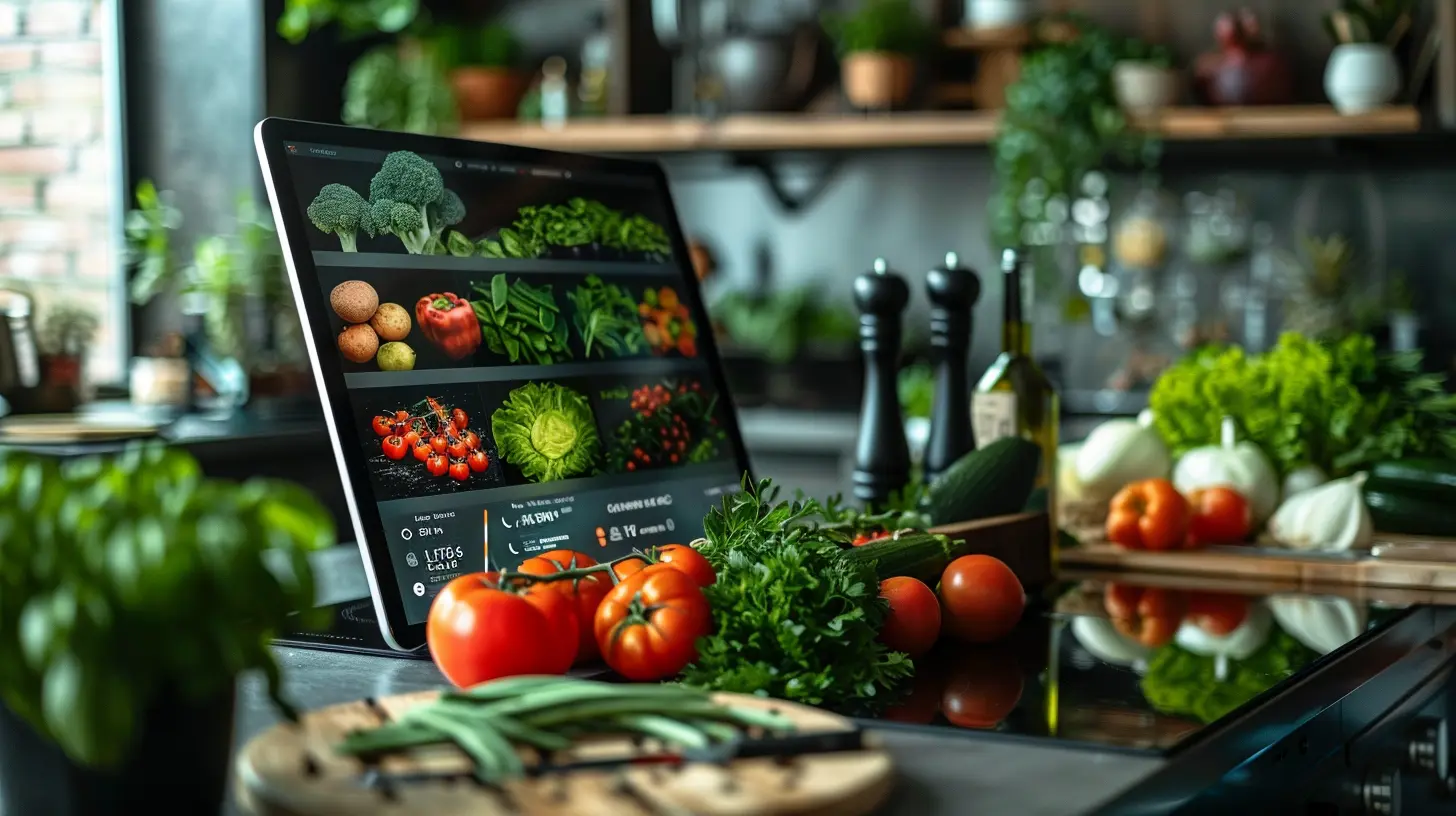
Why Use a Smart Display in the Kitchen?
A smart display is more than just a screen—it’s like having a personal sous chef. With features like voice commands, interactive recipe guides, and hands-free timers, it makes cooking smoother and more enjoyable.Here’s how it can change your cooking game:
- Hands-free operation – No more touching your phone with greasy hands. Just say what you need, and your smart display listens.
- Guided recipes – Follow cooking instructions with step-by-step visuals and voice guidance.
- Multiple timers – Keep track of different cooking times simultaneously.
- Entertainment while you cook – Play music, watch cooking shows, or even make video calls.
Now, let’s break down how a smart display can help you cook like a pro.
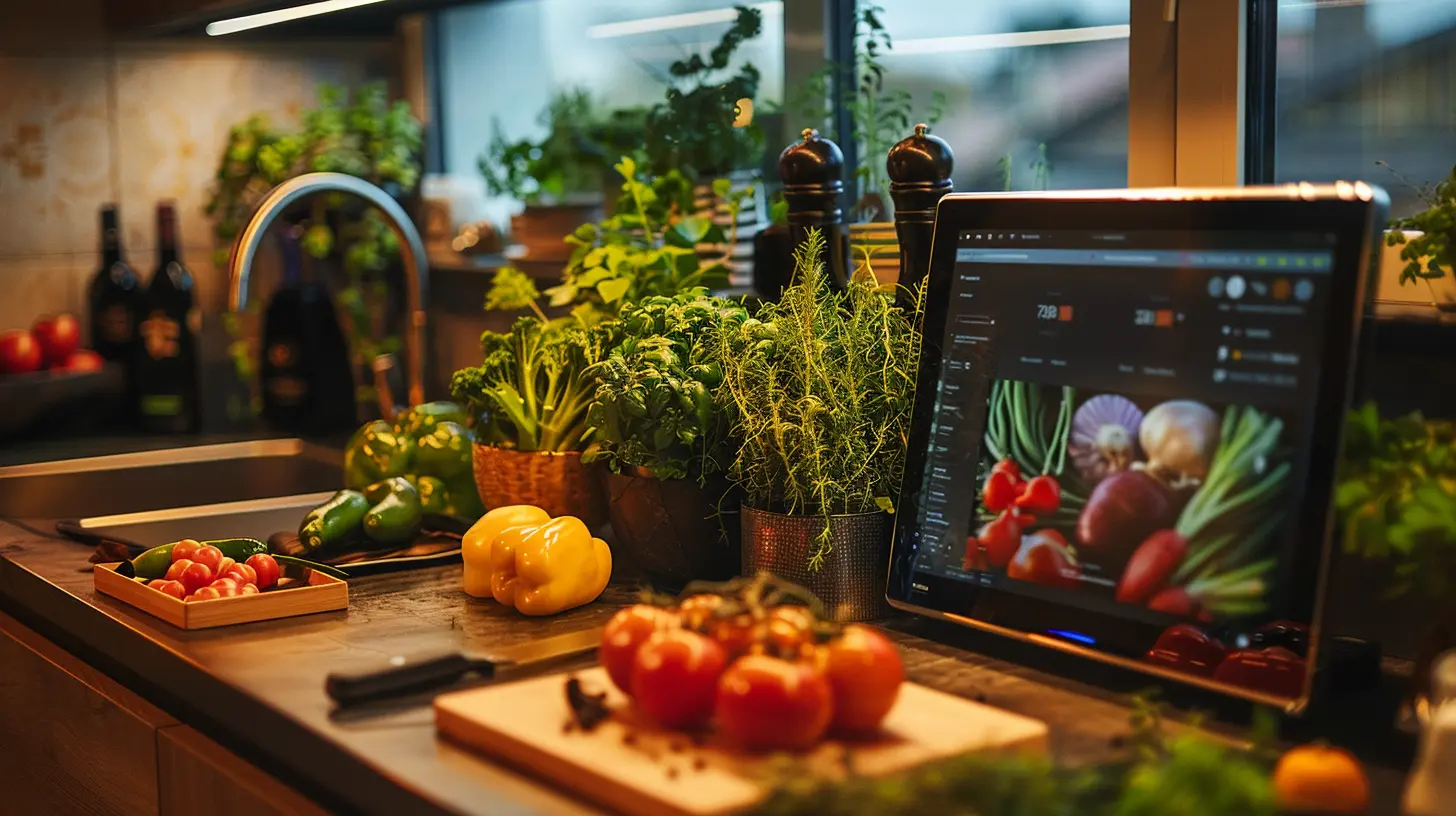
Finding the Perfect Recipe
Voice-Activated Recipe Search
Gone are the days of scrolling endlessly to find the right recipe. With a smart display, all you have to do is ask!For example, if you have a Google Nest Hub or Amazon Echo Show, you can say:
- “Hey Google, show me a chicken pasta recipe.”
- “Alexa, find a gluten-free brownie recipe.”
Your smart display will pull up options from popular cooking sites like Food Network, Tasty, and AllRecipes.
Step-by-Step Cooking Instructions
One of the best features of smart displays is interactive cooking guides. Instead of jumping back and forth between steps, you can:- Pause, resume, or repeat steps hands-free.
- Watch instructional videos alongside the recipe.
- Get ingredient substitutions if you’re missing something.
It’s like having a personal chef guiding you through the process!
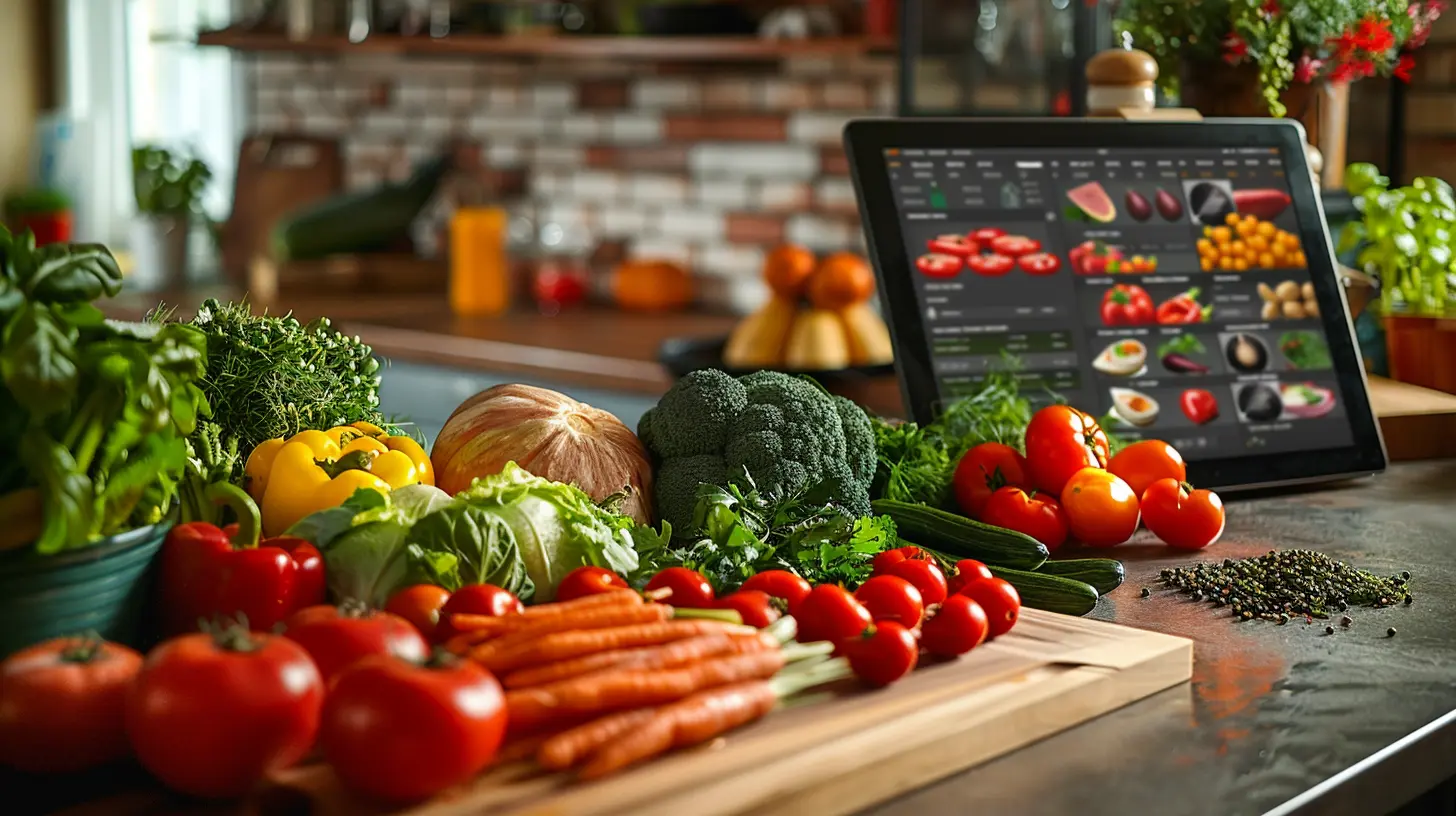
Using Timers Like a Pro
Cooking multiple dishes at once? No problem!Setting Multiple Timers
With a smart display, you can set and manage multiple timers without getting confused. Just say:- “Hey Google, set a pasta timer for 10 minutes.”
- “Alexa, set a chicken timer for 30 minutes.”
Your smart display will keep track of each timer separately, announcing them when they go off. Say goodbye to overcooked meals!
Countdown Display
Unlike traditional kitchen timers, your smart display shows a visual countdown, so you can check on it without asking. This is especially helpful when juggling multiple dishes.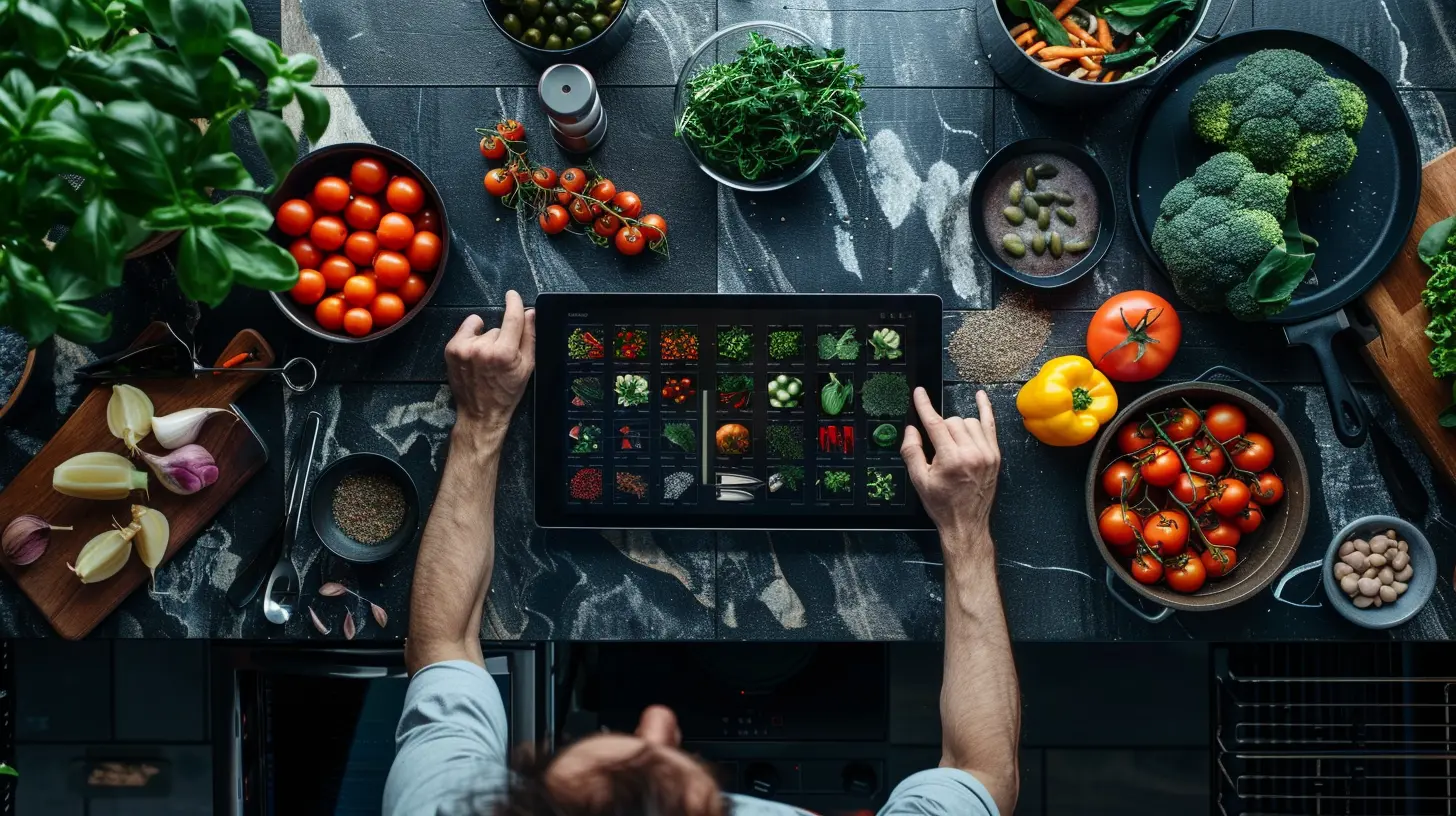
Hands-Free Cooking Features
Measurement Conversions
Ever struggled with converting cups to ounces? Your smart display has you covered. Just ask:- “Hey Google, how many tablespoons are in a cup?”
- “Alexa, convert 200 grams to ounces.”
No need to sift through Google results—your display gives you the exact answer instantly.
Ingredient Substitutions
Out of eggs? No butter? No worries! Just ask your smart display for alternatives.- “Hey Google, what can I use instead of buttermilk?”
- “Alexa, what’s a good substitute for baking powder?”
This feature is a lifesaver, especially when you’re in the middle of cooking!
Smart Displays for Meal Planning
Cooking isn't just about making one great dish—it’s about planning your meals efficiently.Creating a Digital Shopping List
When you run low on ingredients, you can instantly add them to your shopping list hands-free. Try:- “Hey Google, add eggs to my shopping list.”
- “Alexa, add olive oil to my list.”
Later, you can pull up the list on your phone when you’re at the store.
Meal Planning with Calendar Integration
Did you know you can sync your smart display with your calendar? Plan out your meals for the week and let your smart display remind you.For instance, you can say:
- “Hey Google, schedule dinner ideas for the week.”
- “Alexa, what’s on my meal plan for today?”
Now, you’ll never have to scramble last-minute for meal ideas!
Using Your Smart Display for Kitchen Entertainment
Cooking is more fun when you’re entertained. Your smart display can:- Play your favorite music or podcasts.
- Stream cooking shows for inspiration.
- Video call friends or family while you cook.
Imagine jamming to your favorite playlist or watching a cooking tutorial while prepping dinner. Cooking has never been this enjoyable!
Smart Displays and Voice-Controlled Kitchen Devices
If you have smart kitchen gadgets like air fryers, smart ovens, or coffee makers, your smart display can control them too.Try commands like:
- “Hey Google, preheat the oven to 375°F.”
- “Alexa, start the coffee maker.”
With everything connected, your kitchen becomes a fully automated cooking space.
Final Thoughts
Your smart display is more than just a screen—it’s a game-changer for your kitchen. Whether you’re a seasoned chef or a beginner, it simplifies cooking with guided recipes, hands-free timers, and meal planning features.So, the next time you're in the kitchen, make the most of your smart display. Cooking will be easier, more efficient, and a whole lot more fun!
all images in this post were generated using AI tools
Category:
Smart DisplaysAuthor:

Reese McQuillan
Discussion
rate this article
2 comments
Dorothy Gibson
This article highlights the convenience of using smart displays in the kitchen, yet it overlooks potential privacy concerns and the challenge of integrating technology seamlessly into traditional cooking practices. Balancing innovation with user comfort remains crucial.
January 16, 2026 at 3:44 AM
Reese McQuillan
Thank you for your insightful comment! You're right; while smart displays offer convenience, addressing privacy and maintaining a balance with traditional practices are essential considerations for their adoption in the kitchen.
Andrea McCullough
Transform your kitchen into a culinary oasis! With smart displays, cooking becomes a symphony of innovation—effortlessly access recipes, set timers, and unleash your inner chef!
December 29, 2025 at 12:50 PM
Reese McQuillan
Thank you! A smart display truly enhances the cooking experience, making it easier to explore new recipes and streamline your kitchen tasks. Happy cooking!