Essential Tools for Building and Maintaining Your Own PC
23 February 2026
Building your own PC? First off, welcome to the club—it’s not just a hobby; it’s a lifestyle. Whether you're a first-timer putting together your dream gaming rig or a seasoned DIY tech nerd upgrading components, having the right tools can save you time, frustration, and even a few bucks. Seriously, using a butter knife to unscrew a motherboard isn’t just cringe-worthy—it’s a straight-up hazard.
In this guide, we’re diving headfirst into the essential tools you need to build, upgrade, and maintain your own PC like a pro. So grab some coffee (or energy drinks if you're in deep), and let’s break it down.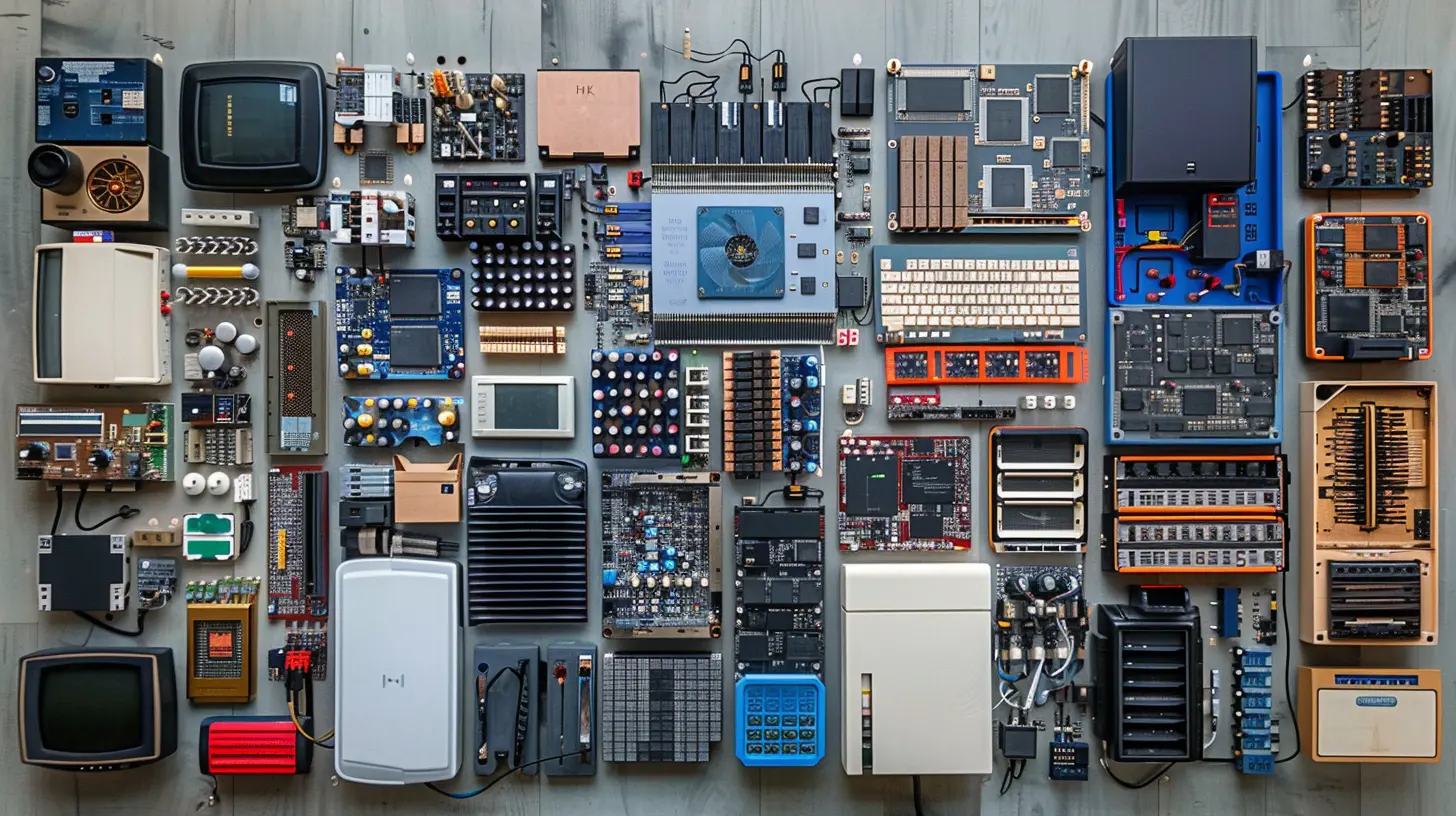
Why Having the Right Tools Matters
Before you even crack open that chassis, let’s be real about something: building a PC isn’t that hard. But it’s a delicate operation. Think of it like surgery. Sure, you could use kitchen scissors in a pinch, but wouldn’t you rather have a scalpel designed for the job?The right tools:
- Prevent accidental damage
- Make installation smoother
- Reduce stress (both yours and your PC’s)
- Help you maintain your machine long-term
Alright, let's get to the toolkit that'll make your PC building experience go from chaotic to chill.
1. Screwdrivers: Your Best Friend in This Journey
Let’s not overcomplicate this—you need a good Phillips-head screwdriver. If you buy just one tool, make it this. Most PC parts use Phillips screws, and a magnetic tip is your unsung hero here. It saves you from chasing tiny screws inside your case like you're playing a frustrating game of Operation.❗ _Pro Tip:_ Avoid using power drills. They can over-torque screws and damage components. Opt for manual precision.
Consider buying a screwdriver set that includes:
- Phillips #0, #1, and #2 heads
- Flathead (for the rare occasions they're used)
- Hex and Torx bits (for some cases or special components)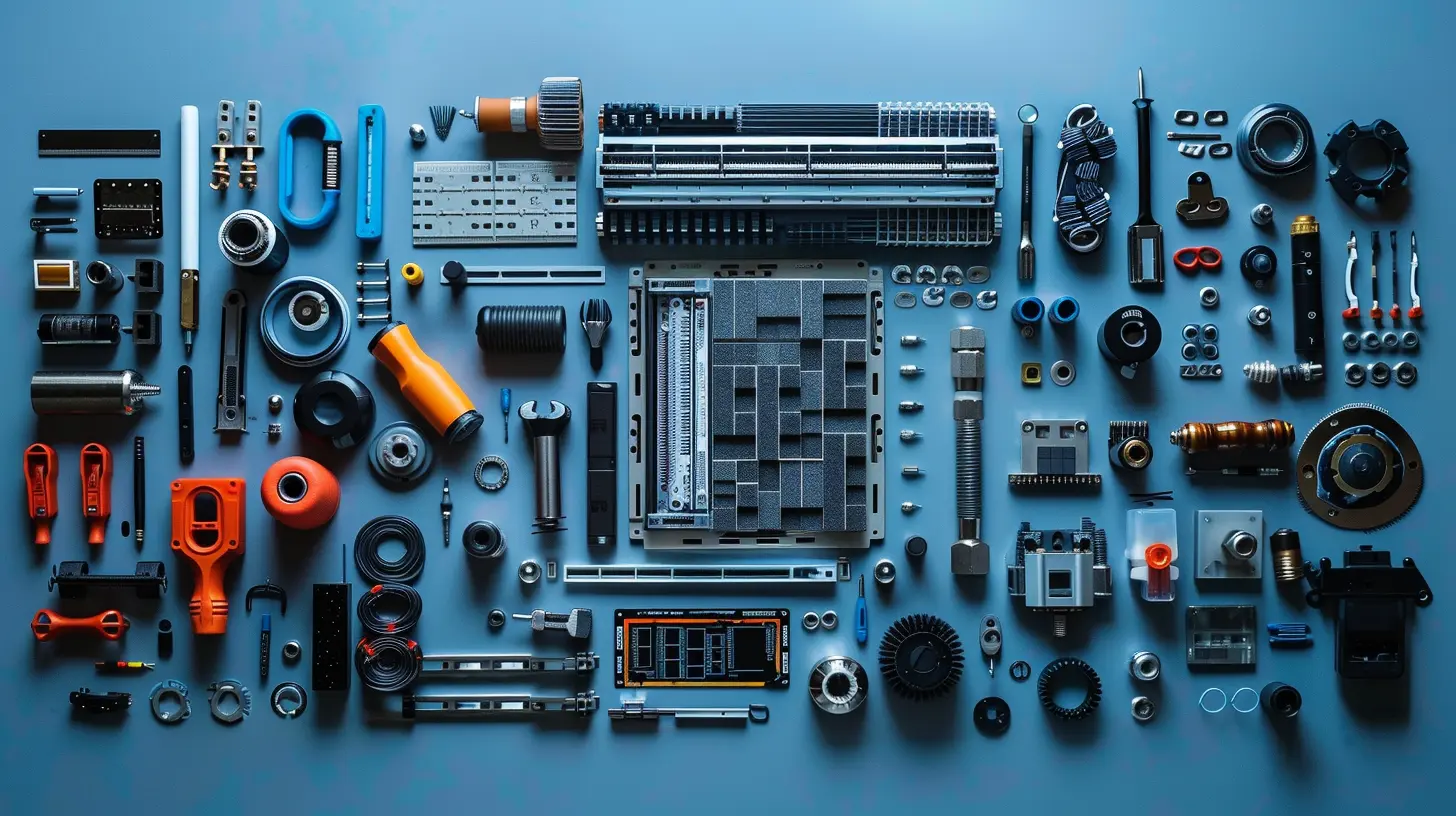
2. Anti-Static Wrist Strap: Your PC’s Bodyguard
Static electricity is invisible, but it’s out to destroy your components. A rogue zap from your fingers can fry a sensitive motherboard or RAM stick in a second.An anti-static wrist strap grounds you so this doesn’t happen. Clip the crocodile end to your case or another grounded surface, wrap it around your wrist, and boom—you're now static-safe.
_Never skip this step unless you like playing hardware roulette._
3. Thermal Paste: Small Tube, Big Deal
When you're installing a CPU cooler, you need thermal paste to transfer heat efficiently. Most coolers come with paste pre-applied, but if not—or if you're reseating an old cooler—you'll need a separate tube.Tips for applying:
- Don’t overdo it. A pea-sized drop does the trick.
- Spread isn’t necessary; the cooler’s pressure does it for you.
- Too much paste is just as bad as too little.
Oh, and make sure it's non-conductive. We’re not making grilled circuits here.
4. Cable Ties: Keep It Clean
Cable management sounds optional… until it’s not. Poorly managed cables can:- Block airflow
- Make upgrades a nightmare
- Look like spaghetti exploded inside your case
Use nylon zip ties for permanent solutions, or Velcro cable straps for a more flexible setup. Neat cables = better airflow and easier cleaning.
Trust me, your future self will thank you during your next upgrade.
5. Flashlight Or Headlamp: Let There Be Light
Your case lighting might look great from the outside, but inside it’s a dim, shadowy world. A flashlight (or even better, a headlamp) can be a lifesaver when you're trying to connect tiny front panel connectors or locate that elusive M.2 screw.You don’t want to be squinting and hoping for the best when inserting cables. Light = visibility = fewer mistakes.
6. Compressed Air Can: Your PC’s Spa Day
Dust is your PC’s worst enemy over time. It clogs fans, causes heat buildup, and makes your shiny rig look like it’s been living under a bed for a decade.A few blasts of compressed air can:
- Clean fans and heatsinks
- Keep your GPU and PSU dust-free
- Avoid overheating issues
Pro Tip: Always do this outside or in a well-ventilated area unless you want to breathe in eight months’ worth of your room dust.
7. Parts Tray or Magnetic Bowl: Save the Screws!
If you've ever dropped a motherboard screw into a black PC case, you know the pain. They’re like socks in a dryer—vanishing into another dimension.Get a magnetic parts tray or bowl to keep everything in one place. It’ll hold screws, standoffs, and even tools, so nothing rolls off your desk or disappears into the void.
8. Tweezers and Precision Tools: For the Tight Spots
Sometimes your hands are just too big or clumsy (no shame—we’ve all been there). A set of precision tweezers or small tools can help you:- Pull out jumper caps
- Align fan headers
- Insert motherboard standoffs
Bonus: They're also fantastic for fixing bent CPU pins (very carefully!) with surgeon-level precision.
9. External Drive or USB Tool Kit: Your Digital Toolbox
You’re not just building the hardware—you’ll need to install software, drivers, BIOS updates, and maybe even run diagnostics. Keep a USB drive loaded with:- Windows installer (use the Microsoft media creation tool)
- Motherboard drivers
- GPU drivers
- Anti-virus and performance tools
You can also grab USB boot utilities like MemTest86 and CrystalDiskInfo for troubleshooting later.
10. ESD Mat (For the Hardcore Builders)
If you’re going all-in and want the ultimate safe zone for your parts, an ESD (Electrostatic Discharge) mat is a great investment. Lay it on your workspace, ground it properly, and you’ve got a static-free area to build on.Perfect for long build sessions or if you’re handling high-value components regularly.
11. CPU Installation Tool (Optional but Handy)
Some modern CPUs, especially from Intel, come with a CPU installation tool to help you drop the chip into its socket without touching the pins or pads. If you’re nervous about this part—totally understandable—this tool can bring peace of mind.12. Multimeter (For Diagnosing Hardware Issues)
This one’s for the advanced builders or troubleshooters. A multimeter can help test power supply functionality, continuity in cables, and even motherboard voltages if you're chasing down electrical gremlins.You don’t need it for the initial build, but it’s gold during the “why won’t my PC turn on?” moments.
13. Thermal Pad Remover and Isopropyl Alcohol
Whenever you remove a cooler or upgrade your CPU, you’ll need to clean off the old thermal paste. Use isopropyl alcohol (90% or higher) and some lint-free cloths or Q-tips to gently clean the CPU and heat sink.Throw in some thermal pad cleaner if you’re dealing with thermal pads on GPUs or VRMs. Clean surfaces = better thermal contact.
14. Digital Caliper (For the Hardcore Modders)
If you love to mod or work in tight spaces, a digital caliper helps you measure components with pinpoint accuracy. Why does this matter?Well, when you’re choosing aftermarket coolers, RAM clearances, or case dimensions, guessing can leave you disappointed. This tool ensures your upgrades fit like a glove.
15. A Second Monitor, Tablet, Or Phone (Trust Me)
During your build, you’ll constantly look things up—manuals, YouTube tutorials, Reddit threads, BIOS settings, etc. Having a second screen or device on hand saves you from juggling windows on your main screen.Treat it like your building co-pilot. You’ll be surprised how much smoother things go when you can Google while assembling.
Maintenance Tools: Keeping the Beast Tamed
The real fun doesn’t stop at the build. To keep your rig running like a champ, you’ll want to perform regular maintenance. Here's what you’ll need on hand:- Cleaning Brush – Soft-bristled, anti-static for getting in tight spaces
- Temperature Monitoring Software – Like HWMonitor or Core Temp
- Fan Curve Utilities – Manage fan noise/performance via BIOS or apps like MSI Afterburner
- Screwdriver Handy Set – For quick access during upgrades
- Thermal Paste – Always have a backup tube
The “Nice to Haves” (But Not Mandatory)
There are some extras that make the experience smoother, but aren’t strictly essential:- PC building mat
- Component tester (for RAM, PSU, etc.)
- Cable combs for that clean aesthetic
- Modular screwdriver handle with torque control
- Hand vacuum or mini blower for deep cleaning
Final Thoughts: Build Like a Boss
Building your own PC is like assembling a LEGO set—if the LEGOs were fragile, expensive, and could short-circuit. But with the right tools in your corner, it’s smooth sailing (and even kind of relaxing once you get in the zone).Remember: it’s not about having the fanciest gear. It’s about working smart, staying patient, and enjoying the process. Now that you’ve got your tool list, you’re ready to build, maintain, and upgrade your rig like a total tech ninja.
So, got your toolkit ready? That dream build isn’t going to assemble itself!
all images in this post were generated using AI tools
Category:
Computer HardwareAuthor:

Reese McQuillan
Discussion
rate this article
2 comments
Linnea Young
This article provides a concise guide on essential tools for PC building and maintenance, perfect for both beginners and seasoned enthusiasts looking to optimize their setups.
March 8, 2026 at 3:35 AM
Reese McQuillan
Thank you! I'm glad you found the guide helpful for both beginners and experienced builders. Happy PC building!
Ulrich Vance
Building and maintaining your own PC can be rewarding, but having the right tools is essential. Invest in a quality screwdriver set, anti-static wrist strap, cable management supplies, and thermal paste to ensure a smooth and efficient process. Happy building!
February 23, 2026 at 3:46 AM
Reese McQuillan
Thank you for your insightful comment! Essential tools definitely make the building process smoother and more enjoyable. Happy building to you too!