How to Maximize the Use of a Smart Display in Every Room
30 May 2026
Let’s talk about that futuristic slab of magic you plopped on your kitchen counter or tucked neatly on your nightstand. Yep, your smart display. Whether it's an Amazon Echo Show, Google Nest Hub, or something fancier, it's likely sitting there doing... not much. Maybe it’s showing you the weather or acting as an overly polite clock. But my friend, it can do SO much more.
In this post, we’re diving deep into how you can wring every ounce of usefulness out of your smart display—room by room. We’re talking next-level hacks, creative uses, and juicy productivity tips. Ready to become the master of your smart home galaxy? Let’s roll.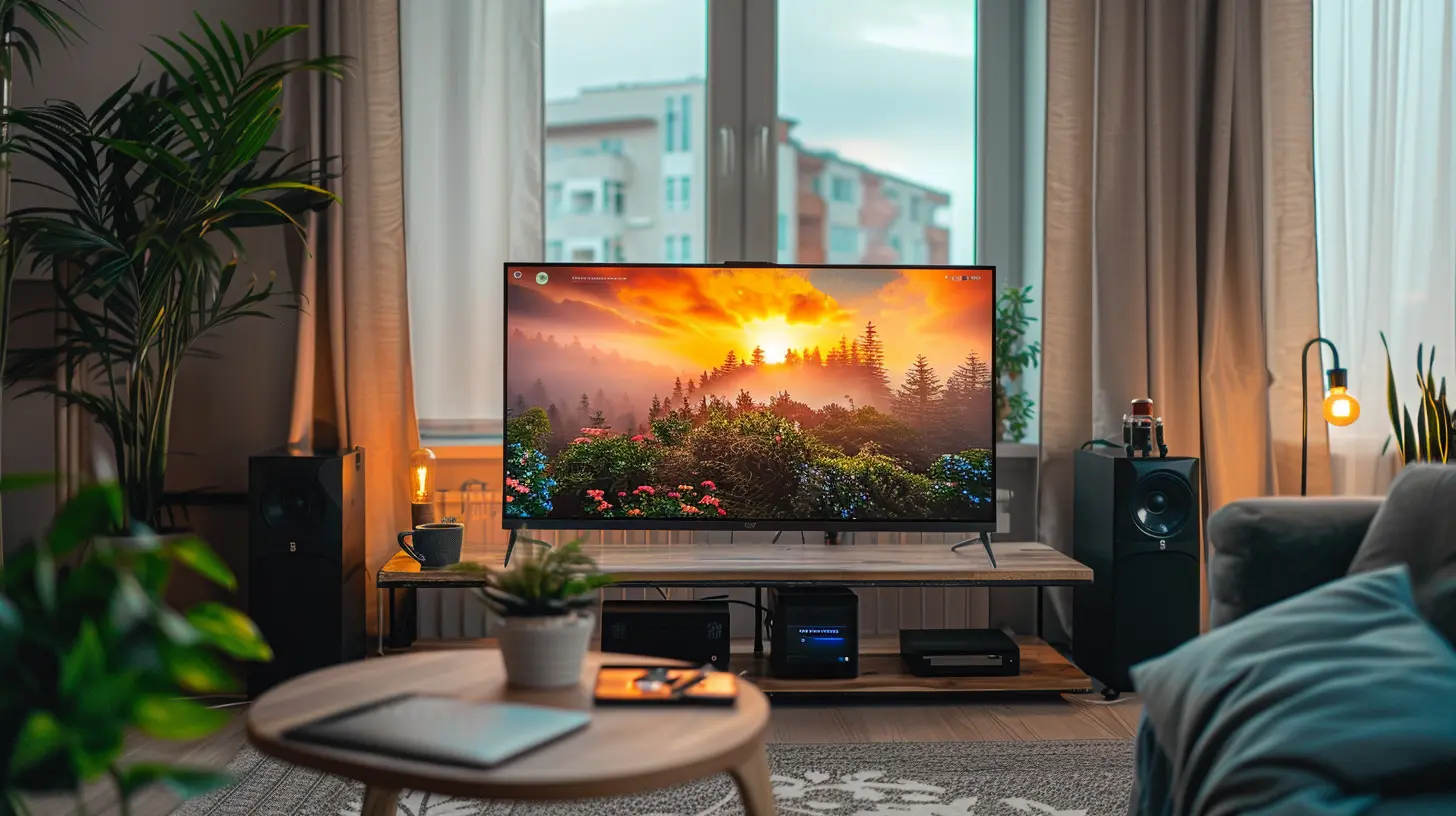
Why You’re Probably Underusing Your Smart Display
Let's be real—most people use smart displays like digital picture frames that occasionally tell you the time. It's like owning a Tesla and only using it to listen to AM radio. These little devices are packed with features, yet they’re wildly underutilized.The issue? You're not alone. Many folks don’t know what these bad boys are REALLY capable of. They can be the Iron Man suit to your daily life—if you let ’em.
Kitchen: Your Smart Sous-Chef (That Won’t Judge Your Knife Skills)
1. Interactive Recipes Without the Mess
Ever tried flipping through a recipe on your phone with flour-covered fingers? It’s a disaster. With your smart display, you can just say, “Hey Google, show me a recipe for lasagna,” and boom—you’ve got step-by-step instructions read out loud while your hands stay mess-free.Bonus: Some displays will even show you video tutorials. So if you have no idea what "julienne" means, a friendly chef on YouTube’s got your back.
2. Grocery Lists That Actually Work
Say goodbye to wandering the grocery store like a lost zombie. You can add items to your shopping list in real-time: “Alexa, add avocados to my list.” Then, when you’re at the store, you just pop open the app on your phone. Voilà—no more “I forgot the milk” drama.3. Kitchen Timer Overlord
Tired of setting timers with crusty oven mitts? Ask your smart display to set multiple timers by name: “Set a pasta timer for 10 minutes” and “Set garlic bread timer for 6 minutes.” Boom. Culinary time management like a pro.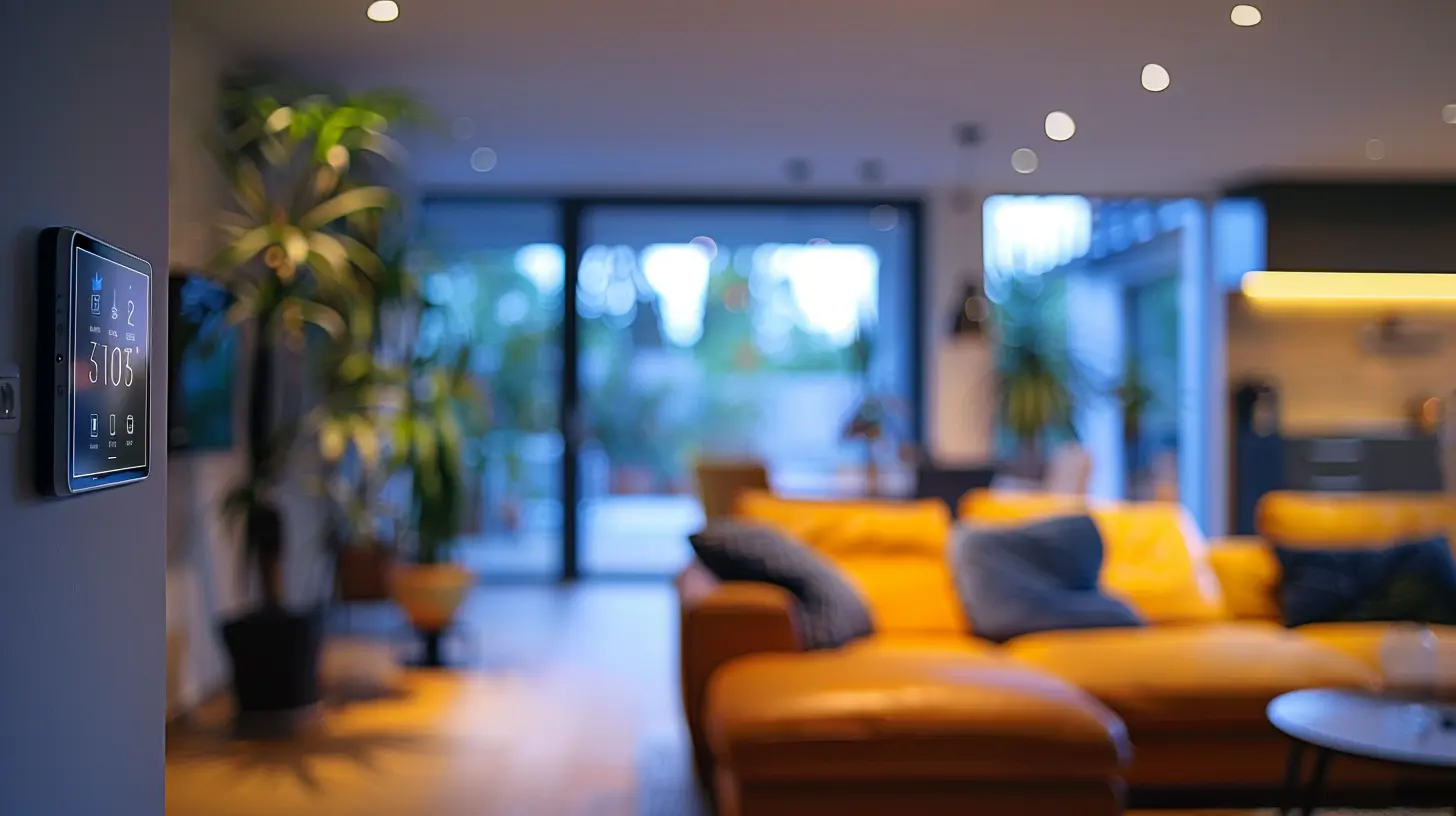
Living Room: The Command Center Of Chill
4. Ultimate Entertainment Control
Why reach for three remotes and a Ph.D. in HDMI inputs when your smart display can control it all? Connect your smart TV, speakers, and streaming apps to your display and start barking orders like a digital-age DJ: “Play Stranger Things on Netflix” or “Turn the volume up 20%.”It’s like having your own personal butler, minus the tux.
5. Smart Home Dashboard
With a flick of your finger or a simple voice command, you can dim the lights, lower the blinds, and tweak the thermostat—all from your living room throne. Set up routines like “Movie Time” to make it all happen in one command.Lights go down. TV turns on. Popcorn? Sorry, still manual. But hey, one step at a time.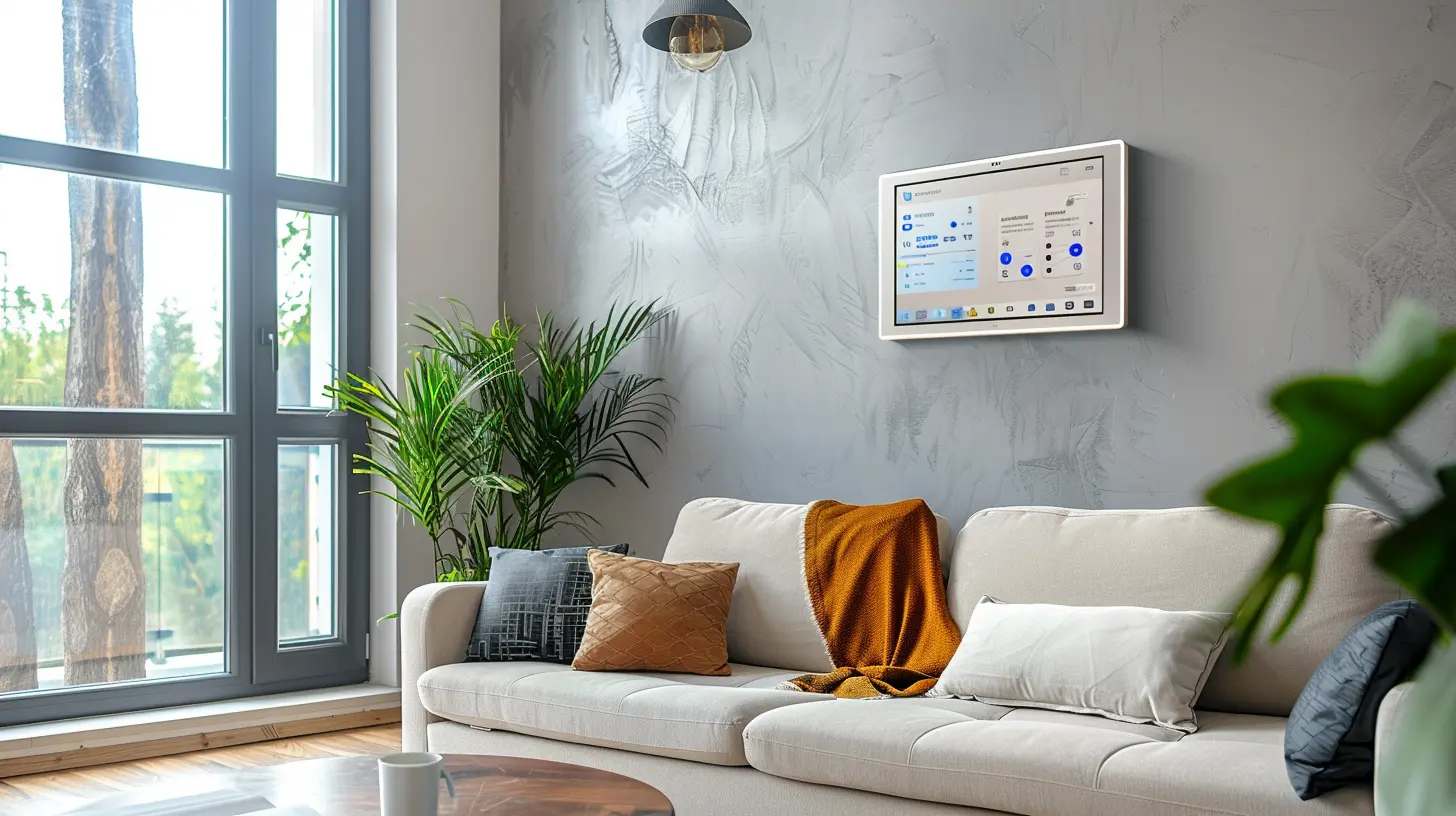
Bedroom: Peace, Privacy & Pillow Talk (Tech-Savvy Style)
6. Killer Alarm Clock Replacement
Smart displays are like your old alarm clock… if it had a Ph.D. in psychology. Wake up gently with sunrise alarms—your display gradually lights up before the alarm goes off. It’s like a warm hug from the universe instead of a sonic boom at 6 AM.And if you’re into meditation or white noise? Ask it to play ocean sounds, forest vibes, or even gentle rain while you drift off.
7. At-A-Glance Info Hub
Before you've even rubbed the sleep out of your eyes, your display can show you the weather, calendar events, news, and even your to-do list. It’s like someone preloaded your coffee with productivity.8. Bedroom DJ On Demand
Set the mood without lifting a finger. Whether it’s Barry White, Taylor Swift, or ambient jazz, just ask your smart display. Cue up a playlist and let the vibes flow.Bathroom: The Underrated Hub of Productivity (And Singing Sessions)
9. Shower Concert Central
Who needs a Bluetooth speaker when your smart display can belt out tunes while you condition? Place a splash-proof display (or at least far from the faucet) and stream your favorite playlist, podcast, or audiobook while you soap up.Bonus points: Use it to time your morning routine. Challenge yourself to be out the door in under ten Beyoncé tracks.
10. Voice-Controlled Mirror Assistant
Trying to do your makeup or shave while watching a YouTube tutorial? Your smart display can mirror videos, give you skincare tips, or tell you the latest news while you’re getting ready.Pro tip: Set the screen to auto-brightness so you’re not blinded at 6 AM.
Office: Your Personal Productivity Pod
11. Virtual Assistant with a Brain
Meeting reminders, quick calendar checks, weather forecasts, even quick math—it does it all. Just say the word, and your smart display’s on it faster than your over-caffeinated coworker.Also? You can join Zoom or Google Meet video calls right from some smart displays. No more awkward “Can you hear me?” moments. (Okay, maybe fewer of them...)
12. Ambient Focus Tool
Need to get in the zone? Ask your device to play focus music, white noise, or rainfall. It’s basically the digital version of “Do Not Disturb.”Also, try the Pomodoro Technique with timers set via voice. Work for 25 minutes, take a 5-minute break, repeat. Your smart display becomes a productivity coach that doesn’t yell.
Kid’s Room: Tech That Makes Parenting (Slightly) Easier
13. Storytime & Nightlights
Hands up if you’ve read Goodnight Moon 7,000 times. Let Alexa or Google take a turn. Many smart displays can read bedtime stories, play lullabies, and even show kid-friendly animations.You can also set up routines like “Goodnight” to dim lights, lower volume, and start soothing sounds automatically.
14. Educational Games & Activities
Kid getting antsy? Fire up trivia games, animal sounds, or interactive quizzes right from the device. They’re learning and having fun. Double win.Guest Room: Pretend You're a Fancy Hotel
15. Personalized Welcome Station
Set up the smart display to greet guests with a message (“Hi Aunt Becky!”), show Wi-Fi info, or display a rolling gallery of family pictures. Add weather updates and fun facts about the local area. It’s like turning your guest room into a five-star resort—with fewer towels.Garage or Basement: The Overlooked Utility Zone
16. Hands-Free DIY Buddy
Got your hands full with tools? Ask your display to show repair tutorials, stream how-to videos on YouTube, or even video call someone for help while you’re in your DIY dungeon.17. Security Monitor Access
Link your smart display to security cams and doorbells. Now you can keep an eye on the driveway, backyard, or suspicious raccoon without running upstairs like a maniac.Tips to Tie It All Together
A. Set Up Routines
Routines are like magic spells. Say “Good Morning” and your display can turn on the lights, read the news, and start your coffee (if you've got a smart coffee maker—yes, that's a thing).B. Keep It Updated
Devices are always evolving. Periodically check the app for new features, routines, or integrations. It’s like unlocking new levels in a video game—except this time, it’s your life getting easier.C. Understand Privacy Settings
You’re inviting technology into every corner of your home, so take time to adjust privacy settings. Mute the mic when needed. Set up voice recognition profiles for family members. It’s your smart display—make it work for you, not the other way around.Final Thoughts: Your Smart Display, Your Way
Smart displays aren’t just for tech nerds or smart home obsessives anymore. They're for anyone who likes their life a little easier, a lot smarter, and with way fewer “Where did I leave my phone?” moments.You’ve got a device that can tell jokes, play your favorite song, remind you to drink water, show live traffic, and help you poach an egg—all before you’ve even had coffee.
So don’t let it gather dust. Use it. Love it. Command it like a boss. And yeah, go ahead—ask it to do a chicken dance while you brush your teeth. You’re the ruler of this smart kingdom.
all images in this post were generated using AI tools
Category:
Smart DisplaysAuthor:

Reese McQuillan
Discussion
rate this article
1 comments
Bria Gilbert
Great insights on utilizing smart displays throughout the home! I appreciate the practical tips for enhancing connectivity and functionality in each room. Looking forward to implementing these ideas for a more integrated living experience.
June 4, 2026 at 11:58 AM