Key Features to Look for in Professional Video Editing Tools
22 July 2026
Video editing is no longer just the domain of big-budget studios or YouTube celebrities. Whether you're a content creator, a marketer, or just someone who loves putting together stunning visual stories, professional video editing tools can take your work from "meh" to movie magic.
But here's the catch — there are dozens (if not hundreds) of video editing tools out there. Some are free, some cost a pretty penny, and they all promise to be the “best.” So, how do you figure out which features really matter?
Let’s break it down. Whether you're editing your first vlog or working on a high-end commercial, these are the key features you should look for in pro-level video editing software.
1. Intuitive User Interface (UI)
Let’s face it — no one enjoys spending hours just trying to figure out which button does what.A clean, intuitive interface is essential. Even if a tool’s stacked with powerful features, it's worthless if you get lost every time you try to edit. Look for a workspace that makes sense, offers customizable panels, and allows you to drag and drop elements easily.
Why it matters: A user-friendly UI keeps your workflow smooth and saves tons of time. Trust me, once you're in the creative zone, the last thing you want is to be bogged down by clunky design.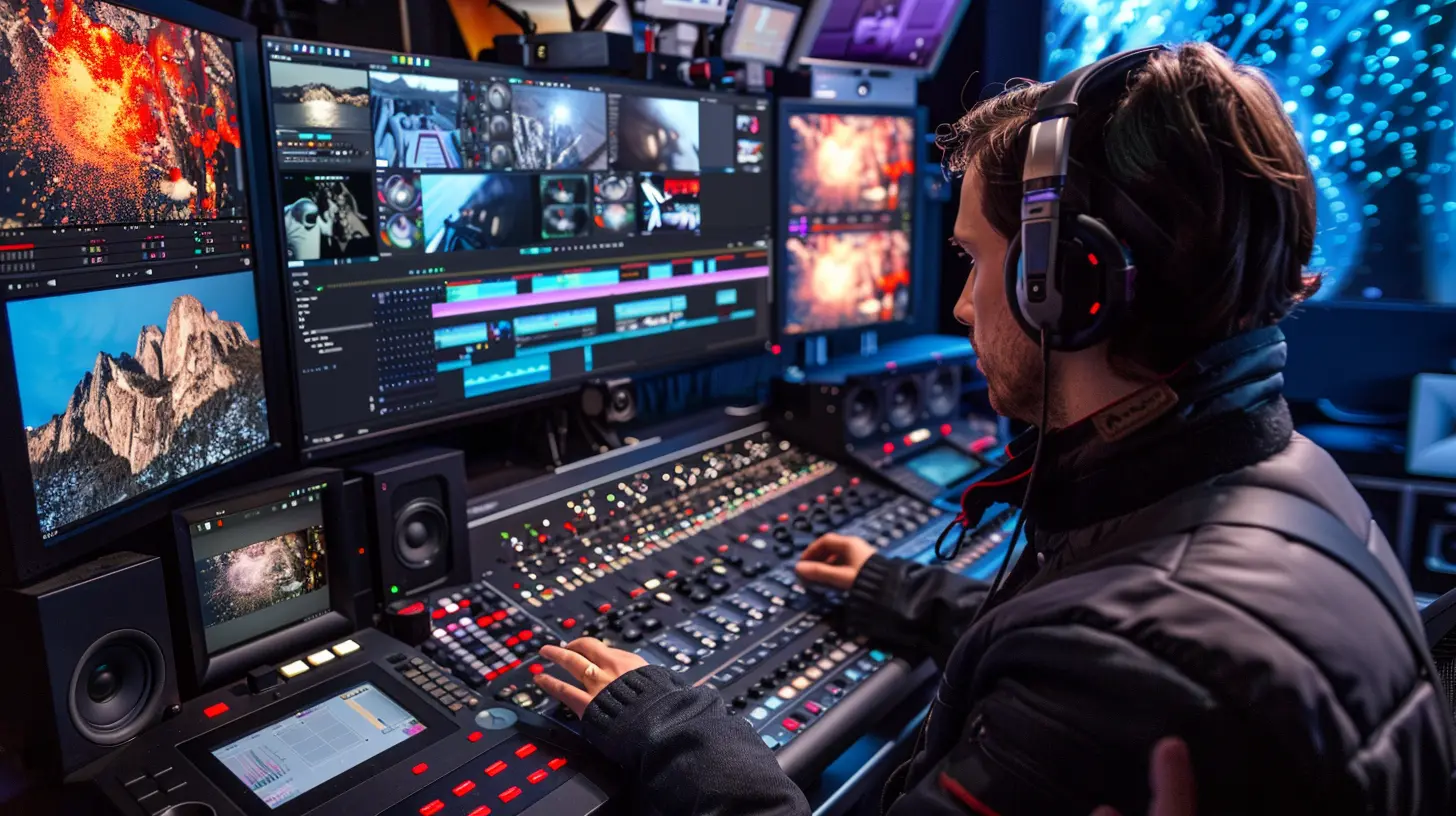
2. Multi-Format Support
Ever shot one scene on your DSLR, another on your iPhone, and downloaded some stock footage online? Yeah — you’re not alone.The best tools support just about every format under the sun: MP4, MOV, AVI, WMV, and even newer formats like HEVC and AV1. Bonus points if it handles different frame rates and resolutions seamlessly.
Pro Tip: Look for tools that can ingest footage without converting it. No one likes waiting hours for files to transcode.
3. High-Performance Rendering and Exporting
Time is money. And slow rendering? That’s like flushing your time down the drain.Professional editing tools should be optimized for fast rendering and exporting, especially when dealing with high-resolution footage like 4K or even 8K. Tools that can leverage your GPU (graphics processing unit) will significantly improve rendering times.
Speed Hack: Look for hardware acceleration support. If you’ve got a decent graphics card, this can cut down export times dramatically.
4. Advanced Timeline Editing
The timeline is your storytelling playground.It should let you cut, trim, split, move, and arrange clips effortlessly. Look for features like magnetic timelines (which snap clips into place), multiple tracks for video and audio, nested sequences, and ripple editing — where trimming one clip can automatically adjust the others.
Why’s that important? Because when you’re knee-deep in editing, precision makes a difference. These tools help you stay organized and keep every second of your project exactly where it should be.
5. Visual Effects (VFX) and Motion Graphics
Whether you’re adding subtle light leaks or full-blown explosions, visual effects can turn your videos into visual masterpieces.A good video editor should offer built-in effects like chroma key (green screen), slow motion, stabilization, and transitions. But it should also support plugin extensions or integrations with tools like Adobe After Effects.
Motion Matters: Having motion graphics tools lets you animate titles, logos, or create tracking effects that follow your subject.
6. Audio Editing and Sound Mixing Capabilities
Let’s be honest — bad audio can ruin even the best-looking video.A pro video editor should include audio editing features like noise reduction, equalization, audio syncing, voice isolation, and multi-track sound editing. Some even offer tools for automatic ducking where music volume dips during dialogues.
Plug This In: Look for compatibility with VST plugins so you can add effects like reverb, echo, and more.
7. Color Correction and Grading
Color isn’t just aesthetics — it sets mood, tone, and tells your story visually.Professional tools offer advanced color correction features like LUT (Look-Up Table) support, color wheels, scopes, and curve adjustments. You want to be able to fix exposure, contrast, and white balance — or go full Hollywood with cinematic color grading.
If your editor supports real-time previews of color adjustments? That's a big win.
8. Collaboration Features
These days, editing is rarely a one-person show.Modern editing tools should come with collaboration features that allow teams to work simultaneously, comment on edits, and even manage versions. Cloud-based collaboration is even better — think shared libraries and real-time feedback.
If you're working with remote teams, you’ll appreciate tools like frame-accurate commenting or live previews. It’s like Google Docs, but for video.
9. Proxy Editing for High-Resolution Footage
Working with 4K or 8K footage on a mid-range laptop? It can feel like dragging a rock uphill. That’s where proxy editing comes in.A proxy is a lower-resolution version of your footage that makes editing a breeze. Once you're ready to export, the tool automatically switches back to the high-res files for full-quality rendering.
Not every tool makes this easy. So, if you’re not running a top-tier editing rig, proxy functionality is an absolute lifesaver.
10. Integration with Other Tools
Your video editor shouldn’t work alone. It should play nice with others.Whether it’s Adobe Photoshop for graphics, After Effects for animation, or DaVinci Resolve for color grading — seamless integration with other creative tools is a huge plus. Round-tripping (sending files back and forth without losing quality or data) is a sign of a solid tool.
Even integrations with cloud storage like Google Drive or Dropbox smooth out the post-production process.
11. Regular Updates and Community Support
Let’s not forget this crucial one: the software should be alive and kicking.Tools that receive regular updates, squash bugs quickly, and introduce new features keep you competitive in a fast-changing tech landscape. Community support — forums, tutorials, and YouTube channels — are also super helpful when you're stuck or looking for inspiration.
Think of it as buying into an ecosystem, not just a product.
12. Keyboard Shortcuts and Customization
Speed is everything in the editing world. And you don’t want to be clicking through four layers of menus just to split a clip.Customizable keyboard shortcuts let you streamline your workflow and tailor the tool to your habits. Some tools even let you map shortcuts to editing hardware like the Loupedeck or Elgato Stream Deck.
Bonus: Look for customizable workspaces that fit your editing style.
13. Scalability and Licensing Options
Are you a solo creator today but running a production house tomorrow?Make sure your video editing tool scales with your needs. Some tools offer flexible licensing — pay once, monthly subscriptions, or enterprise licenses. This gives you room to grow without switching software.
Also, always check for watermark-free exports and commercial use licensing, especially if you’re monetizing your content.
14. Built-in Library of Effects, Music, and Templates
Time is precious, and creativity doesn’t always strike on command.A built-in resource library — for motion templates, royalty-free music, transitions, and sound effects — can absolutely save your life. It speeds up the process and keeps your content looking polished without third-party tools.
The great ones offer templates that are drag-and-drop ready. Just tweak a few lines and you're good to go.
15. Cross-Platform Compatibility
Whether you’re team Mac, Windows, or even Linux (yes, rebels, we see you), your editing software should adapt.Cross-platform support is especially useful if you're working across different machines or collaborating with team members using different operating systems.
Better yet? Cloud-based editors that let you access your project from anywhere.
Final Words: Choose What Works for You
There’s no one-size-fits-all when it comes to video editing tools. The right one depends on your goals, your workflow, and your budget.Remember: powerful doesn’t have to mean complicated. You want a tool that’s loaded with features but still feels like an extension of your creativity — not a roadblock.
Try a few. Most offer free trials. Play around, mess up a project or two, and find what clicks. Because in the world of video editing, the right tool is the one that lets your story shine.
all images in this post were generated using AI tools
Category:
Video Editing ToolsAuthor:

Reese McQuillan