Video Editing Solutions for Multi-Camera Shoots
8 March 2026
Ever tried editing a video with multiple cameras rolling at once? If you have, you already know it’s like juggling chainsaws... blindfolded. It’s exciting, chaotic, and – if done right – the final result is chef’s kiss. But to get there, you need more than just luck and a fast computer. You need the right tools, the right mindset, and a few clever tricks up your sleeve.
Whether you're shooting a concert, a panel discussion, a sports game, or a slick YouTube vlog with various angles, multi-camera editing is the secret sauce to making your project pop. So, let’s unravel the tangle of cords and timeline layers and dive into the best video editing solutions for multi-camera shoots.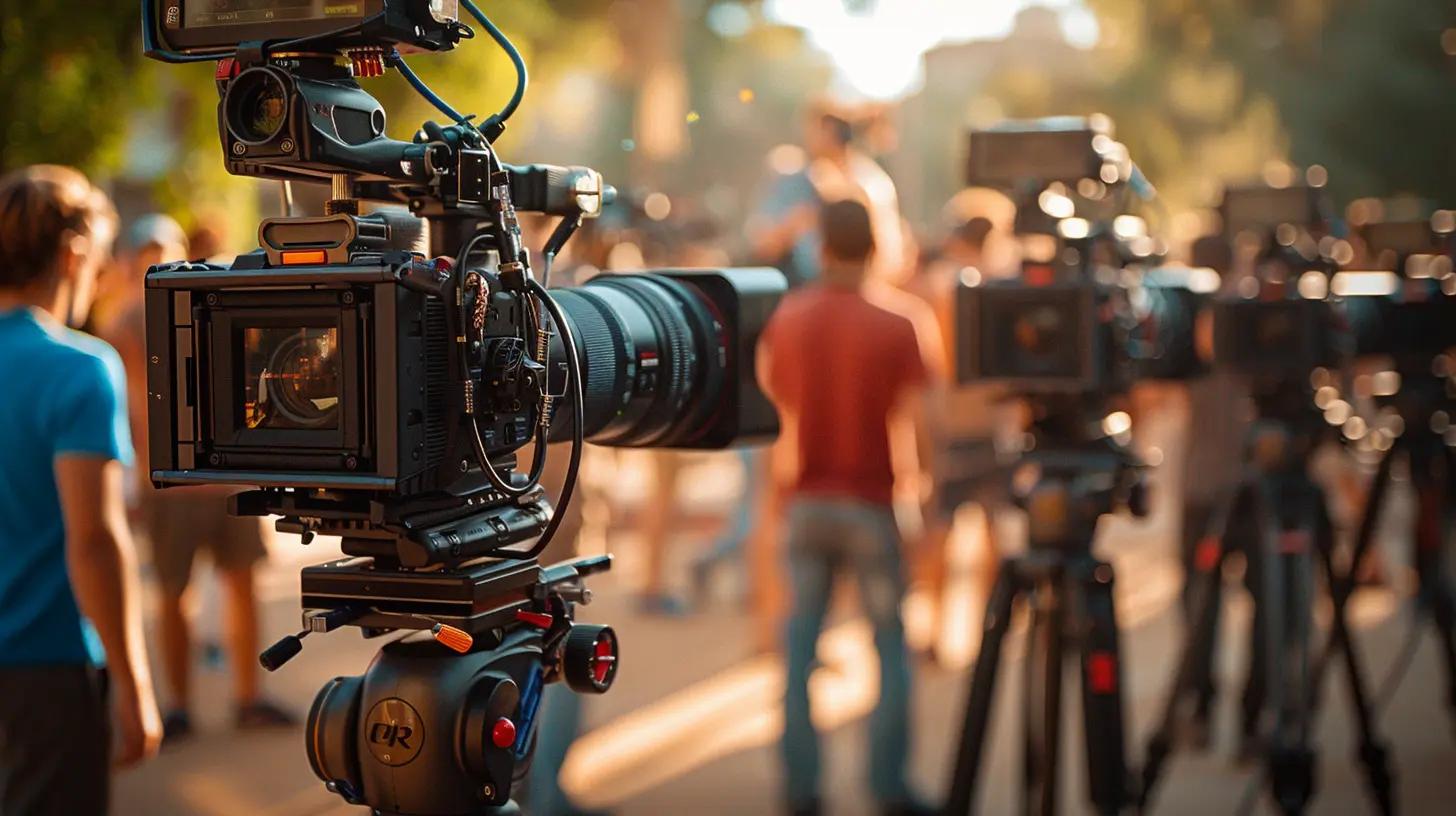
What Is Multi-Camera Shooting Anyway?
Alright, let’s start with basics.Multi-camera shooting is exactly what it sounds like: using more than one camera to record a scene. Each camera captures a different angle, perspective, or focal length. When you stitch them all together in post-production, you get a dynamic, engaging video that keeps your viewers hooked.
Think of your favorite Netflix crime drama – those swift cuts from wide shots to face close-ups to over-the-shoulder angles? Yep, that’s multi-cam magic.
But guess what? With multiple cameras comes multiple files, multiple formats, and a whole lotta syncing. That’s where the real fun (and frustration) begins.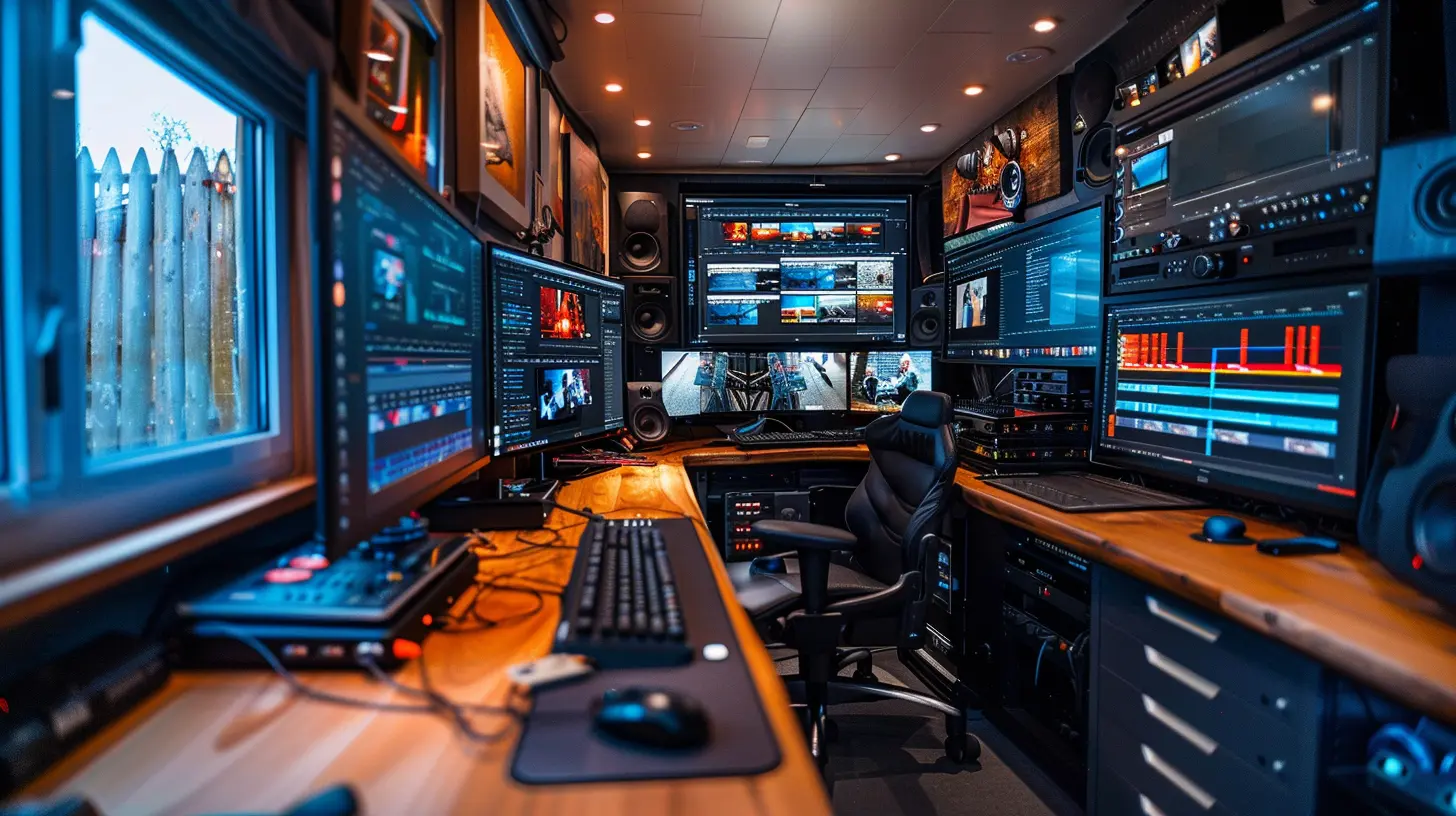
Why Use Multi-Camera Editing?
Good question. You might be thinking, “Isn’t editing one video hard enough?”True. But multi-cam has some serious perks:
- 🎥 More Visual Variety: Keeps things visually attractive and less monotonous.
- ⏱️ Saves Time on Set: Instead of reshooting a scene from different angles, shoot it once – with different cameras.
- 🎙️ Captures Spontaneity: Especially in live events, you can’t afford to miss moments. Multi-cam ensures you don’t.
- 🧩 Better Storytelling: Gives you more footage to play with, so you can shape the narrative exactly how you want.
But to unlock those perks, you’ll need the right editing tools – and some serious workflow know-how.
Key Features to Look for in Multi-Camera Editing Software
Before we list the cream of the crop, let’s talk features. Because not every video editor can handle the demands of multi-camera production. You don’t want your software to crash when you import 8 camera feeds!Here are the top must-have features:
1. Multicam Syncing
This is non-negotiable. Your editor should be able to align multiple clips using:- Audio waveforms
- Timecode
- In/out points
- Markers
2. Multi-Camera Source Sequence
This lets you switch between camera angles in real-time during editing – like live vision switching, but in post-production.3. Proxy Support
High-resolution files from multiple cameras can crush your system. Proxy support lets you edit using low-res files and switch back to high-res for final export. It’s like editing with training wheels – smart, safe, and fast.4. Color Matching Tools
Different cameras = different color profiles. Having tools to match color across angles keeps the continuity clean.5. Keyboard Shortcuts
When you're switching angles every few seconds, keyboard shortcuts save massive time. The fewer mouse clicks, the better.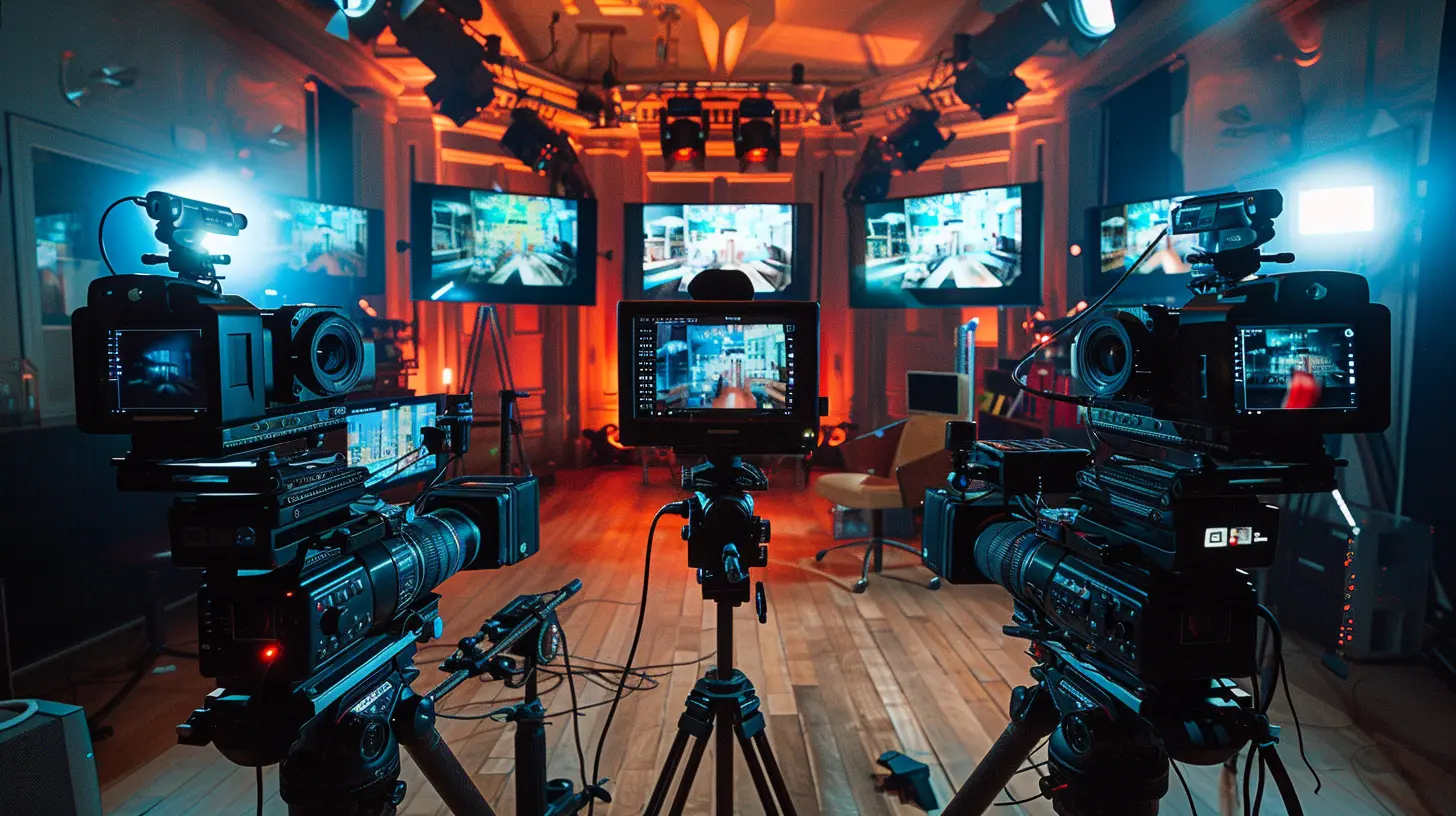
Best Video Editing Software for Multi-Camera Shoots
Let’s get down to the nitty-gritty. Here are the top editing programs that handle multi-cam projects like absolute champs.1. Adobe Premiere Pro
The Industry GiantPremiere Pro is like that veteran quarterback every football team wants. It's powerful, flexible, and built for professionals.
Pros:
- Auto-sync via audio or timecode- "Multi-camera" nested sequence editing
- Dynamic angle switching
- Seamless integration with After Effects
Cons:
- Steep learning curve- Subscription-based pricing
If you're serious about multi-cam editing and already in the Adobe ecosystem, Premiere is a no-brainer.
2. Final Cut Pro (Mac Only)
Apple’s AceFor Mac users, FCP is both intuitive and blazing fast – thanks to Apple Silicon optimizations.
Pros:
- Automatically syncs 64 camera angles (yes, 64!)- Magnetic timeline for stress-free editing
- Excellent proxy support
- Clean, user-friendly interface
Cons:
- Mac only- Not ideal for collaborative workflows
Final Cut is especially great for indie filmmakers and content creators looking to save time without sacrificing quality.
3. DaVinci Resolve
The Color King Turned Editor’s DarlingDaVinci Resolve is no longer just the standard for color grading; it’s evolved into a full-fledged editing suite – and yes, it does multicam like a beast.
Pros:
- Robust multicam syncing options- Top-tier color grading and color matching
- GPU-accelerated performance
- Free version available with pro features
Cons:
- Interface can be overwhelming- Steeper learning curve for beginners
Resolve is ideal if you care deeply about visual consistency and color accuracy across all your angles.
4. Avid Media Composer
The Hollywood VeteranUsed in many major film and TV productions, Avid is built for complex multi-camera edits in collaborative environments.
Pros:
- Extensive support for multi-camera workflows- Great for large-scale productions
- Stable and reliable
Cons:
- Expensive- Outdated interface for some users
If you're editing episodic TV or feature films, Avid might be your best bet.
5. HitFilm Pro
The Underdog with VFX PunchHitFilm is a blend of video editing and visual effects, with surprisingly good multi-cam capabilities.
Pros:
- Good for creators who need effects-heavy content- Affordable pricing
- Decent multi-camera support
Cons:
- Not as refined for large, complex projects- Interface can feel clunky
Creators on a budget who love adding explosions and light sabers? HitFilm has your back.
Pro Tips for Multi-Camera Editing Workflow
Now that you’ve picked your weapon, let’s talk strategy. The smoother your workflow, the less time you'll spend banging your head against the keyboard.1. Label Your Footage Wisely
Before you even open your editor, organize your files. Rename them by camera and take, and group them in folders. Your future self will thank you.2. Use Markers and In/Out Points
Drop markers at key moments across all camera angles. This makes syncing and switching infinitely easier.3. Edit the Audio First
Audio is your backbone. Choose your best audio source (often from an external recorder), lock that track in, and treat it as your timeline’s spine. Then maneuver video clips around it.4. Start with Wide Shots
Lay down the wide shot first – it provides context. Then sprinkle in close-ups and reaction shots for drama and emotion.5. Use Multicam View
Most editors let you see all angles at once during playback. It's like calling plays from the press box – huge advantage. Switch angles in real-time and fine-tune later.Syncing Footage Without Timecode? No Problem.
Not rolling timecode on your cameras? No biggie.You can still sync using common cues:
- Audio: Match waveforms
- Clapperboard: Old-school but reliable
- Visual Cues: Flash, jump, wave – anything unique and visible across all cameras
Most modern editors now have smart syncing powered by AI or audio pattern recognition. It’s like having a robotic assistant who loves tedious tasks.
Don’t Forget: Color Correction Across Angles
Even if all your cameras are the same brand, slight changes in settings or lighting mean different color outputs. To maintain visual consistency:- Use Color Match tools (DaVinci Resolve and FCP do this well)
- Use adjustment layers or LUTs (Look-Up Tables)
- Do a final pass just for color balance – resist the urge to skip it!
Remember: mismatched colors are jarring. Fixing them polishes your video and screams “professional”.
Choosing the Best Camera Angles
Your software can’t choose for you (yet), but here are some editing guidelines:- Cut to reaction shots for emotional beats.
- Use close-ups during dialogue to draw focus.
- Go wide when introducing a location or group.
- Cut on movement to hide transitions and keep the pace up.
And when in doubt, trust your gut. If a cut feels right, it probably is.
Wrap-Up: Multi-Cam Editing Is Worth the Hustle
Yes, multi-camera editing can feel intimidating at first. But once you get the hang of it, it’s like flipping a spotlight onto your creativity. Suddenly, your videos tell deeper stories, feel more cinematic, and grab more attention.The trick is to choose the right tools, plan your workflow, and stay organized. Start with 2-3 cameras and work your way up. And most importantly? Have fun playing with the angles!
Because in the end, editing isn’t just about stitching clips together—it's about crafting a story that moves, surprises, and connects with people.
all images in this post were generated using AI tools
Category:
Video Editing ToolsAuthor:

Reese McQuillan
Discussion
rate this article
2 comments
Rina Webster
Great article! Multi-camera shoots can be tricky, but with the right tools, it gets so much easier. Excited to try out some of these solutions for my next project!
March 22, 2026 at 1:12 PM
Reese McQuillan
Thanks for the feedback! Glad you found the tips helpful. Good luck with your project!
Alexander McNulty
Great insights on multi-camera editing! The tools and techniques discussed are invaluable for streamlining workflows and achieving professional results. Can't wait to try out some of these solutions!
March 8, 2026 at 12:03 PM
Reese McQuillan
Thank you for your feedback! I'm glad you found the insights helpful. Happy editing!