Laptops for Music Production: Audio Quality and Processing Power
13 March 2026
In a world where melodies are made with mouse clicks and rhythms are shaped through software, your laptop becomes more than just a machine — it’s your studio, your stage, your sound sanctuary. Whether you're crafting beats at midnight or polishing vocals in a coffee shop, you need a laptop that doesn’t just keep up, it sings with you. Welcome to the melodic world of laptops for music production, where audio quality meets processing power in a harmonious symphony of tech.
Let’s dive deep (and I mean real deep) into what makes a laptop worthy of your musical genius.
🎼 The Heartbeat of Sound: Why Your Laptop Matters in Music Production
Here’s the truth: Your creativity might be limitless, but your hardware isn’t. You could have the next Grammy-winning track in your head, but if your laptop chokes every time you stack plugins or throws a tantrum over buffer sizes, that magic turns into frustration real fast.Think of your laptop as your instrument — if you're a guitarist, you wouldn’t settle for one with rusty strings. Same goes for music producers. From running heavy-duty DAWs like Ableton Live, FL Studio, or Logic Pro, to rendering crisp, high-fidelity audio with minimal latency, your choice of laptop can make or break your workflow.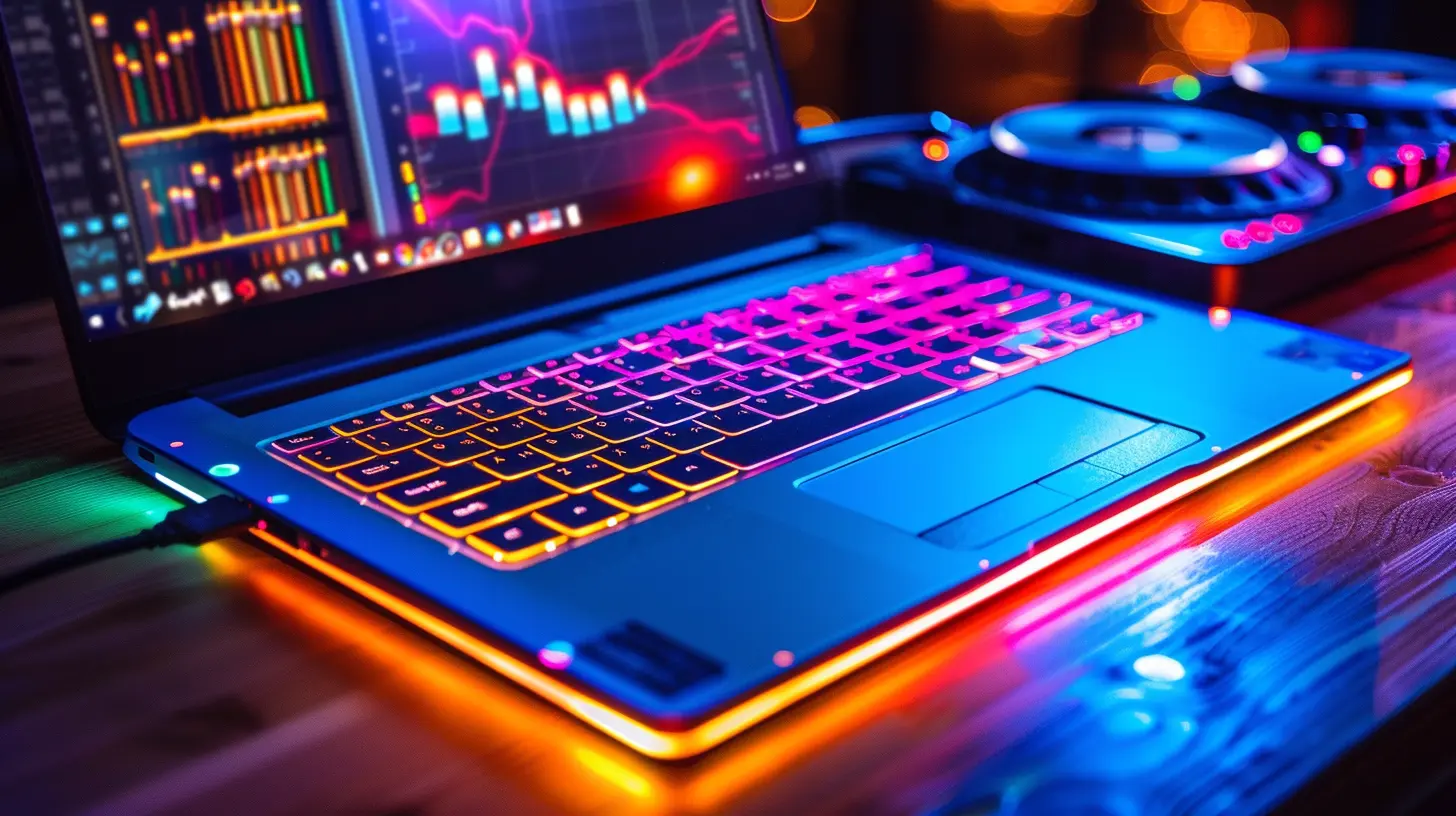
🎹 Key Specifications That Hit the Right Notes
Some folks just go for sleek design and vibrant screens — but you're not just watching Netflix. You’re orchestrating audio. So what really matters?💻 1. CPU Power: The Brain Behind the Beat
Processors are your engine. You don’t want one that huffs and puffs after adding a few tracks. Here’s what to look for:- Multi-core CPUs (think Intel i7/i9, Apple M1/M2 Pro/Max, or AMD Ryzen 7/9) — ideal for multitasking and running multiple tracks/plugins.
- Clock speed over 2.5 GHz for smoother performance.
The more complex your project, the more your CPU will sweat — and we want it cool and composed, not overheating like a vinyl player in the sun.
🎧 2. RAM: The Silent Workhorse
Here’s your backstage crew — not glamorous, but absolutely essential. RAM keeps your projects running smoothly, especially when you’re juggling massive sample libraries or orchestral VSTs.- Minimum 16GB RAM (preferably 32GB for pro-level work).
- DAWs like Logic and Cubase love RAM like synths love reverb.
Insufficient RAM? That’s like trying to play an orchestra with a humid recorder.
🎚️ 3. Storage: Where Your Sound Lives
Spinning disks are a no-go. Think SSD — they’re the VIP suites of storage drives: faster, quieter, and more reliable.- At least 512GB SSD (1TB if you use large libraries like Kontakt or Spitfire).
- External SSDs can also be a lifesaver if you’re collaborating or jumping between studios.
Bonus tip: Keep your OS and DAW on your main drive and sample libraries on external storage. Keeps things zippy.
🔊 4. Audio Interface Support & Low Latency
Built-in sound cards? Meh. If you’re serious, you’ll want an external audio interface. But your laptop still needs to play nice.- Look for Thunderbolt or USB-C compatibility
- Ensure low latency performance and the ability to handle ASIO/Core Audio drivers well.
Latency is like lag in a video game — even a few milliseconds can throw off your flow. Make sure your gear talks to each other in real-time.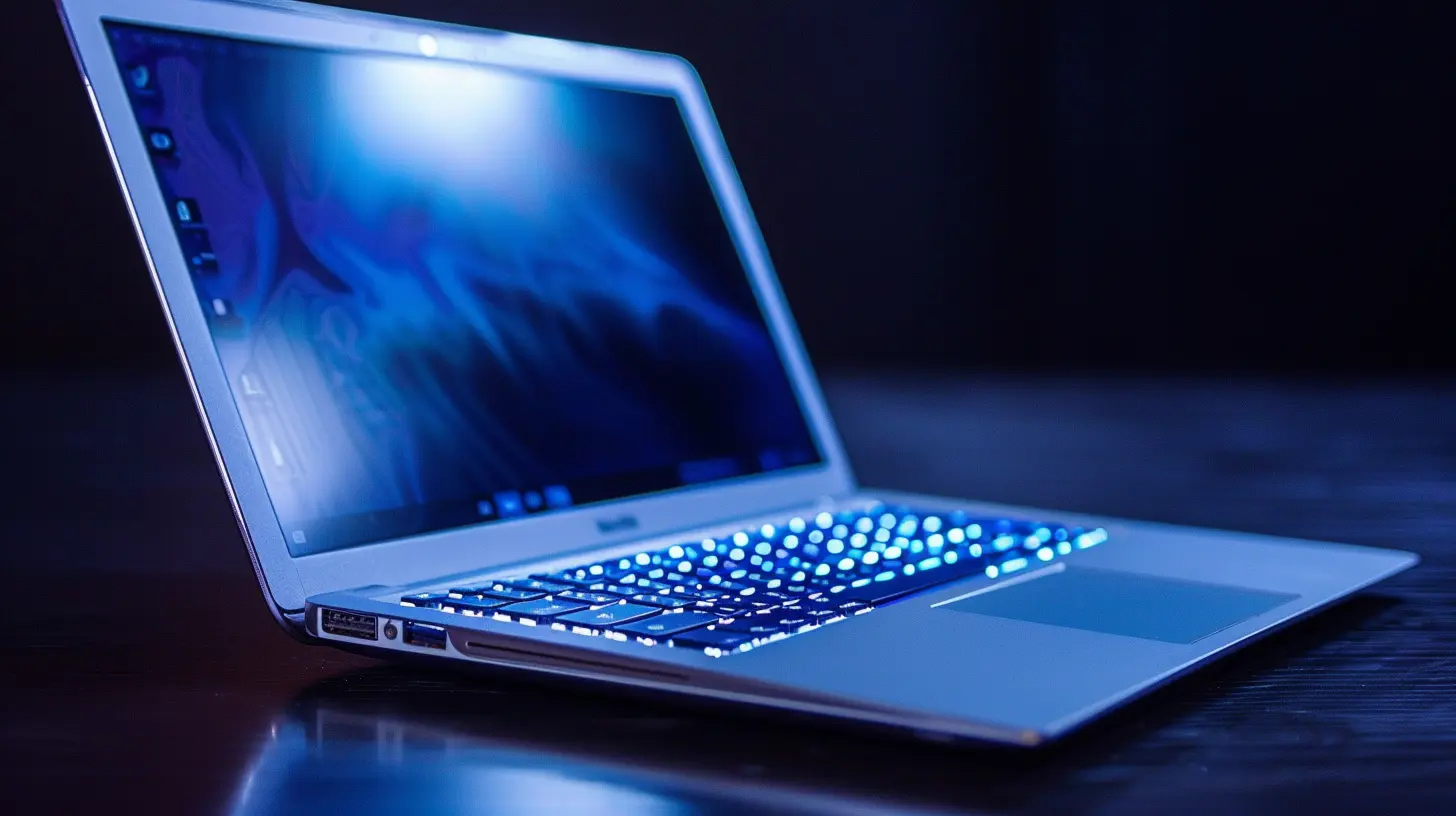
⚙️ Operating System Face-Off: Mac vs Windows
This debate's older than autotune. Which is better? That’s like asking if vinyl sounds better than digital — it depends on your vibe.🍎 Apple MacBook Pro: The Minimalist Maestro
Why pros love it:- Seamless hardware-software integration.
- Logic Pro X exclusive (a biggie for many).
- M1/M2 chips are beasts for audio processing.
- Whisper-quiet and optimized battery life.
Downside? Pricey. And upgradability is pretty much non-existent. Once you buy it, that’s your setup forever.
🪟 Windows Laptops: The Customizable Composer
Why these rule:- Wide hardware compatibility.
- Easier to upgrade and repair.
- DAW-agnostic — work with any software.
- More budget options available.
But… you’ll need to be more tech-savvy. Windows updates can sometimes mess with audio drivers faster than you can say “glitch.”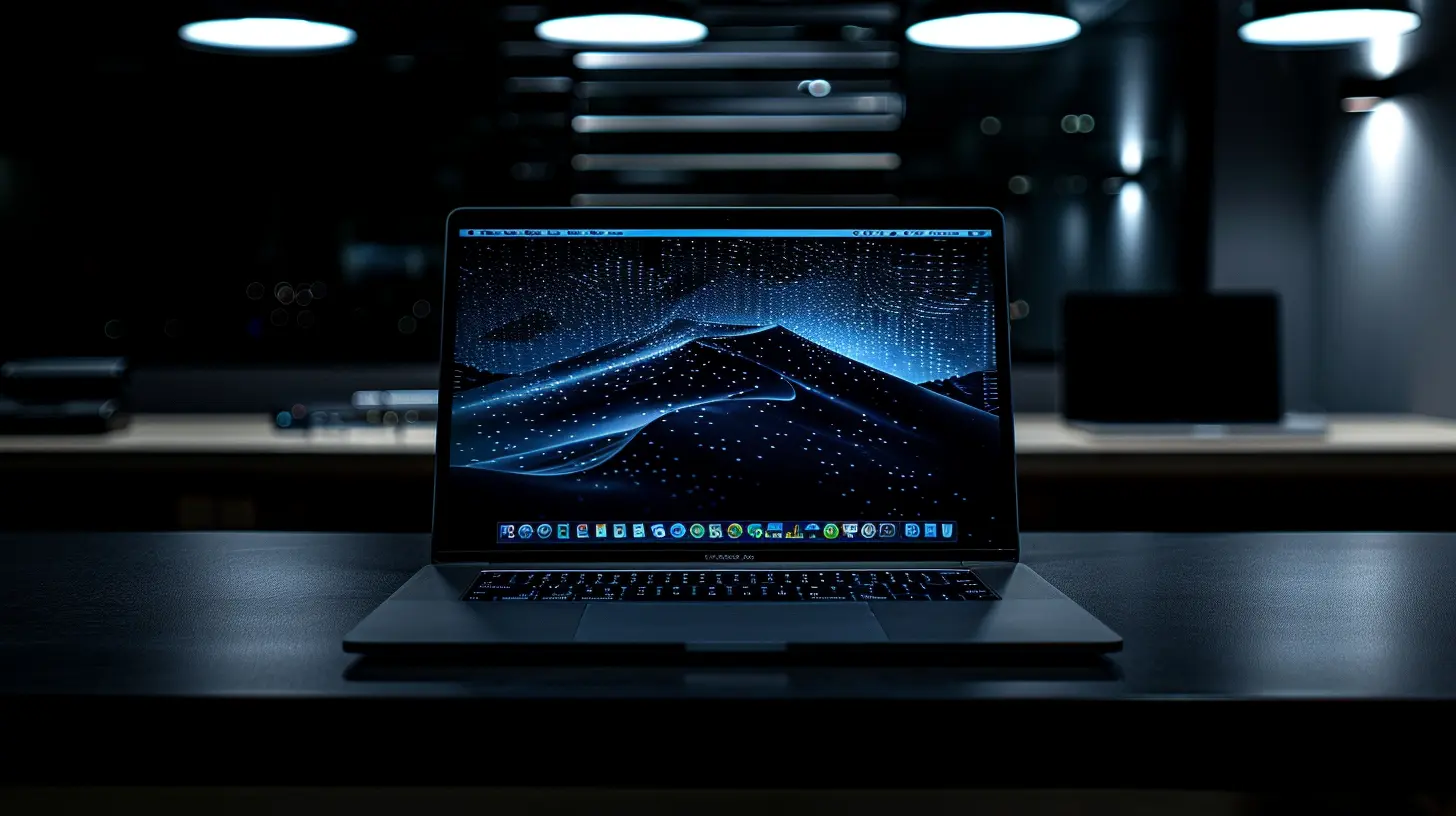
🎵 Audio Quality: The Unsung Hero
Okay, so you’ve got the CPU, RAM, and SSD — cool. But what about sound fidelity?🎤 Integrated Audio vs External Interfaces
Most laptop sound cards are just okay at best. They're made for Zoom calls, not pristine audio rendering. For pro-level work:- Use external audio interfaces (Focusrite Scarlett, UA Apollo, etc.)
- Look for 24-bit/96kHz or higher audio resolution.
- Good preamps = cleaner recordings and better clarity on playback.
That crystal-clear vocal you heard on your headphones might turn muddy on studio monitors if your gear is low-grade.
🎧 Monitoring Matters
What you hear is what you mix. Garbage in, garbage out. Invest in:- Studio-grade headphones (like Audio-Technica ATH-M50x or Beyerdynamic DT 770).
- High-quality DACs and headphone amps, if needed.
- Calibrated audio interfaces to drive higher impedance headphones.
Trust your ears, but only if your setup is worth trusting.
🔥 Top Laptops for Music Production in 2024
Need help picking the best machines on the shelf? Here are a few chart-toppers:💼 1. Apple MacBook Pro 16" (M2 Pro/Max)
- Up to 96GB RAM, lightning-fast SSDs.- Breathtaking performance in Logic Pro and Ableton.
- Retina XDR Display = perfect for DAW layouts.
If you’re deep in the Apple ecosystem, this is the stage you want to stand on.
🎛️ 2. Dell XPS 15 / 17 (Intel i7/i9 + RTX/Intel Arc)
- High-performance machine with sleek design.- Gorgeous 4K touch display for detailed editing.
- Great for FL Studio and Cubase users.
A visual treat with a sonic soul — perfect for hybrid producers and mix engineers.
🎚️ 3. ASUS ROG Zephyrus G14 (AMD Ryzen 9 + RTX 4060)
- Surprisingly powerful for its size.- Great thermal management (no overheating at 2 AM sessions).
- Ideal for traveling producers and beatmakers.
Who said gaming laptops can’t drop beats?
🎹 4. Microsoft Surface Laptop Studio 2
- Flexibility with 120Hz screen + pen support.- Smooth real-time performance.
- Great for creatives who sketch synth designs or automate parameters manually.
A hybrid tool for musicians who love both sound and sight.
🧰 Music Production Tools to Complement Your Laptop
Your laptop’s a canvas — but you’ll need a few brushes to paint sonically.- DAW: Ableton Live, Logic Pro X, FL Studio, Cubase — choose your weapon.
- Virtual Instruments: Omnisphere, Serum, Kontakt — sounds that breathe.
- Audio Interface: Focusrite, Apollo, MOTU — crystal-clear connections.
- Controllers: Akai MPK Mini, Native Instruments Komplete Kontrol.
Pair a powerful laptop with the right gear, and you’re basically unstoppable.
🌍 Mobility vs Power: Studio Setup or On-the-Go Beats?
Are you the stay-at-home studio wizard with a dedicated space, or the digital nomad scoring tracks on the fly?- If mobility matters → Go for something light with great battery life (MacBook Air M2, Surface Pro 9).
- If raw power matters → Get the 16-inch monsters with maxed-out specs.
Like choosing between a grand piano and a MIDI keyboard — both beautiful, but wildly different.
🔧 Final Tips Before You Hit ‘Record’
So you’ve got your dream laptop. Awesome. Now keep it running smoothly:- Turn off Wi-Fi/Bluetooth during sessions to reduce interference.
- Keep your software updated (but avoid day-one OS upgrades).
- Regular backups — always. Use Time Machine, Acronis, or cloud services.
- Optimize performance: disable background apps, tweak power settings.
Treat your laptop like your bandmate. Respect it, maintain it, and it’ll support you through every musical journey.
🎤 Wrapping It All Up: Let Your Laptop Sing with You
Music isn’t just made with instruments anymore — it’s made with precision, plugins, and processing. It’s made with inspiration and integration. And at the center of it all? A laptop that doesn’t just compute, but composes with you.Whether you're a newbie learning your first DAW or a seasoned producer layering orchestras into trap beats, the right laptop will elevate your craft. Choose one that matches your pace, your workflow, and your passion. Because when tech and creativity dance in sync, that’s when the magic truly happens.
And hey, don’t forget — it’s not just about specs. It’s about feels. When that laptop boots up and you launch your DAW, it should feel like you're stepping into your creative temple.
So go ahead. Press play, hit record, and let your sound fill the world.
all images in this post were generated using AI tools
Category:
Laptop ReviewsAuthor:

Reese McQuillan
Discussion
rate this article
2 comments
Payton Morrow
Choosing a laptop for music production is like picking a bandmate; if it can’t jam, it’s time to upgrade!
March 14, 2026 at 5:45 AM
Reese McQuillan
Absolutely! Just like a great bandmate, a reliable laptop is essential for achieving top-notch audio quality and seamless performance in music production.
Jinx Moses
Great insights! Choosing the right laptop is crucial for music production. Prioritize audio quality and processing power to ensure smooth workflow and high-quality sound.
March 13, 2026 at 1:44 PM
Reese McQuillan
Thank you! I'm glad you found the insights helpful. Prioritizing audio quality and processing power truly makes a difference in music production!