Laptops with the Most Ergonomic Designs: Comfort Meets Functionality
16 February 2026
Let’s face it—our laptops have become our trusty sidekicks. Whether we’re writing code, binge-watching the latest Netflix shows, or composing emails with sighs louder than our keyboard clicks, we practically live on these machines. But here’s the kicker: we rarely talk about comfort. You know, that subtle ache in your neck after a long Zoom call, or the wrist strain from marathon typing sessions? Yep. That’s your laptop giving you a not-so-subtle nudge that it might not be as ergonomic as you think.
In this article, we're digging deep (but in a fun, not-boring way) into the world of laptops that marry aesthetics and performance with ergonomics. Because having a sleek machine is great—but using it without needing a massage later? That's gold.

What Makes a Laptop Ergonomic, Anyway?
Good question! Ergonomics is all about designing stuff to fit humans—our bodies, our posture, our hands, and sometimes even our stubborn habits. With laptops, it means creating a device that doesn't fight your natural posture but flows with it. Think less hunching, more lounging.Here’s what typically makes a laptop ergonomically sound:
- Tilting keyboard angles
- Responsive, comfortable key travel
- Adjustable screen height and tilt
- Anti-glare displays
- Lightweight for portability
- Heat dissipation (no thigh-baking, thank you very much)
Sound like a tall order? Maybe. But some laptops totally get it. Let's check them out.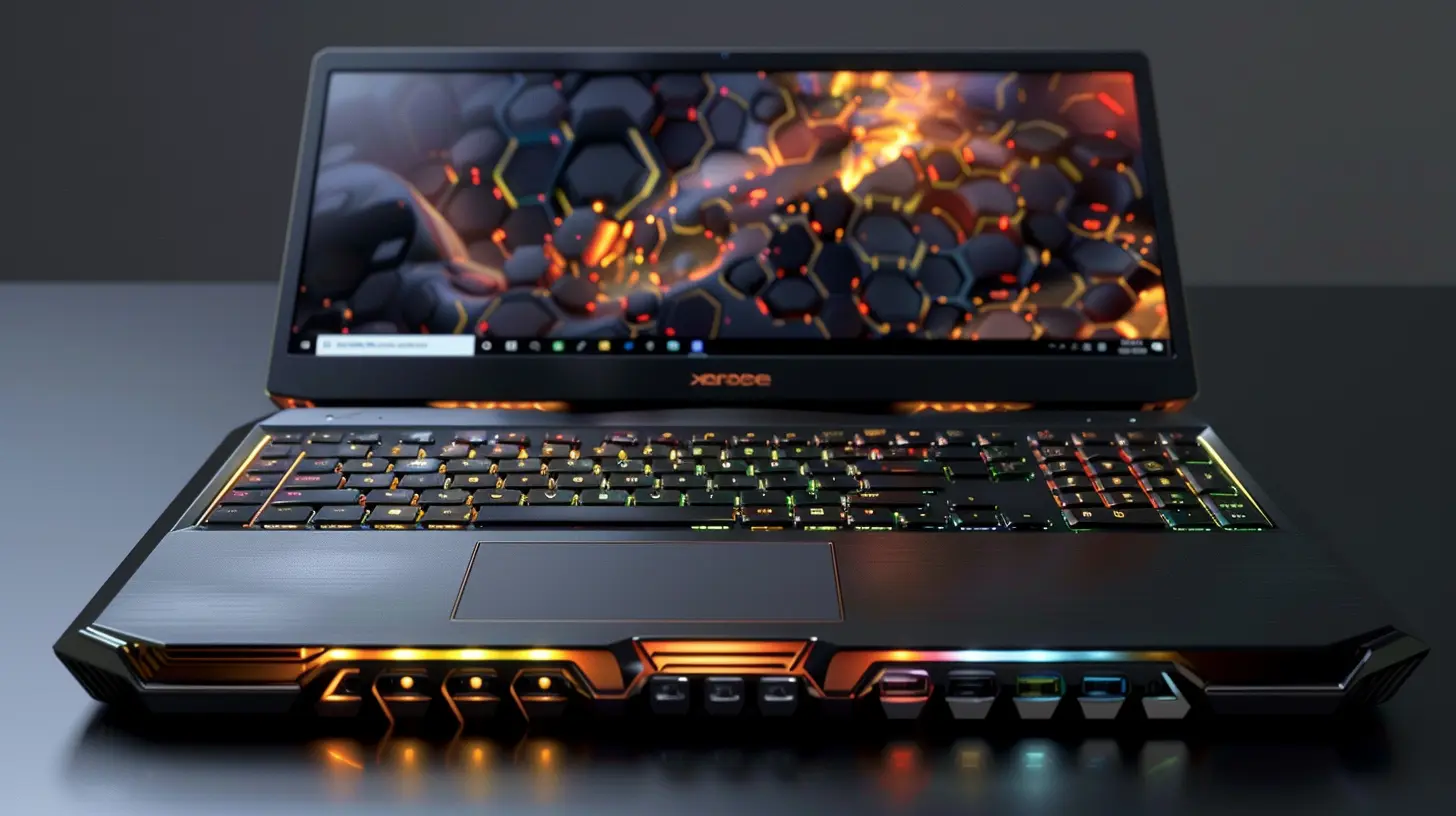
1. Apple MacBook Air (M2, 2023) – Sleek, Silent, and Surprisingly Comfy
We can’t talk ergonomics without giving Apple a nod. The MacBook Air has shed some serious weight over the years—now just under 2.7 pounds—and it’s practically whisper-quiet thanks to its fanless design. Perfect for library work or late-night writing sprees where silence is golden.The Magic Keyboard is more than a fancy name; it’s a legitimately comfy typing experience. Plus, the large, responsive trackpad reduces strain from frantically hunting for your dwindling mouse batteries.
Ergonomic Pros:
- Ultra-light and thin for lap use
- No fan = No lap-frying
- Elevated hinge helps with slight typing angle
- Soft, responsive keys
Best For: Remote workers, students, and writers who want smooth sailing (and typing).
2. Dell XPS 13 Plus – Ergonomics Meets Futurism
This one looks like it came out of a sci-fi movie, and we’re not mad about it. But beneath its minimalist, edge-to-edge design lies some serious ergonomic thought.The zero-lattice keyboard provides wide, comfortably spaced keys. The typing experience? Like butter gliding on warm toast. And let’s not skip the haptic trackpad—it’s invisible, sure, but it’s surprisingly intuitive and easy on your wrists once you get the hang of it.
Ergonomic Pros:
- Wide, low-profile keyboard that eases finger fatigue
- Lightweight and compact
- Excellent screen-to-body ratio = fewer head movements
- TÜV-certified display reduces eye strain
Best For: Design geeks and minimalists who still care about their wrists.
3. HP Spectre x360 (14") – Versatility That Respects Your Spine
Yoga isn’t just for your local studio anymore—your laptop is doing it too. The HP Spectre x360’s 360-degree hinge lets you switch to tent mode, presentation mode, or good ol’ clamshell mode, giving you options to stay comfy.But here’s where it shines: the OLED display is easy on your eyes, and the tall 3:2 aspect ratio helps you see more vertically—less scrolling, less squinting.
Ergonomic Pros:
- Convertible design = total flexibility
- OLED brightness and clarity reduces eye fatigue
- Large precision touchpad
- Compact yet comfortable for lap use
Best For: Creatives, notetakers, and anyone with commitment issues (seriously, you can switch modes every five minutes).
4. Lenovo ThinkPad X1 Carbon (Gen 11) – Business Class Comfort
This ThinkPad is basically the Business Class seat of laptops. And with good reason. Lenovo has been perfecting the art of keyboard comfort since forever. The X1 Carbon features their signature keyboard with concave keys and satisfying key travel—it’s like a spa day for your fingers.Also, its anti-glare screen, lightweight chassis, and stellar build quality make long working hours feel a little less torture-y.
Ergonomic Pros:
- All-day comfortable keyboard
- Anti-glare, eye-safe screen
- Featherweight at 2.48 lbs
- Carbon fiber = durable yet light
Best For: Professionals, road warriors, and keyboard connoisseurs.
5. Microsoft Surface Laptop 5 (13.5” and 15”) – Plush, Pretty, and Posture-Friendly
Let’s be honest—half the reason people buy the Surface Laptop is because it looks so darn clean. But here’s the twist: it doesn’t just look good, it feels good too.The Alcantara palm rest (on the 13.5” model) is like resting your wrists on a yoga mat. Combine that with a high-res PixelSense touch display and a keyboard that strikes the right balance between clicky and quiet, and you've got ergonomic gold.
Ergonomic Pros:
- Soft wrist support = less strain
- Lightweight and thin
- Sharp display with ideal viewing angles
- Responsive keys and large touchpad
Best For: Writers, remote workers, and anyone who types all day with a latte in hand.
6. ASUS ZenBook Duo 14 – The Neck Saver
This one’s a bit… different. But in a good way. The ZenBook Duo features a secondary screen (called ScreenPad Plus) above the keyboard, which lifts up when you open the lid. It’s perfect for multitasking AND it raises your screen higher, which can help with posture—fewer downward neck cricks.Sure, the keyboard is a bit lower than usual (hello, adjustment period), but once you find your groove, it’s surprisingly comfortable. And with both screens being bright and responsive, it’s a multitasking marvel.
Ergonomic Pros:
- Secondary screen lifts eyes up = better posture
- Touch and pen input for flexible interaction
- Included palm rest adds wrist support
- Wide spacing on keyboard
Best For: Graphic designers, multitaskers, and caffeine-fueled do-it-alls.
7. Acer Swift 5 – Featherweight Champion
The Swift 5 weighs around 2.6 lbs but feels even lighter. The ergonomic hinge, which lifts the rear of the keyboard slightly when opened, makes typing less of a wrist workout. Plus, the anti-microbial coating on the chassis and screen? Bonus points for keeping germs at bay during snack breaks.The display is also top-notch with high brightness and color accuracy, so there's less eye strain when editing photos or watching just one more YouTube tutorial.
Ergonomic Pros:
- Elevated keyboard angle for easier typing
- Lightweight and ultra-portable
- Anti-glare screen with vivid colors
- Smooth, roomy trackpad
Best For: Students and commuters who work on-the-go.
8. Framework Laptop – DIY and Ergonomic? Yep.
Framework isn’t just about modularity and right-to-repair goodness—it’s also just plain good to use. You can configure the keyboard, choose your screen, and even adjust ports so your setup is exactly what you need. And when you’re in control, you can optimize things for you.Its lightweight body and crisp display don’t hurt either.
Ergonomic Pros:
- Customizable layout = optimal positioning
- Clear, spacious display options
- Comfortable, remodelable keyboard
- Light and easy to carry
Best For: Tinkerers, tech lovers, and those who believe comfort should be customizable.
Ergonomics Isn't a Luxury, It's a Necessity
Look, our bodies weren’t built to hunch over laptops all day. But realistically? That’s exactly what most of us do. The good news is that you don’t have to turn into Quasimodo by 30. Choosing a thoughtfully designed laptop can make a huge difference in how you feel after a long work session—or a long streaming binge (no judgment here).From Apple’s whisper-silent MacBook Air to Lenovo’s ThinkPad built for comfort addicts, there is a laptop out there that supports your back, your wrists, and your sanity.
And if you’re feeling fancy, you can even snag an ergonomic stand or external keyboard to take things even further. Because giving your body luxury-level comfort isn’t just for mattresses and massage chairs—it belongs in your tech life too.
TL;DR – Laptops That Won’t Wreck Your Wrists
Here’s a cheeky quick list for the skim-readers (we see you):🧘♀️ MacBook Air (M2): Featherlight, fanless, finger-friendly
🤖 Dell XPS 13 Plus: Minimalist design with stealthy comfort
🌀 HP Spectre x360: Flexible enough to do yoga with you
🏢 Lenovo ThinkPad X1 Carbon: The ergonomic white-collar hero
☁️ Surface Laptop 5: Soft-touch elegance with brainy benefits
🖥️ ASUS ZenBook Duo: Your multitasking posture-hack
🎒 Acer Swift 5: Portable and wrist-wise
🔧 Framework Laptop: Custom comfort with eco cred
So go ahead—pick your ergonomic match and work smarter, not harder (or achier).
all images in this post were generated using AI tools
Category:
Laptop ReviewsAuthor:

Reese McQuillan
Discussion
rate this article
2 comments
Kian McDowney
This article effectively highlights how ergonomic design in laptops enhances user comfort and productivity, reflecting the growing need for prioritizing health in tech.
February 25, 2026 at 12:06 PM
Reese McQuillan
Thank you for your thoughtful comment! I'm glad you found the article emphasizes the importance of ergonomic design in enhancing both comfort and productivity.
Dana McGee
Finally, laptops that hug back!
February 16, 2026 at 4:09 AM
Reese McQuillan
It's great to see such innovation in design! Comfort really does make a difference in daily use.