What to Look for When Buying a Smart Display for Your Home
7 June 2026
So, you're on a mission to make your home smarter, cozier, and just a little cooler? Great choice. You’ve probably already checked out smart speakers, played with smart lights, maybe even tried out a few smart plugs. But there’s one hero of the smart home that's often overlooked—the smart display. It's like the Swiss Army knife of tech gadgets. It can show you the weather, help you cook dinner, keep tabs on your calendar, and even let you video call grandma—all in one sleek device.
But hold your horses. Before you jump into the smart display jungle, there are a few things you’ll want to consider. Trust me, not all smart displays are created equal. Some are packed with features, others are… well, glorified digital photo frames. So let’s break it down. Here’s what to look for when buying a smart display for your home—without all the tech jargon and sales hype.
? What Exactly Is a Smart Display Anyway?
First things first—let’s get clear on what a smart display is. Think of it as the lovechild of a smart speaker and a tablet. It combines voice assistant features (like Alexa or Google Assistant) with a touchscreen. This means you can talk to it and touch it, kind of like a really polite robot butler.You can watch YouTube videos while cooking, see who's at the front door, control other smart devices, and more. Basically, it’s like having a tiny helper just sitting on your kitchen counter.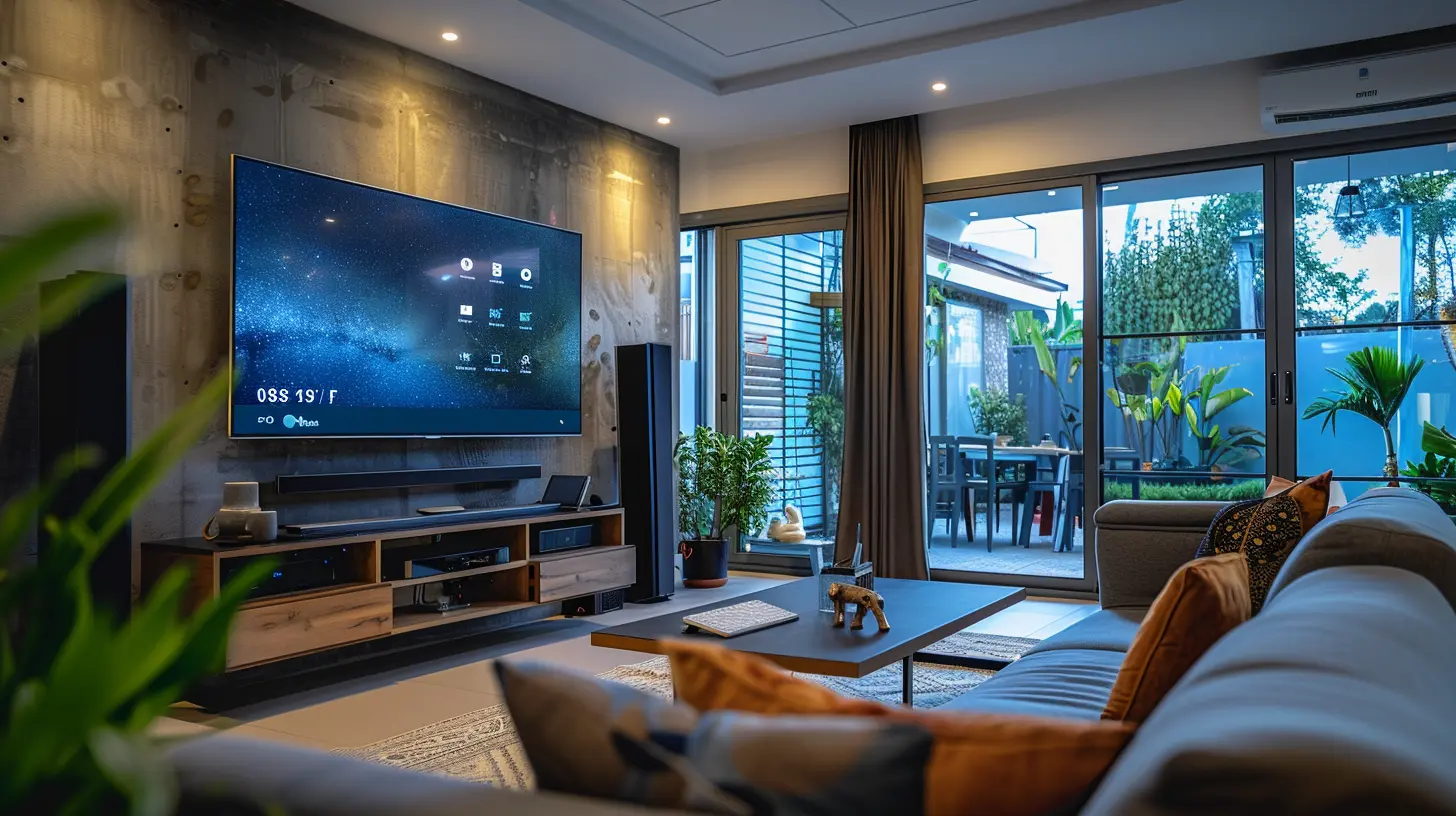
? Smart Assistant Compatibility: Alexa vs. Google Assistant vs. Others
This is a biggie. When choosing a smart display, it's all about picking your team.- Google Nest Hub Series: If you're already knee-deep in Google stuff (Gmail, Google Calendar, Google Photos), these are your best bet. You’ll get tight integration and a super smooth experience.
- Amazon Echo Show Series: Love Alexa? Already have Echo speakers or Fire TV gear? Boom. Go with Amazon.
- Apple HomeKit (kinda): If you’re an Apple die-hard, smart displays are still catching up in compatibility. You might prefer using an iPad in a stand with Siri.
So ask yourself: Which ecosystem am I already using? Stick with that, and things will magically just work together.
? Screen Size Matters (But Bigger Isn't Always Better)
Smart displays come in a range of screen sizes—from compact 5-inch displays to more cinematic 15-inch beasts.Here's a quick cheat sheet:
- 5-7 inches: Great for the bedside table or small kitchen corners.
- 8-10 inches: Perfect all-rounders for living rooms or kitchens.
- 12+ inches: Ideal for folks who want serious screen real estate, like for video calls or streaming shows.
So, where’s it going to live? If it’s going in the kitchen, you might appreciate a bigger screen to read recipes easily. If it’s for your nightstand, you don’t want something that lights up the whole room like a spotlight.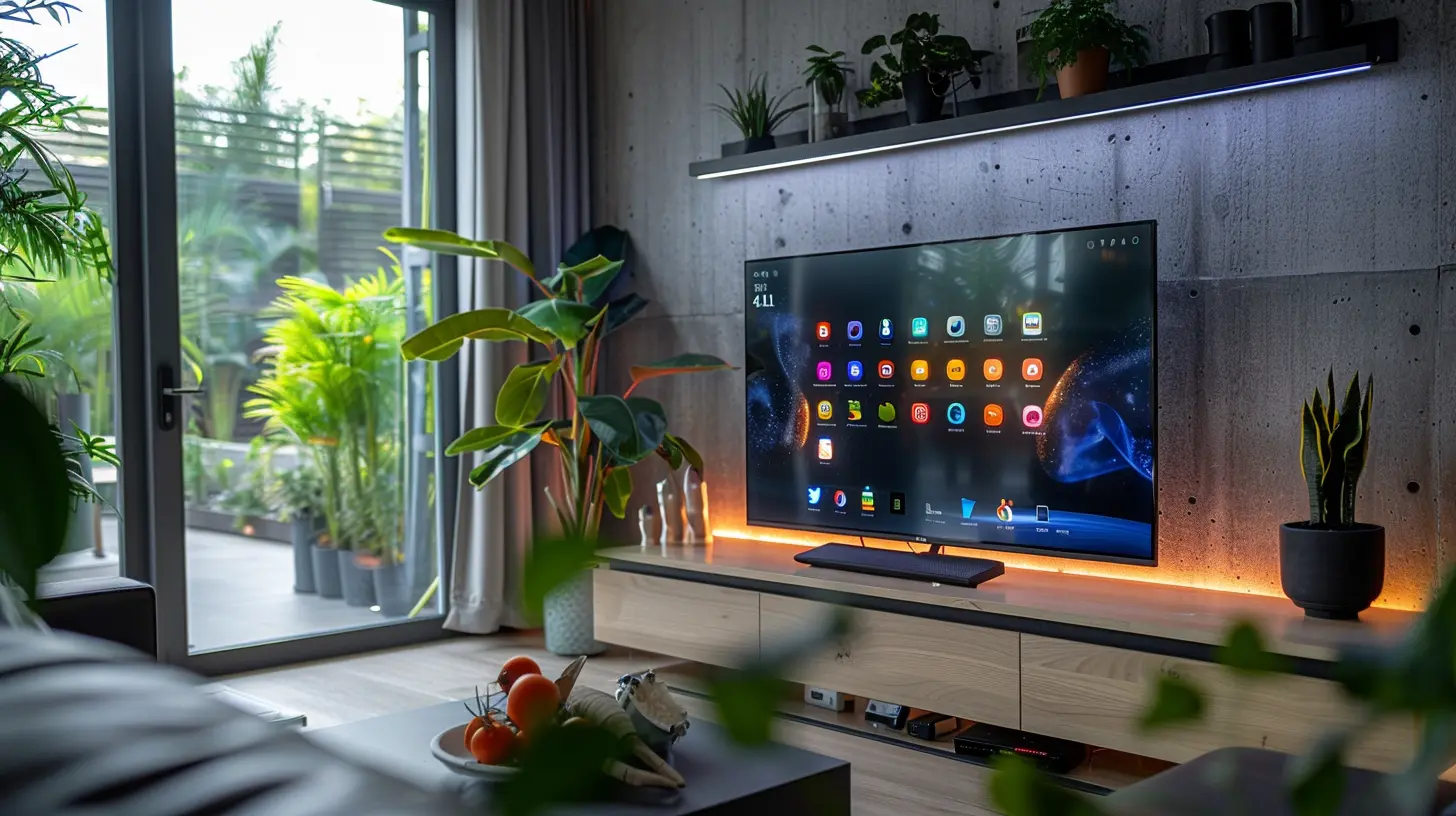
? Sound Quality: More Than Just a Pretty Face
Let’s be real. If you're shelling out for a smart display, you want something that sounds good too, right?Some smart displays pack surprisingly decent speakers. For example:
- The Amazon Echo Show 10 rotates to face you and packs some serious audio punch.
- The Google Nest Hub Max delivers rich, room-filling sound.
If you're going to be jamming out in the kitchen, or using it as your main speaker in a room, don’t ignore this feature. If you're more into whispers of white noise or occasional podcasts, a smaller, quieter option will work just fine.
Pro tip: If sound is super important to you, plug the display into better speakers via Bluetooth or aux (if it supports it). Boom—instant audio upgrade.
? Camera or No Camera?
Ah yes, the webcam debate. On one hand, having a front-facing camera on your smart display makes it perfect for video calls, security monitoring, or even snapping selfies (don’t pretend you wouldn’t). On the other hand, if privacy is your top concern, you might want to look for models with physical camera shutters or no camera at all.Here’s a quick rundown:
- With Camera: Ideal for video calls and home monitoring (Amazon Echo Show 10, Google Nest Hub Max).
- Without Camera: Better for privacy and bedrooms (Google Nest Hub 2nd Gen).
Some folks even toss a sticky note over the camera. (Hey, if it’s good enough for Zuckerberg…)
? Display Quality: Do You Want Eye Candy?
Not all screens are created equal. A good smart display should have crisp resolution, decent brightness, and solid color accuracy—especially if you’re planning to use it for photo slideshows or watching videos.Some displays even adjust brightness and color temperature based on ambient light. That means looking at the screen feels more natural, kind of like reading a paper leaflet instead of staring into the sun.
If you’re big into aesthetics, check the resolution (720p is fine, 1080p is better). Some newer models also support adaptive color features, kind of like your phone’s night mode.
? Connectivity & Smart Home Integration
This is where things get spicy. A smart display should be the control center for your entire smart home.Ask these questions:
- Does it work with your smart lights, thermostats, cameras, and plugs?
- Can you group it with other speakers for whole-home audio?
- Does it support voice control for your devices?
If you're rocking Philips Hue bulbs, Nest cameras, Ring doorbells, or smart locks, make sure your chosen display plays nice with them. There's no fun in buying a fancy screen that can’t even turn on your lights.
Also, bonus points if it supports Matter, the new universal smart home standard. It's still rolling out, but future-proofing is always smart.
?️ Touch Responsiveness & User Interface
You won't just be talking to your smart display—you'll be tapping it too. So a laggy or confusing screen? No thanks.Choose a display with a snappy UI and responsive touch experience. The best ones make it feel like second nature. You swipe through photos, tap to check the weather, or slide your finger to dim the lights—and it just works.
The Google Nest Hub and Amazon Echo Show models both offer clean, intuitive interfaces. Nothing too flashy. Just simple, effective, and usable.
? Productivity & Daily Features
Okay, let’s swing back to practicality. These displays aren’t just eye candy; they’re also time-savers.Look out for:
- Calendar and reminders
- Weather forecasts
- To-do lists
- Drop-in or intercom features
- Cooking help (yes please!)
Ever tried cooking with a recipe on your phone while your hands are covered in flour? With a smart display, you can just say, “Hey, show me a lasagna recipe” and voilà—it’s right there.
? Picture Frame Mode & Personalization
Let’s not forget one of the most delightful uses of a smart display: showcasing your favorite pics. Whether it’s snapshots from your last vacation or the dog’s latest antics, smart displays double as digital photo frames.Google’s Nest displays integrate beautifully with Google Photos, pulling up your best shots automatically. Amazon's Echo Show does the same with Amazon Photos or Facebook. It’s like reliving memories every time you walk into the room.
And personalization goes beyond photos. Many smart displays adapt to your routines. They learn your most-used commands and surface them at just the right time. Kinda like a psychic assistant—but less creepy.
? Privacy & Security Features
Yes, smart displays are watching and listening—but not in a shady way. Still, privacy matters.Look for:
- Physical camera shutters: Slide it when not in use.
- Microphone mute buttons: Mute the listening when you're not giving commands.
- Encrypted video calls: For peace of mind.
- Customizable settings: Adjust what data gets shared or saved.
Both Amazon and Google offer privacy dashboards where you can check and delete voice recordings, manage activity data, and set up guest modes.
So go ahead, enjoy the tech—just don’t let it snoop too much.
? Price vs. Value: What’s Worth Paying For?
Smart displays range from $50 to $300+ depending on size and features. But don’t just chase specs. Think about your needs.- Only need basic features like timers, weather, and photo frames? A smaller, cheaper model will do.
- Want top-notch video calls and some serious sound? Go for a mid- to high-tier display.
- Dreaming of a rotating base that follows you around like R2-D2? That’s definitely top-tier.
There’s no “best” smart display—just the best one for you.
? Final Thoughts: Choosing the Right Smart Display
Alright, let’s wrap this up like last night’s leftovers.When buying a smart display for your home, it boils down to what matters most:
- Are you here for entertainment, practicality, or smart home control?
- Do you care more about sound, screen, or simplicity?
- Are you Team Alexa or Team Google?
Chances are, there’s a display out there that fits your vibe like a cozy pair of slippers.
So take a deep breath, grab your favorite drink, and pick the smart display that’ll make your daily life smoother, smarter, and just a tad more futuristic. You've got this.
all images in this post were generated using AI tools
Category:
Smart DisplaysAuthor:

Reese McQuillan
Discussion
rate this article
1 comments
Colette Jennings
Investing in a smart display can transform your home. Look for features that enhance your daily life, like ease of use and connectivity. Choose one that fits your needs and enjoy the convenience it brings!
June 13, 2026 at 1:01 PM