How to Speed Up Your Workflow with the Right Editing Software
12 February 2026
In today's fast-paced digital world, efficiency is key. Whether you're a content creator, video editor, graphic designer, or writer, having the right editing software can make a world of difference in how quickly and effectively you work. The right tools not only save you time but also enhance the quality of your output.
So, what’s the secret to a faster workflow? It all starts with choosing the best editing software that suits your needs. Let’s break it down and see how you can supercharge your productivity with the perfect tools.

Why the Right Editing Software Matters
Using the wrong software is like trying to cut a steak with a butter knife—frustrating, slow, and ineffective. Imagine spending hours waiting for a file to render or struggling with clunky features that feel outdated. Sounds like a nightmare, right?The right editing software should make your workflow smoother, automate tedious tasks, and provide an intuitive user experience. When you invest in the best tools, you spend less time troubleshooting and more time creating.

Key Features to Look for in Editing Software
Not all editing software is created equal. Some tools are packed with unnecessary features that slow you down, while others lack essential capabilities. Here’s what you should keep an eye on:1. User-Friendly Interface
An intuitive interface helps you navigate quickly without wasting time figuring out complex menus. Look for software with a clean design, easy-to-use tools, and customizable workspaces.2. Advanced Automation & AI Features
Many modern editing programs use artificial intelligence (AI) to speed up repetitive tasks. AI-powered automation can handle things like color correction, background removal, and even noise reduction, freeing you up for more creative work.3. Fast Rendering & Processing Speeds
Nobody likes waiting for files to export or effects to render. High-quality editing software ensures smooth performance, even when working with large files. If your current software lags or crashes frequently, it might be time for an upgrade.4. Multi-Format Support
The more formats a software supports, the fewer headaches you’ll have during the export process. Whether you’re working with images, videos, or audio files, make sure your software can handle a variety of file types without extra conversions.5. Cloud Integration & Collaboration Tools
With remote work and team projects becoming the norm, cloud integration is a lifesaver. Being able to access your files from anywhere and collaborate in real time can drastically improve your workflow.6. Keyboard Shortcuts & Customization
Keyboard shortcuts can cut your editing time in half. The best editing software allows you to customize shortcuts, streamlining your workflow and making complex processes more efficient.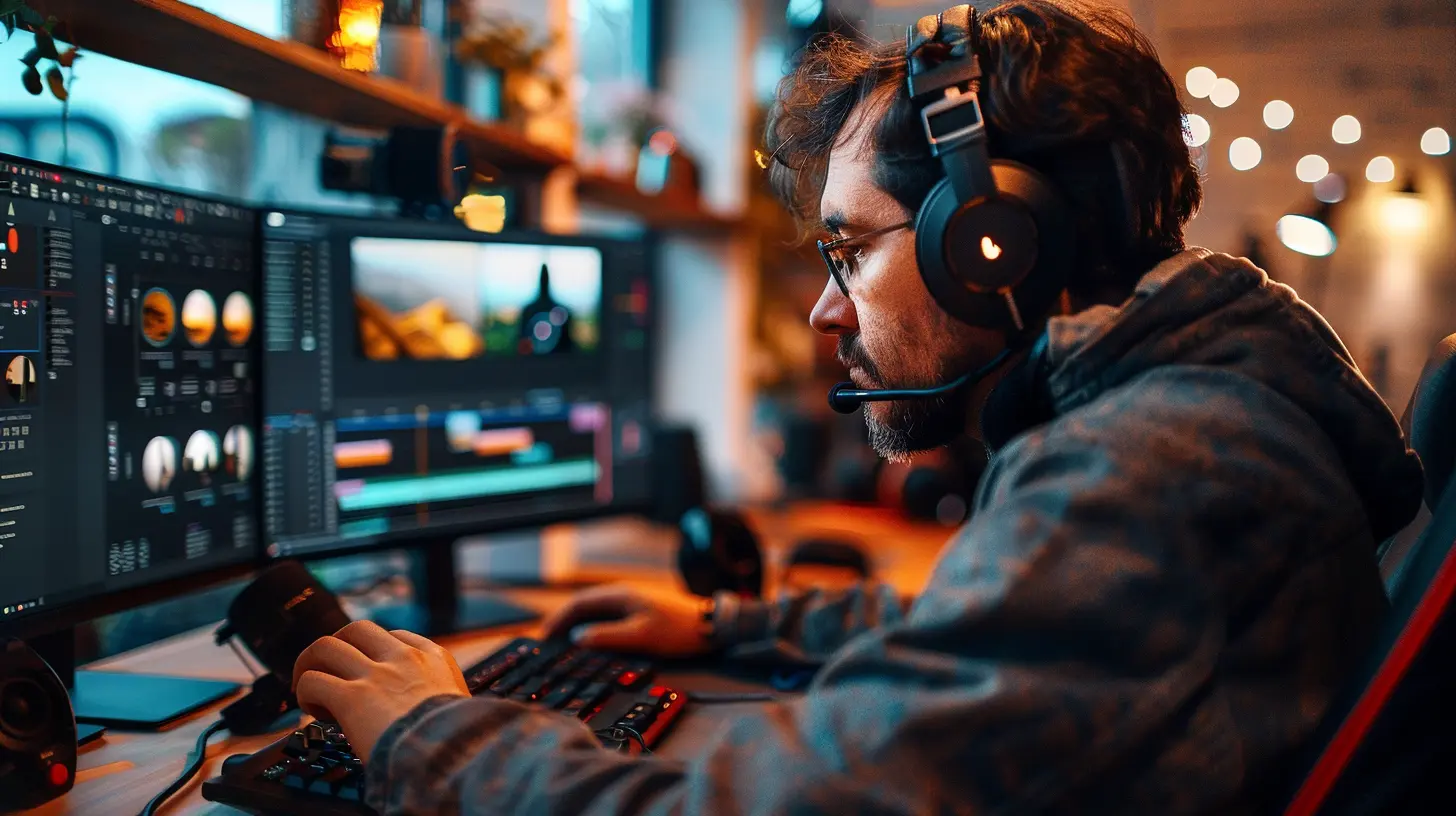
Choosing the Right Editing Software for Your Needs
With so many options out there, how do you know which one is best for you? Let’s break it down by category:🎬 For Video Editors: Best Video Editing Software
If you’re working with video, speed and processing power matter. Here are some of the top choices:- Adobe Premiere Pro – A powerhouse for professionals, offering seamless integration with other Adobe tools.
- Final Cut Pro X – Mac users love this for its smooth performance and magnetic timeline.
- DaVinci Resolve – Perfect for color grading and advanced visual effects, plus it has a free version.
- CapCut & Filmora – Great for beginners and quick edits without the steep learning curve.
🎨 For Graphic Designers: Best Design Software
For those working with images and visuals, precision and ease of use are essential:- Adobe Photoshop – The industry standard for image manipulation and graphic design.
- Affinity Photo – A budget-friendly alternative with powerful features.
- Canva & Figma – Excellent for online collaboration and quick design projects.
✍️ For Writers & Content Creators: Best Writing & Editing Tools
Writers need tools that enhance readability and improve efficiency:- Grammarly – Catches grammar mistakes and improves clarity.
- Hemingway Editor – Helps simplify complex sentences and improve readability.
- Scrivener – Ideal for structuring long-form content and organizing research.
🎼 For Musicians & Audio Editors: Best Audio Editing Software
Audio editors need precision and flexibility:- Adobe Audition – Great for professional audio editing and mixing.
- Audacity – Free and effective for basic audio adjustments.
- FL Studio & GarageBand – Perfect for music producers and podcasters.
How to Maximize Your Editing Software for a Faster Workflow
🛠 Optimize Settings for Performance
Right out of the box, most editing software isn’t configured for peak performance. Adjust settings based on your hardware to get the best speeds.🚀 Use Batch Processing & Templates
Instead of making manual adjustments one by one, use batch processing and templates to apply edits across multiple files in seconds.⌨️ Master Keyboard Shortcuts
Take time to learn the essential shortcuts for your editing software. It may take a little effort upfront, but it will save you hours in the long run.☁️ Leverage Cloud Storage & Syncing
Instead of dealing with external hard drives, use cloud-based storage to access your projects anywhere and prevent data loss.📂 Organize Your Files Efficiently
A cluttered workspace leads to wasted time searching for files. Use folders, naming conventions, and labels to keep things structured.🔄 Keep Software Updated
New updates often bring performance improvements and bug fixes. Keep your editing software up to date to ensure you're working with the best version.Final Thoughts
Your workflow is only as efficient as the tools you use. The right editing software can transform the way you work, helping you produce high-quality content in record time. Whether you’re editing videos, designing graphics, writing content, or mixing audio, there's a perfect tool for you.Now, it's your turn—evaluate your current software, identify what’s slowing you down, and switch to something that supercharges your productivity. Work smarter, not harder!
all images in this post were generated using AI tools
Category:
Video Editing ToolsAuthor:

Reese McQuillan
Discussion
rate this article
2 comments
Rosanna Castillo
Great tips! Definitely looking to optimize my editing process.
February 23, 2026 at 1:02 PM
Reese McQuillan
Thank you! I'm glad you found the tips helpful. Happy editing!
Nyari Hardy
Great tips! Choosing the right editing software can significantly enhance productivity and streamline workflow. Excited to try some of these suggestions!
February 16, 2026 at 4:09 AM
Reese McQuillan
Thank you! I'm glad you found the tips helpful. Enjoy experimenting with the software!